
Seedance 2.0
ByteDance native audio AI video generator2K video with synced audio and multimodal input
Highlights
What you can do with it
- Creating short cinematic clips with synced dialogue and sound effects
- Turning reference images and video clips into new scenes
- Drafting social media and marketing videos before upgrading to commercial use
How to use it
- 1 Open the site and pick a video generation mode
- 2 Enter a text prompt or upload image, video, and audio references
- 3 Set the style, motion, and aspect ratio for the clip
- 4 Generate the video and review the result
- 5 Download with a paid plan if you need watermark-free files
Who it is for
Pros
- Audio and video stay synchronized, which cuts post-production work
- Multiple input types give more control over the result
- A free version lets you test the model before paying
Limitations
- Free access is limited and the rules or quotas may change over time
- Generation runs on upstream infrastructure, so speed and availability can vary
- Combining several multimodal references well takes practice
What Seedance 2.0 is
Seedance 2.0 is a video generation tool from ByteDance that puts native audio at the center. The site describes it as a native audio AI video generator, which means the soundtrack is produced together with the picture instead of being attached afterward. Its core design uses a Dual Branch Diffusion Transformer to keep audio and video synchronized, so dialogue and effects line up with the motion on screen. Compared with Seedance 1.5 Pro, it adds multimodal input, meaning you can guide generation with images, video clips, and audio at the same time. The model renders up to 2K resolution and the site says it generates content about 30% faster than the previous generation. There is a free version that lets you experience basic features. Paid plans add watermark-free downloads and full commercial use rights, so the free tier is better understood as a way to test the model rather than a permanent promise of unlimited access.
What you can do with it
- Generate video clips with synchronized audio from text, images, video, and audio references
- Produce 2K resolution output for sharper previews and drafts
- Iterate quickly because generation runs faster than the previous generation
- Use the free version to explore the model before committing to a paid plan
Who it is for
- Short video creators who want synced dialogue and sound effects
- Marketers who need fast drafts of ads and promotional clips
- Anyone curious about multimodal prompts who wants to test them at no upfront cost
What to watch out for
The free version is meant for basic features, and free rules or quotas can change as the product evolves, so avoid building a critical workflow on a permanent free promise. Generation runs on upstream infrastructure, which means speed and availability are not fully in your control at busy times. The model also expects reasonably clear prompts, and learning to combine several reference types takes practice before results become predictable. If you need commercial use, read what the paid plan actually covers before publishing client work, and remember that output quality varies from prompt to prompt. Treat every generated clip as a draft that still deserves a human review before it reaches an audience.
FAQ
Is Seedance 2.0 free?
There is a free version that covers basic features. Paid plans unlock watermark-free downloads and full commercial use rights.
What resolution can it generate?
Seedance 2.0 supports 2K resolution output and the site says it generates content faster than Seedance 1.5 Pro.
What inputs does it accept?
It supports multimodal input, so you can guide generation with text, images, video clips, and audio together.
Why it is free
What the official page says: 免费版免费
Free limits, trial length and features are decided by the official site and can change at any time.
Product preview
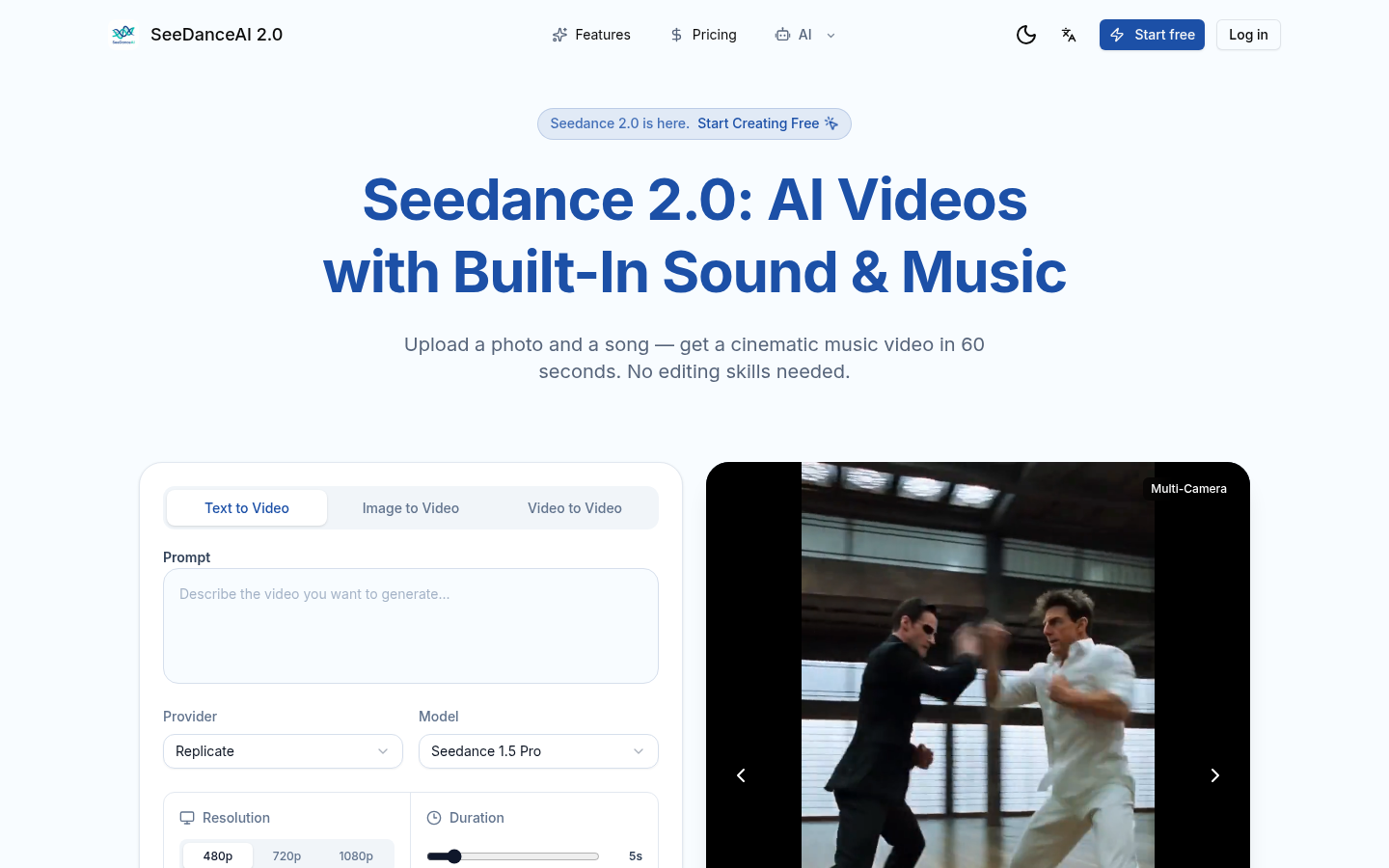
Screenshot archived from the listing page, for preview only.