
Seedance 2.0
Free multimodal AI video tool with director controlCinematic video creation with director-level control
Highlights
What you can do with it
- Producing cinematic short films and scene drafts
- Creating ad and e-commerce video concepts
- Testing game trailer ideas before full production
How to use it
- 1 Open the site and start a new video project
- 2 Choose the multimodal inputs you want to combine
- 3 Adjust director-level settings for the shot
- 4 Generate the video and refine the prompt
- 5 Export the result for review or further editing
Who it is for
Pros
- Director-level control gives more say over the final look
- Multimodal input allows references beyond plain text
- Free to use removes upfront cost for testing
Limitations
- Free access may change or gain limits over time
- Director-level control has a learning curve for new users
- Cinematic output still depends on clear prompts and good references
What Seedance 2.0 is
Seedance 2.0 at seedance20.com is a next-generation multimodal AI video generation tool supported by ByteDance's AI technology. The site describes it as a way for creators to get an advanced, easy to use, and controllable video generation experience, and it targets practical production work such as advertising, film, e-commerce, and gaming, where shot control and repeatable output matter. The listed advantages are higher usability, strong multimodal creative input, director-level control over the shot, and suitability for industrial-scale production. The product is offered as free to use, which the site says lowers the cost and time of video production. In practice that means you can test cinematic ideas without a production budget and then decide how much of the workflow fits your needs.
What you can do with it
- Build video prompts from more than one input type, including text and reference media
- Exercise director-level control over the shot instead of accepting one generic output
- Draft advertising, e-commerce, and game scenes that suit practical production
- Iterate on ideas quickly because the tool is positioned as free to use
Who it is for
- Filmmakers and video creators who want more control over framing and motion
- Advertising and e-commerce teams that need concept videos fast
- Game developers exploring cinematic trailer ideas
What to watch out for
Because the tool is presented as free to use, the free rules and any usage limits may change over time, so do not build a critical pipeline on a permanent free promise. Director-level control is useful, but it expects some familiarity with shot language, so beginners may need time before results become consistent. Output quality also depends on the references and prompts you supply, and a vague brief will produce a vague clip. For commercial projects, confirm the usage terms that apply before publishing, and keep a human review step in the pipeline before anything reaches a client or an audience.
FAQ
Is this tool free to use?
The site presents Seedance 2.0 as free to use, aimed at reducing the cost and time of video production.
What kind of control does it offer?
It offers director-level video creation control along with powerful multimodal creative input.
Which scenarios does it target?
It is built for practical production such as advertising, film, e-commerce, and gaming.
Why it is free
What the official page says: 免费使用免费
Free limits, trial length and features are decided by the official site and can change at any time.
Product preview
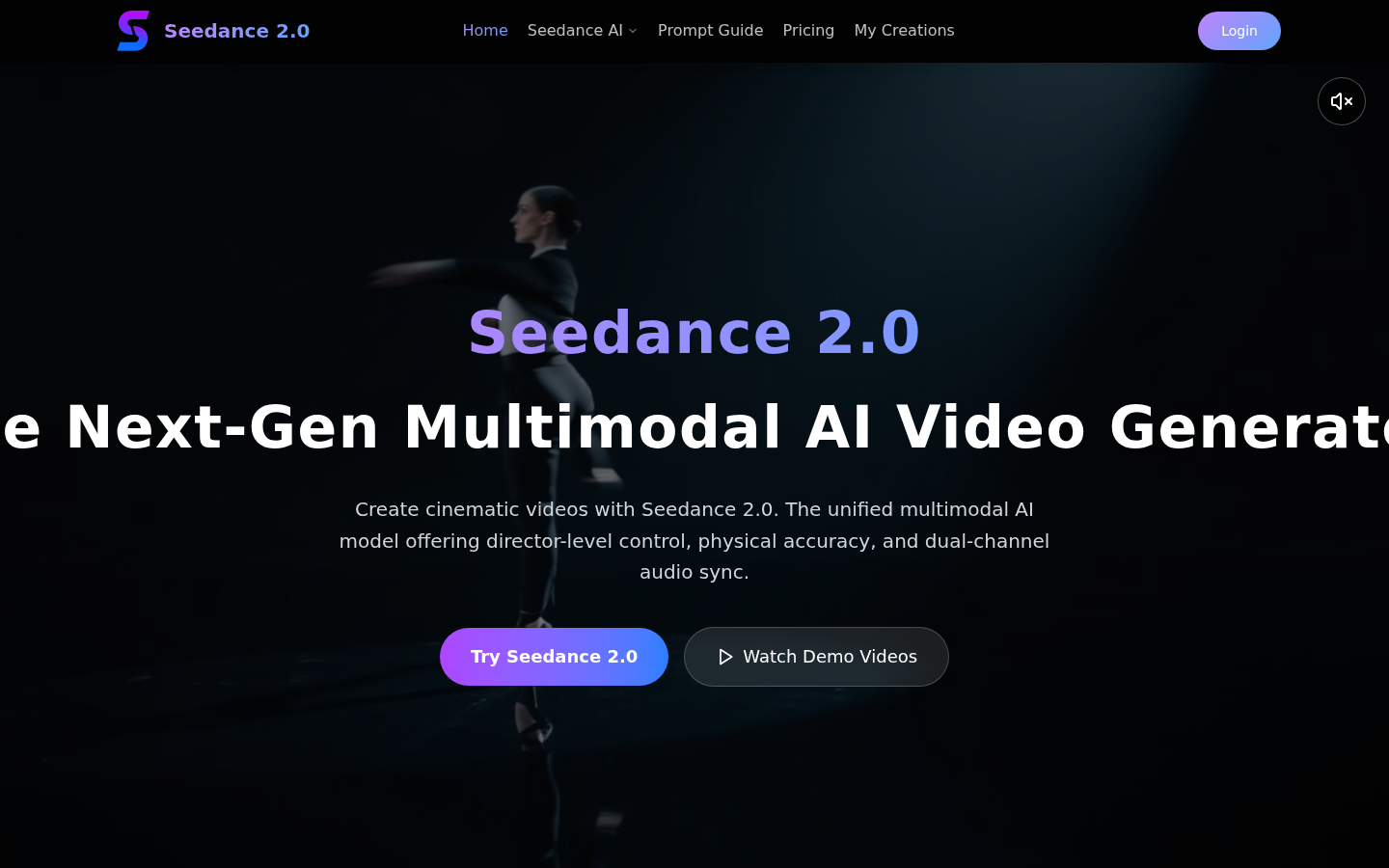
Screenshot archived from the listing page, for preview only.