
Highlights
What you can do with it
- Create a short promo clip from a written brief
- Turn a product photo into a moving shot
- Produce licensed commercial video for a client
- Test formats and aspect ratios before a bigger run
How to use it
- 1 Open the site and claim the free credits offered for trial.
- 2 Write your prompt in either supported language, or upload an image.
- 3 Choose the video format you need.
- 4 Generate, review and download the clip.
- 5 Decide whether to top up credits or move to a subscription.
Who it is for
Pros
- No editing experience required
- Commercial licensing is stated up front
- Bilingual support helps non-English prompts
- Free credits let you test before paying
- Flexible pricing shapes: one-off, monthly or annual
Limitations
- Credit pricing means cost rises with volume
- Free credit amounts and plan prices can change
- Instant generation still produces uneven results
- Licensing terms should be read before commercial use
What Seedance 2.0 is
Seedance 2.0 is described as a next-generation AI video platform that combines generative AI models with an intuitive workflow, with the stated goal of letting anyone create video without professional editing experience. Its listed advantages are instant video generation, text-to-video and image-to-video conversion, bilingual understanding, full commercial licensing, a pay-per-creation model and support for multiple video formats. The audience is global and includes content creators, marketers and video producers. Pricing runs on transparent credits: monthly subscriptions, annual plans and one-time credit packages are all offered, and the site also provides free credits so you can try the tool before spending anything.
What you can do with it
- Type a prompt and get a video back almost immediately.
- Convert a still image into a moving shot.
- Work in either of the two supported languages.
- Export in several video formats for different platforms.
- Produce commercially licensed clips for client or campaign work.
Who it is for
- Creators and marketers who need video output but have no editing background.
- Global users who write prompts in more than one language.
- Video producers who want a fast option alongside their main pipeline.
- Buyers who prefer paying per creation over a flat subscription.
What to watch out for
The commercial licensing claim is a headline feature, so read the actual terms on the site before you rely on it for paid client work, because licence scope is often narrower than the marketing line suggests. Credit pricing is convenient at low volume but gets expensive if you iterate heavily, and the free credit allowance can be reduced or removed at any time. Output quality from an instant generation model is uneven: some clips will need several attempts, and complex prompts tend to expose the limits of the workflow. Also confirm which video formats your target platform accepts before you generate, since not every export option suits every destination, and check the current credit rates before you commit to a batch of work.
FAQ
Can I use the videos commercially?
The page states full commercial licensing is included.
How do I pay?
It uses transparent credit pricing, with monthly subscriptions, annual plans and one-time credit packages, plus free credits for trial.
Which languages are supported?
Bilingual understanding is listed among the advantages.
Do I need editing skills?
No, the product is aimed at users without professional video editing experience.
Why it is free
What the official page says: 免费试用免费
Free limits, trial length and features are decided by the official site and can change at any time.
Product preview
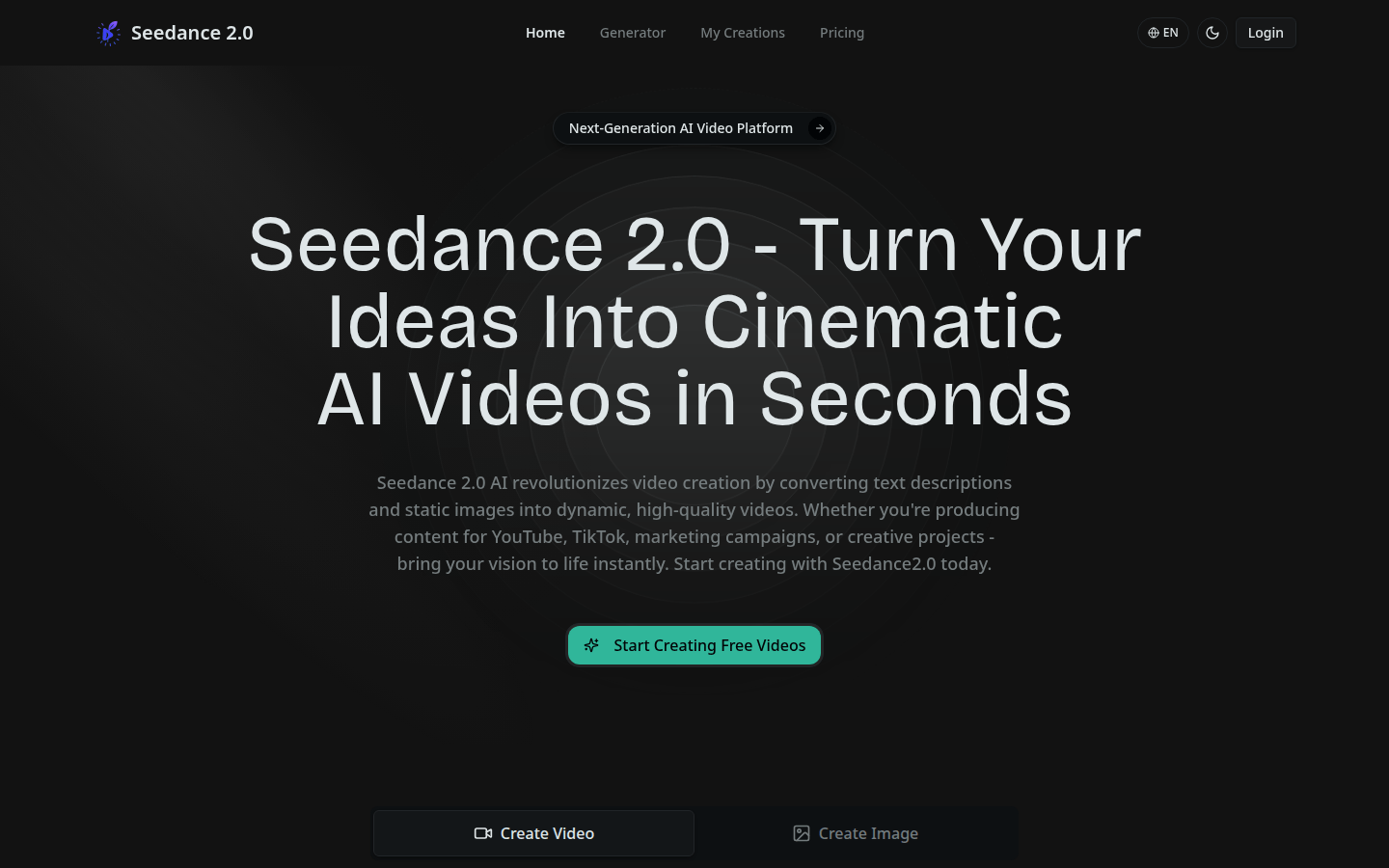
Screenshot archived from the listing page, for preview only.