
Seedance 2.0
ByteDance-powered video AIVideos in about 2 seconds, 100 languages
Highlights
What you can do with it
- Generate a quick draft clip to test an idea
- Produce video prompts in many different languages
- Keep a character consistent across a short sequence
- Export HD footage for social or web use
How to use it
- 1 Open the site and start the free trial.
- 2 Use the prompt guide to shape your instruction.
- 3 Choose your language and enter the prompt.
- 4 Generate and check character consistency and definition.
- 5 Download the HD result or adjust and regenerate.
Who it is for
Pros
- Speed is the standout claim, useful for iteration
- 100 language support is unusually broad
- Character consistency reduces rework on sequences
- Free trial plus a discounted annual plan
Limitations
- Speed and HD quality are vendor statements, not verified tests
- Free trial limits and the annual discount can change
- Fast generation does not guarantee usable results
- Character consistency still needs prompt discipline
What Seedance 2 is
Seedance 2 is presented as a video generator powered by ByteDance's Seedance 2.0 AI Video model, with the main promise being a large jump in video creation efficiency. The page puts speed first, stating that videos are produced in about two seconds, and then lists support for 100 languages, character consistency across a video, high-definition output and prompt guides that help users optimise their instructions. Rather than targeting one niche, it is positioned as an efficient AI video creation platform for a broad audience. On pricing, there is a free trial, and an annual plan is advertised with a 50 percent discount.
What you can do with it
- Generate a draft clip in seconds to check whether an idea works.
- Write prompts in any of the 100 supported languages.
- Keep the same character recognisable through a short sequence.
- Output high-definition video for social, web or internal review.
- Use the built-in prompt guides to improve weak instructions.
Who it is for
- Creators who value fast iteration over fine control.
- Teams producing the same message for many language markets.
- Users who need HD output without a heavy editing setup.
- Anyone comparing AI video tools mainly on generation speed.
What to watch out for
The two second figure is a vendor claim and your experience will depend on prompt complexity, file size and server load, so do not build a tight production schedule around it. HD output is also a relative term here: it may be fine for social feeds but short of what you need for large screen playback, so check the actual resolution and frame rate before you commit. The free trial is limited and the 50 percent annual discount is a promotion that can end without notice. Character consistency helps but does not remove the need to review every clip, and prompt guides only go so far if your brief is vague. Confirm current terms on the live page before you plan a project around them.
FAQ
How fast is it?
The page says videos are produced in about two seconds.
Is there a free option?
A free trial is offered, and the annual plan is listed at a 50 percent discount.
How many languages are supported?
Support for 100 languages is listed.
Who is it for?
It is positioned for a wide range of users rather than one specialist group.
Why it is free
What the official page says: 免费试用免费
Free limits, trial length and features are decided by the official site and can change at any time.
Product preview
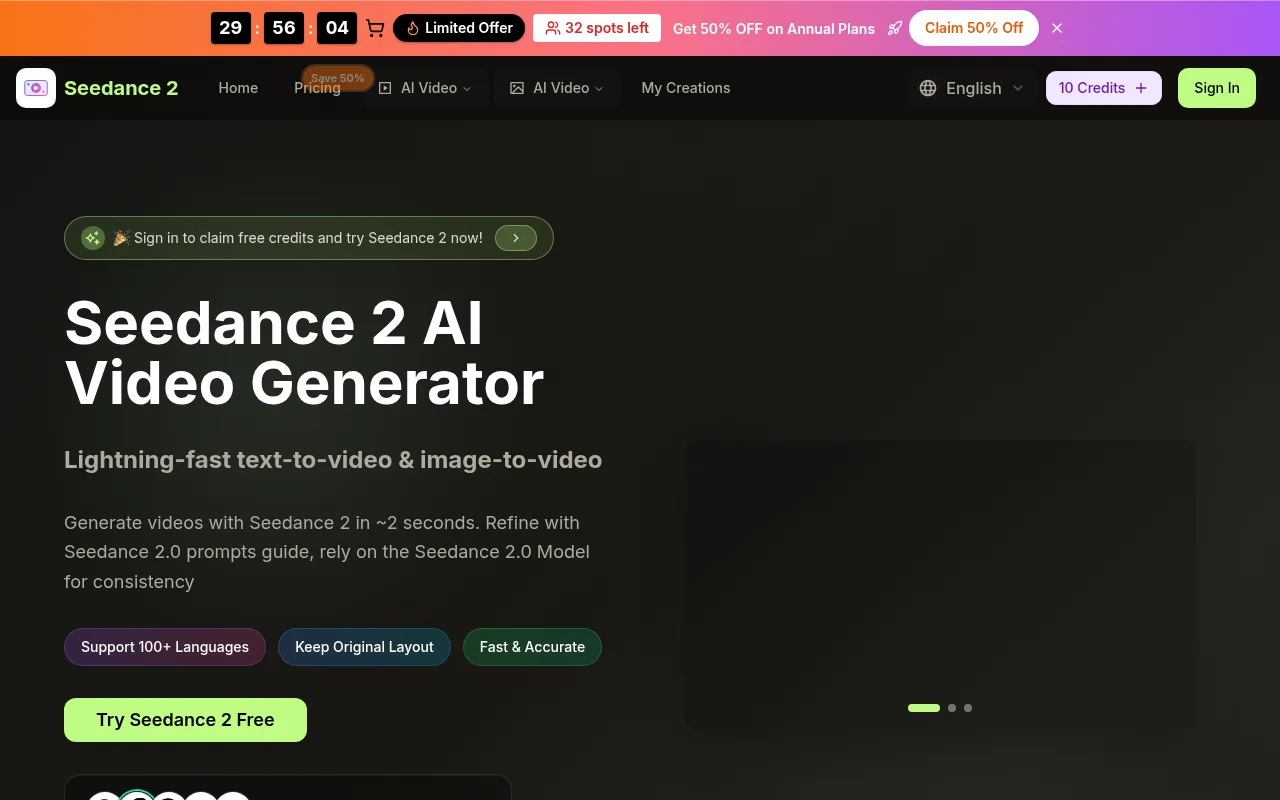
Screenshot archived from the listing page, for preview only.