
Secret Llama
Private chatbot that runs in your browserA completely private chatbot that keeps data local
Highlights
What you can do with it
- Chat with an assistant when you have no internet connection
- Discuss sensitive topics without sending text to a third-party server
- Use a private chatbot on a desktop with Chrome or Edge
How to use it
- 1 Open the Secret Llama website in Chrome or Edge
- 2 Wait for the model to finish downloading to your computer
- 3 Start chatting; the model then runs locally
- 4 Keep using it even when you are offline
Who it is for
Pros
- Conversation data stays on your device
- Works offline after the initial download
- Free and requires no account
Limitations
- The first load is slow because the whole model must download
- Needs a GPU and is not recommended for mobile devices
- A local model may be less capable than large hosted assistants, and the free setup can change if the project updates
What Secret Llama is
Secret Llama is a free chatbot that runs completely inside your web browser. Instead of sending your messages to a remote server, it downloads the model to your computer and processes everything locally, so your conversation data never leaves your device. The first visit takes longer because the full model has to download, but once that is done you can use it offline with no internet connection. It works in Chrome and Edge and requires a GPU, so it is meant for desktops rather than phones. There is no sign-up and nothing stored on a company server, which makes it a good fit for people who care about privacy.
What you can do with it
- Hold private conversations without your text leaving your computer
- Keep chatting after the model downloads, even with no internet
- Avoid creating an account or handing data to a third party
- Run the assistant on a desktop browser with GPU support
Who it is for
- People who care about privacy and want chats to stay local
- Users who do not want a company reading their conversations
- Anyone who needs a chatbot that works without a connection
- Chrome or Edge users on a computer with a capable GPU
What to watch out for
The initial download can take a while, so the first session is slower than a typical cloud chatbot. Because it needs a GPU and is not recommended for mobile, you will need a reasonably equipped desktop. A locally run model may also be less capable than large hosted assistants, so answers can be weaker on complex or detailed topics. The project is free, but any change to how it is offered or maintained is outside your control, so do not rely on it for critical work and keep expectations realistic.
FAQ
Does Secret Llama send my conversations anywhere?
No. The model runs in your browser and the data never leaves your computer.
Can I use it offline?
Yes. After the model downloads once, you can keep chatting without an internet connection.
What do I need to run it?
A desktop browser such as Chrome or Edge and a GPU. Mobile devices are not recommended.
Why it is free
What the official page says: 免费
Free limits, trial length and features are decided by the official site and can change at any time.
Product preview
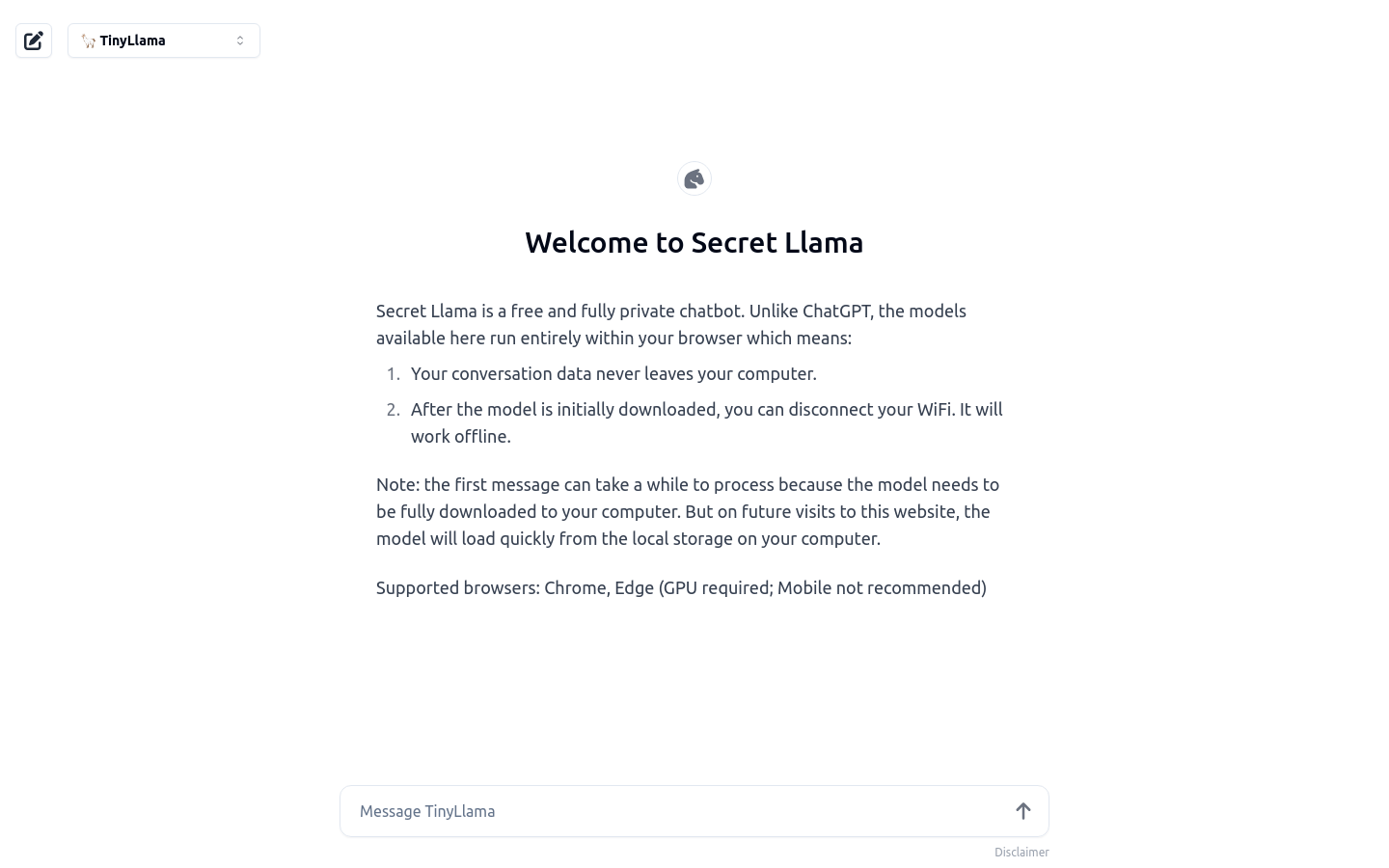
Screenshot archived from the listing page, for preview only.











