SearchForJohn
Fast online search toolFind information quickly online
Highlights
What you can do with it
- Look up academic articles and research materials
- Gather background information for a news story
- Search travel guides and reviews before a trip
How to use it
- 1 Go to the SearchForJohn homepage.
- 2 Type your keywords or question into the search box.
- 3 Pick a search language and region if you need to.
- 4 Run the search and filter or sort the results.
- 5 Open the result that looks most useful.
Who it is for
Pros
- A simple interface with no setup described
- Multilingual search is supported
- Free trial so you can test it first
Limitations
- Free trial only, and pricing is not shown on the page
- Search quality is not independently verified
- It is a general search tool, so specialist databases are out of scope
What SearchForJohn is
SearchForJohn is an online search tool built to help people locate information quickly. It has a simple interface and search algorithms aimed at fast, accurate results, with the stated goal of solving the problem of finding something specific in an age of information overload. Alongside the basic search box it supports filtering and sorting results, multilingual search, and customisable search parameters, so you can narrow things down rather than scrolling. The site describes a secure and private search environment. A free trial is offered, although the specific price and positioning are not clearly displayed on the page.
What you can do with it
- Search for keywords or questions and get results quickly.
- Filter and sort results to cut down the list.
- Search in more than one language.
- Customise search parameters for a narrower query.
- Save search history and preferences if you register an account.
Who it is for
- Researchers and scholars who need academic materials fast.
- Journalists gathering background on a developing story.
- General users with everyday needs such as travel planning.
- Corporate users doing market research or competitor checks.
What to watch out for
The free trial is the only free access mentioned, and pricing is not displayed on the page, so treat free use as temporary. Search quality has not been independently verified, so test it against the searches you actually do before relying on it. This is a general web search tool: if you need specialist academic or legal databases, it will not replace them. As with any search engine, check the source of a result before you trust the content on the page it points to.
FAQ
Is there a free trial?
Yes, a free trial is offered. Specific pricing is not clearly displayed on the page.
Can I filter results?
Yes, filtering and sorting search results are listed features.
Does it support other languages?
Yes, multilingual search options are supported.
Why it is free
What the official page says: free trial
Free limits, trial length and features are decided by the official site and can change at any time.
Product preview
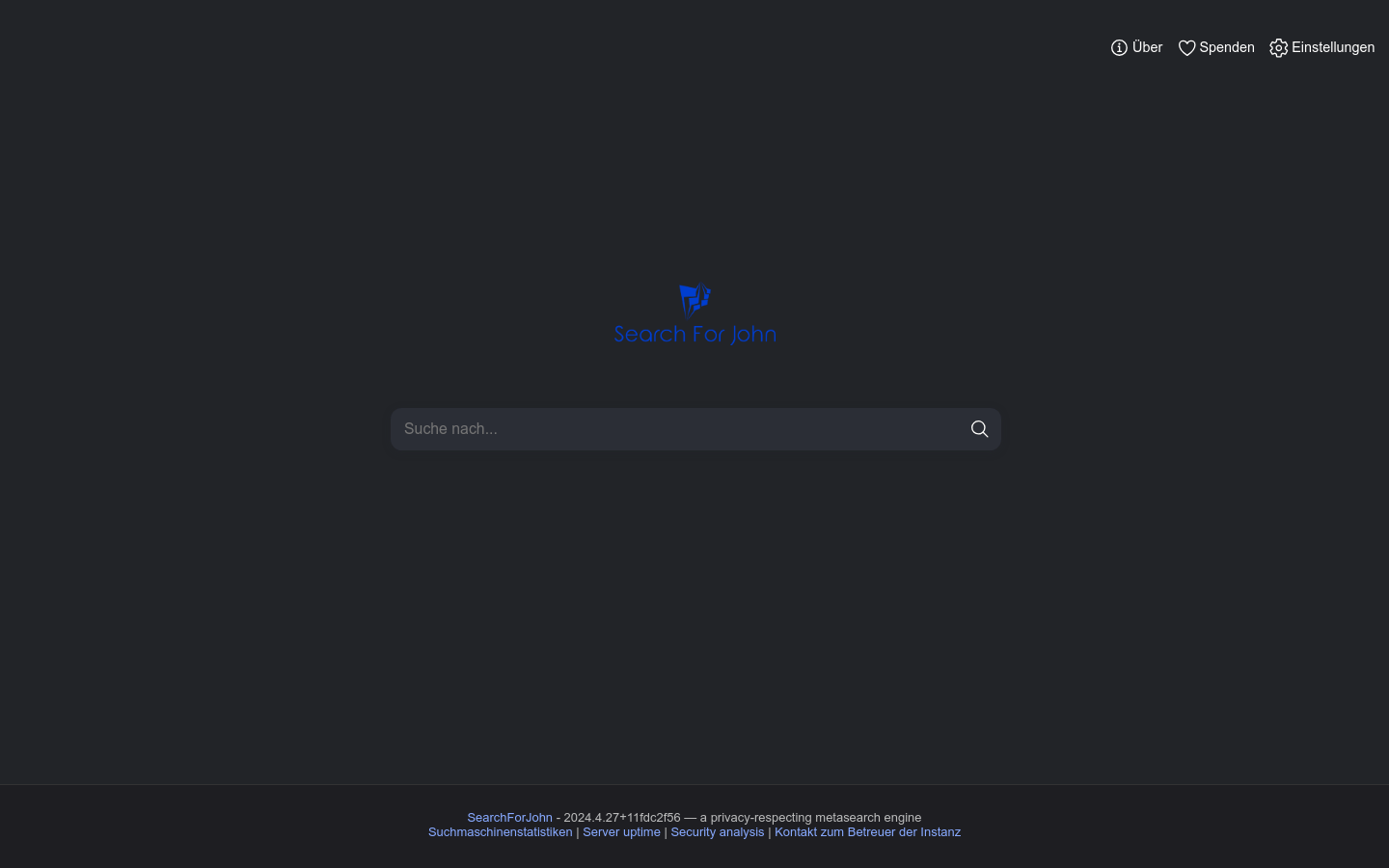
Screenshot archived from the listing page, for preview only.