
Sea Imagine AI
All in one AI text and image to video platformTurn text or images into video in one place
Highlights
What you can do with it
- Designers turning static work into demo videos
- Writers visualizing stories and novel scenes
- Marketers creating product promotion videos from descriptions
How to use it
- 1 Visit seaimagine.com and start a free trial or register
- 2 Choose image to video or text to video
- 3 Upload images or enter a text description
- 4 Select a video model that fits your style
- 5 Generate, preview, adjust if needed, then download
Who it is for
Pros
- Free trial before any payment
- Several models give different visual options
- One workflow for both text and image input
Limitations
- Full generation capacity runs on paid credits or subscriptions
- Results vary noticeably between models
- Rendering can take time during busy periods
What Sea Imagine AI is
Sea Imagine AI is a unified video generation platform. It handles both ends of the creative process: image to video, which animates a single photo or a set of them, and text to video, which builds a scene from a written description with no images required. Multiple models sit behind one interface, including options such as Kling AI, Wan AI, and Sora AI, so you can pick the engine that matches the look you want. The output is meant to be practical, with a clean structure that you can take into an editor for dubbing or compositing.
What you can do with it
- Animate one image or several into a continuous video
- Create video from a text description alone
- Switch between models for different visual styles
- Keep everything inside one workflow from input to output
- Reuse generated video as an editable base asset
Who it is for
- Professional video creators who want model choice
- Amateurs turning ideas into video without technical skill
- Marketers and educators who need quick promotional or teaching visuals
What to watch out for
The free trial shows you the workflow, but sustained generation depends on paid packages or credits, so budget before you plan a series. Different models produce noticeably different results, so expect some trial and error before you find the right one for your style. Rendering times can stretch when demand is high, and the platform is aimed at creation rather than full editing, so plan to finish your video in a separate editor. Behavior may vary across browsers and devices, so test before production use and consult the help docs if errors appear.
FAQ
What input types does Sea Imagine AI accept?
It accepts text descriptions and one or more images for video generation.
Which models are available?
It offers multiple video models, including options such as Kling AI, Wan AI, and Sora AI.
Is there a free trial?
Yes. A free trial is offered, along with paid packages and credit top ups.
Why it is free
What the official page says: free trial
Free limits, trial length and features are decided by the official site and can change at any time.
Product preview
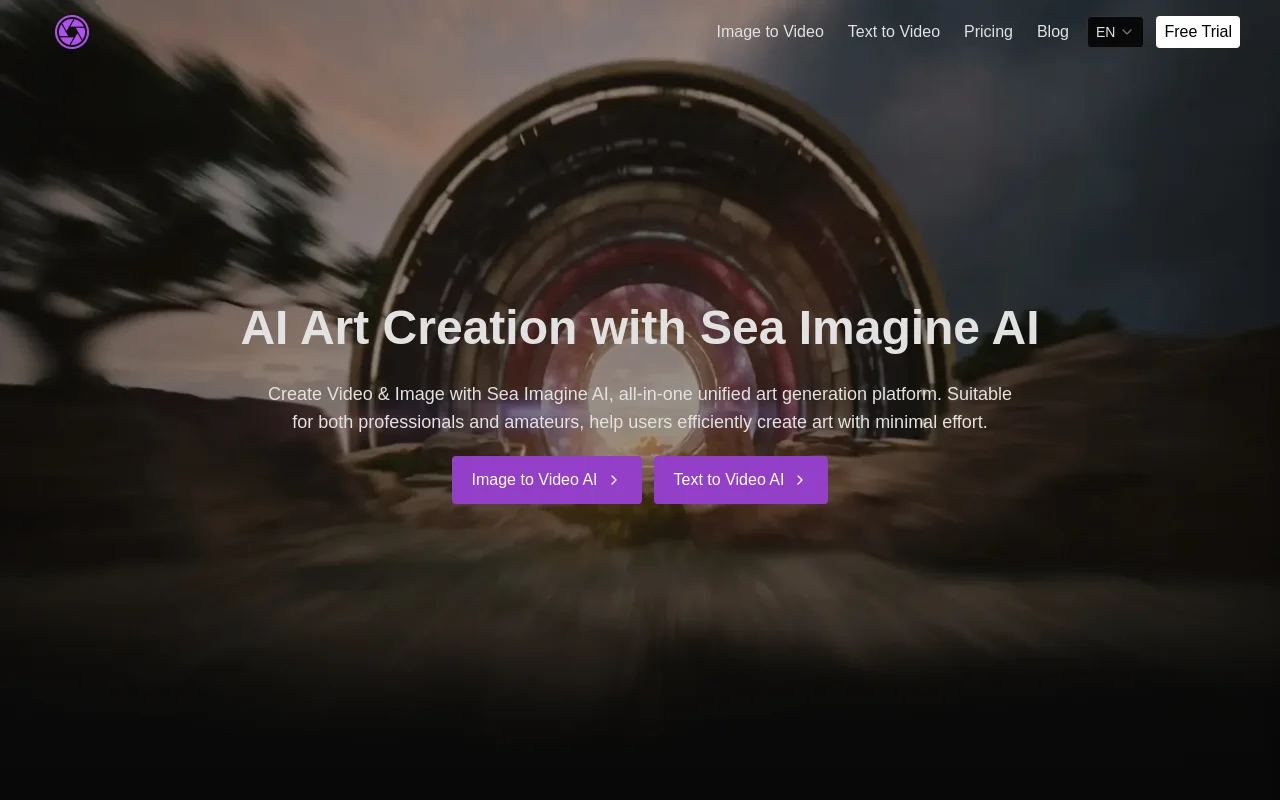
Screenshot archived from the listing page, for preview only.











