Scriptly AI
Photos into AI moviesTurn photos and ideas into short films
Highlights
What you can do with it
- Turning travel photos and a personal story into a shareable travel movie
- Building a club or team promo video without editing software
- Creating a short product promo from product photos and features
How to use it
- 1 Go to beta.scriptlyai.app and log in or register with Google or a password
- 2 Upload the photos you want to use in the movie
- 3 Describe the theme, plot, and style so the tool knows what to build
- 4 Start the generation and check progress from the studio page
- 5 Preview the result, then save, download, or share it
Who it is for
Pros
- Very low starting point: photos plus one description
- Audio is part of the output, not a separate task
- First movie is free, so you can test quality before paying
Limitations
- Only the first movie is confirmed free; later pricing is not published and can change
- It is a beta build, so availability and output quality can shift
- Control is limited compared with a real editor: you describe, you do not cut
What Scriptly AI is
Scriptly AI is an AI movie-making tool. You give it photos and a written description of what you want, and it returns a finished short film rather than a timeline you have to assemble yourself. Character consistency is one of its stated features, so the people in your photos are intended to stay recognisable from scene to scene. It also generates storyboards from your description, and it adds voiceover, subtitles, and music automatically, which removes the separate audio pass most video tools leave to you. The first creation is free. The site does not publish pricing for anything after that, and the service runs from a beta address, so features and limits can move.
What you can do with it
- Upload your own photos and have them assembled into a short movie
- Describe the theme, plot, and style, and get a storyboard back
- Keep faces consistent across scenes
- Get voiceover, subtitles, and music added without a separate step
Who it is for
- People who want a watchable video without learning an editor
- Social media creators who publish short video regularly
- Small businesses and clubs that need a simple promo clip
What to watch out for
This is not a frame-accurate editor. You describe an outcome and the tool decides how to get there, so fine control over timing, cuts, and shot order is limited. Only the first creation is confirmed free; pricing after that is not published on the page and may change without notice. Because the product sits behind a beta URL, access and output quality can also shift, and a generated film should always be reviewed before you publish it. If you need precise pacing, subtitles timed to a specific script, or a licensed soundtrack, you will end up doing that work outside the tool. Check that any people, music, or brands in the output are cleared for the way you plan to use it.
FAQ
What does Scriptly actually make?
Short AI movies built from your own photos plus a written description of theme, plot, and style.
Is it really free?
The first creation is free. The site does not say what happens after that, so treat anything beyond the first movie as unconfirmed.
Will characters look the same throughout?
Character consistency is one of the stated features, so faces are intended to stay recognisable from scene to scene. Results still need checking.
Do I need editing software?
No. Voiceover, subtitles, and music are added automatically, and the output is meant to be shared as is.
Where do I sign in?
The service runs at beta.scriptlyai.app, and you can log in with Google or with a password.
Why it is free
What the official page says: for free
Free limits, trial length and features are decided by the official site and can change at any time.
Product preview
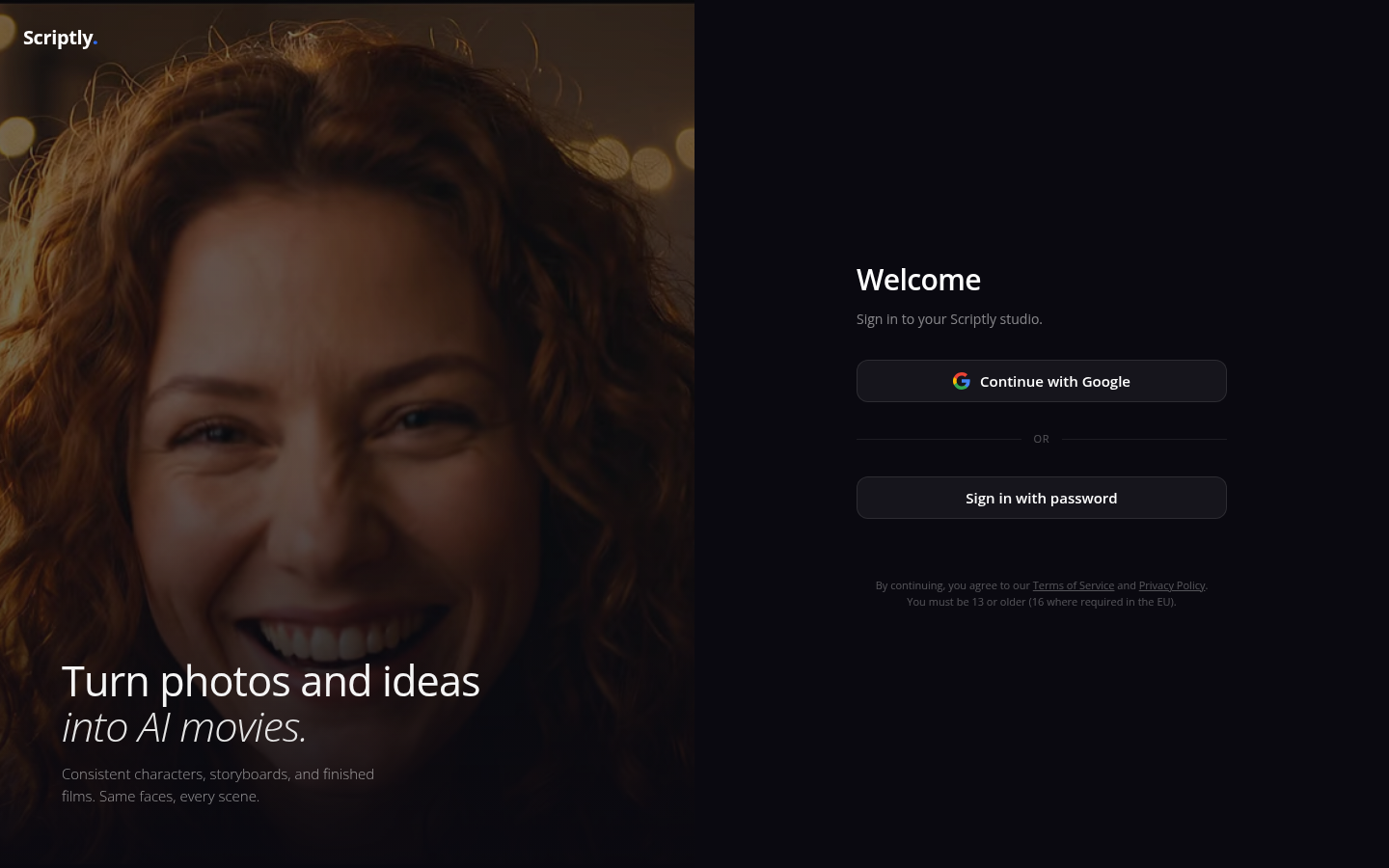
Screenshot archived from the listing page, for preview only.











