
Screentell
Screen recording plus editing, in the browserPlain recordings, professional videos
Highlights
What you can do with it
- Record a product demo with 3D transforms and callouts
- Film a lesson with dynamic annotations for students
- Produce polished screen content for a channel
How to use it
- 1 Visit screentell.com and click Start Recording
- 2 Choose the window or screen and enable the camera if needed
- 3 Edit with zoom, 3D transforms, stickers, crops, and speed changes
- 4 Select MP4, WebM, or GIF and set resolution, quality, and codec
- 5 Export the finished video
Who it is for
Pros
- Free version allows unlimited recording and basic editing
- No installation, works across platforms
- One-time lifetime purchase option available
Limitations
- Free exports carry a watermark and stop at 3 minutes
- Browser-based editing depends on your machine's performance
- Advanced effects and annotations take practice
What Screentell is
Screentell is a browser-based screen recording and video editing tool aimed at product demonstrations and tutorials. It captures the screen, camera, system sound, and microphone in one pass using a dual-stream engine, then hands the footage to an editor with zoom, crop, cut, speed adjustment, 3D transforms, and motion focus effects. Annotations include arrows, bubbles, shapes, and custom stickers, and backgrounds and layouts can be styled for a studio look. Export supports MP4, WebM, and GIF with control over resolution, quality, and codec. Nothing needs to be installed. The free version allows unlimited recording and basic editing, but exports are watermarked and capped at 3 minutes. Pro costs $49.99 per year and a lifetime plan costs $99.99.
What you can do with it
- Record screen, camera, and audio together
- Edit with zoom, 3D transforms, cuts, and speed changes
- Add arrows, shapes, stickers, and hand-drawn callouts
- Apply custom backgrounds and layouts
- Export MP4, WebM, or GIF with chosen settings
Who it is for
- Creators making demos and tutorials
- Teams that need shareable product videos
- Educators recording lessons and walkthroughs
What to watch out for
Free exports are watermarked and limited to 3 minutes, which rules out longer course videos unless you upgrade to the $49.99 yearly Pro plan or the $99.99 lifetime plan. Because editing runs in the browser, performance depends on your computer, and long recordings may feel heavy. The advanced 3D and motion effects have a learning curve. Free plan rules and prices can change, so verify before relying on the lifetime option. Processing speed depends on file size and network conditions, so retry later if a task stalls during peak hours.
FAQ
What does the free version limit?
Recording and basic editing are unlimited, but exported videos have watermarks and single videos are capped at 3 minutes.
Is installation needed?
No. Screentell runs in the browser across platforms.
What formats can I export?
MP4, WebM, or GIF, with control over resolution, quality, and codec.
What do Pro and lifetime cost?
Pro is $49.99 per year and the lifetime plan is $99.99, listed with an original price of $199.99.
Why it is free
What the official page says: free version
Free limits, trial length and features are decided by the official site and can change at any time.
Product preview
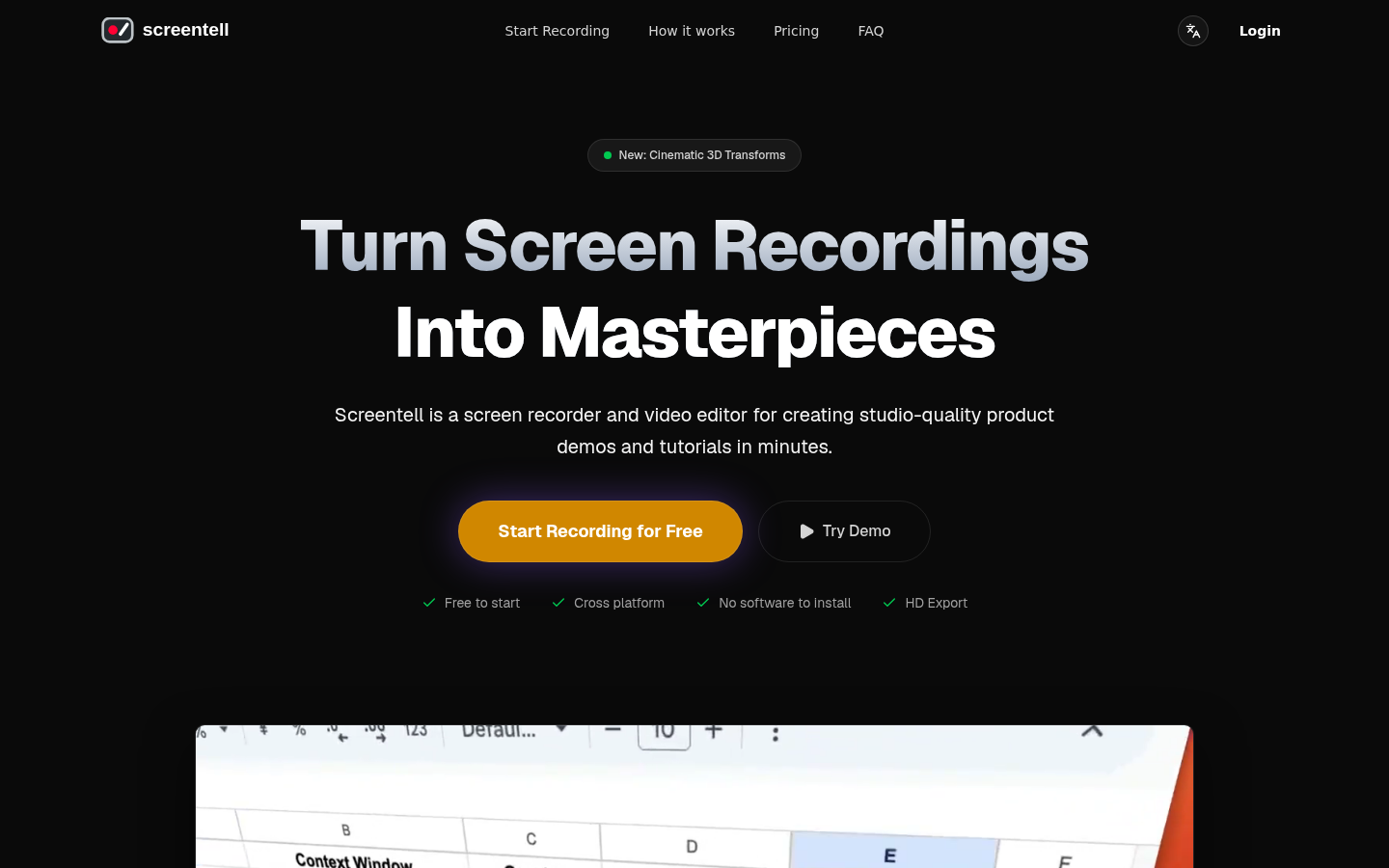
Screenshot archived from the listing page, for preview only.











