
Scraib.app
Mac writing assistant that rewrites text anywhereSelect text, press Control R, get a better version
Highlights
What you can do with it
- A writer fixes weak sentences and adjusts paragraph style in a draft
- A student improves grammar and vocabulary in an English composition
- A professional makes a business email sound more formal
How to use it
- 1 Download and install Scraib.app from the Mac App Store
- 2 Start the 7 day free trial or choose a subscription or one time purchase
- 3 Set custom style and tone rules to match your writing
- 4 Select text in any Mac app and press Control R
- 5 Review the rewrite and adjust the rules if it is not right
Who it is for
Pros
- 7 day free trial
- Works inside every Mac app, no window switching
- Can run locally or with your own provider for privacy
Limitations
- Mac only, so it will not help Windows or iPad users
- 3.99 dollars a month after the trial, or a one time purchase for your own key
- Rewrites follow your rules, so weak rules produce weak output
What Scraib.app is
Scraib.app is an AI writing assistant for macOS. Its whole design is about not breaking your flow: you select text in any Mac application, press Control R, and the text is rewritten within seconds, without switching windows or opening a website. You set custom writing styles and tone rules, so the output follows your habits rather than a generic house style. It works across VS Code, Figma, Slack and other Mac apps, and it handles privacy by letting you bring your own AI provider, such as ChatGPT, Claude or Gemini, or run locally through Ollama so nothing is shared. A 7 day free trial is offered, then 3.99 dollars a month, with a one time purchase option to unlock your own API key.
What you can do with it
- Rewrite selected text in any Mac application instantly
- Set custom style and tone rules for consistent output
- Work in VS Code, Figma, Slack and other Mac apps without switching
- Choose your own AI provider, or run locally through Ollama
- Fix weak sentences, adjust tone and tighten wording
Who it is for
- Writers and copywriters producing large volumes of text
- Students polishing papers, assignments and compositions
- Professionals writing emails and reports on a Mac
- Privacy conscious users who want local or self supplied models
What to watch out for
It is macOS only, so if you work across Windows, Linux or an iPad this will not cover you. After the 7 day trial it is 3.99 dollars a month, and the one time purchase that unlocks your own API key is priced by country and App Store tier, so check what applies to you. Output quality follows the rules you write, and vague rules produce vague rewrites, so expect to tune them. The rewrite is a suggestion, and you should read it before you accept it, because a smoother sentence can quietly change what you meant.
FAQ
What is the shortcut?
Select text in any Mac application and press Control R, and the app rewrites it within seconds.
Can I keep my data private?
Yes. You can use your own AI provider such as ChatGPT, Claude or Gemini, or run locally through Ollama so data is not shared.
What does it cost?
There is a 7 day free trial, then 3.99 dollars a month. A one time purchase unlocks use of your own API key, with the price varying by country and App Store tier.
Why it is free
What the official page says: free trial
Free limits, trial length and features are decided by the official site and can change at any time.
Product preview
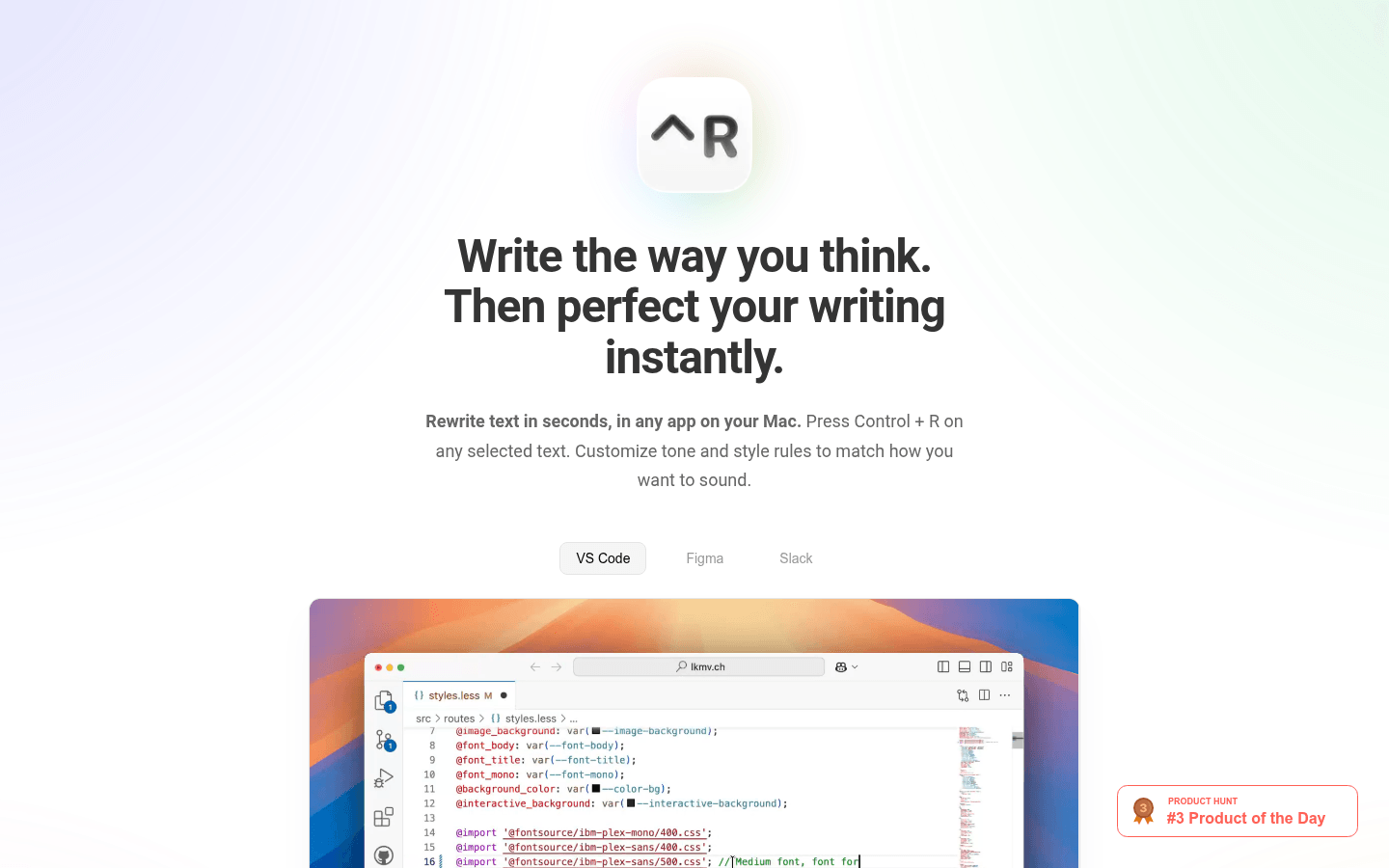
Screenshot archived from the listing page, for preview only.











