
Scientific figure
Free AI scientific chart generatorTurn prompts, sketches or papers into publishable figures, up to 8K
Highlights
What you can do with it
- A research team generates accurate experiment charts from a paper, then edits details.
- A graduate student builds a vivid 3D figure for a project presentation.
- A biotech R&D team makes high-resolution flowcharts and data charts for a project demo.
How to use it
- 1 Open the site and register to get 100 free credits.
- 2 Choose an input method: text prompt, sketch, abstract or full-text PDF.
- 3 Generate the chart, graphical abstract, schematic or poster with AI.
- 4 Edit labels, arrows, colors and shapes on the built-in vector canvas.
- 5 Export as PNG, JPG, SVG or PPTX, and upgrade if you need advanced features.
Who it is for
Pros
- Free to start with 100 credits and inputs that match how researchers already work.
- Editable, layered exports up to 8K and 600 DPI, plus journal color palettes.
- Nine styles and poster layouts cover papers, talks and conferences.
Limitations
- Advanced models, higher resolutions and editable exports need a paid plan or credit pack.
- Complex figures may need manual editing to reach journal standards.
- Accuracy of generated content still must be checked by the author.
What Scientific figure is
Scientific Figure is a free AI scientific chart generation tool aimed at the research field. Its purpose is to give researchers a convenient, efficient and accurate way to make figures without depending on a professional designer. You can feed it text prompts, hand-drawn sketches, abstracts or full-text paper PDFs, and it returns charts, graphical abstracts, schematics or posters. What comes out is not a flat image: labels, arrows, colors and shapes stay editable so you can fix details. New users get 100 free credits after registering, and the work happens in the browser with no heavy software.
What you can do with it
- Generate figures from a text prompt, a sketch, an abstract or a full paper PDF.
- Edit every label, arrow, color and shape on the built-in vector canvas before export.
- Export to PNG, JPG, layered SVG or editable PPTX at up to 8K and 600 DPI.
- Match journal color palettes and pick from nine styles, plus A0, A1 and 48x36 poster layouts.
Who it is for
- Researchers writing papers who need accurate, clear figures for results and methods.
- Graduate students building diagrams and 3D schematics for presentations.
- Educators creating teaching visuals and science communicators explaining ideas simply.
- R&D teams that must present project data and flowcharts clearly.
What to watch out for
Advanced models, higher resolutions and editable export formats need a paid plan or a one-time credit pack, so the free 100 credits cover only a portion of heavy use. Generated figures are a starting point, and you should verify every label and data point against your source before submission, since accuracy is the author's responsibility. Complex, journal-grade layouts may still need manual editing, and the site's credit rules and limits can change.
FAQ
How many free credits do I get?
You get 100 free credits after registering; paid plans and one-time credit packs unlock more.
What can I export?
PNG, JPG, layered SVG and editable PPTX, up to 8K and 600 DPI at single-column width.
Can I edit the figure after generating it?
Yes, labels, arrows, colors and shapes stay editable on the built-in vector canvas.
Does it match journal colors?
It offers palettes for Nature, Science, NEJM, The Lancet, JAMA and Okabe Ito.
Why it is free
What the official page says: free credits
Free limits, trial length and features are decided by the official site and can change at any time.
Product preview
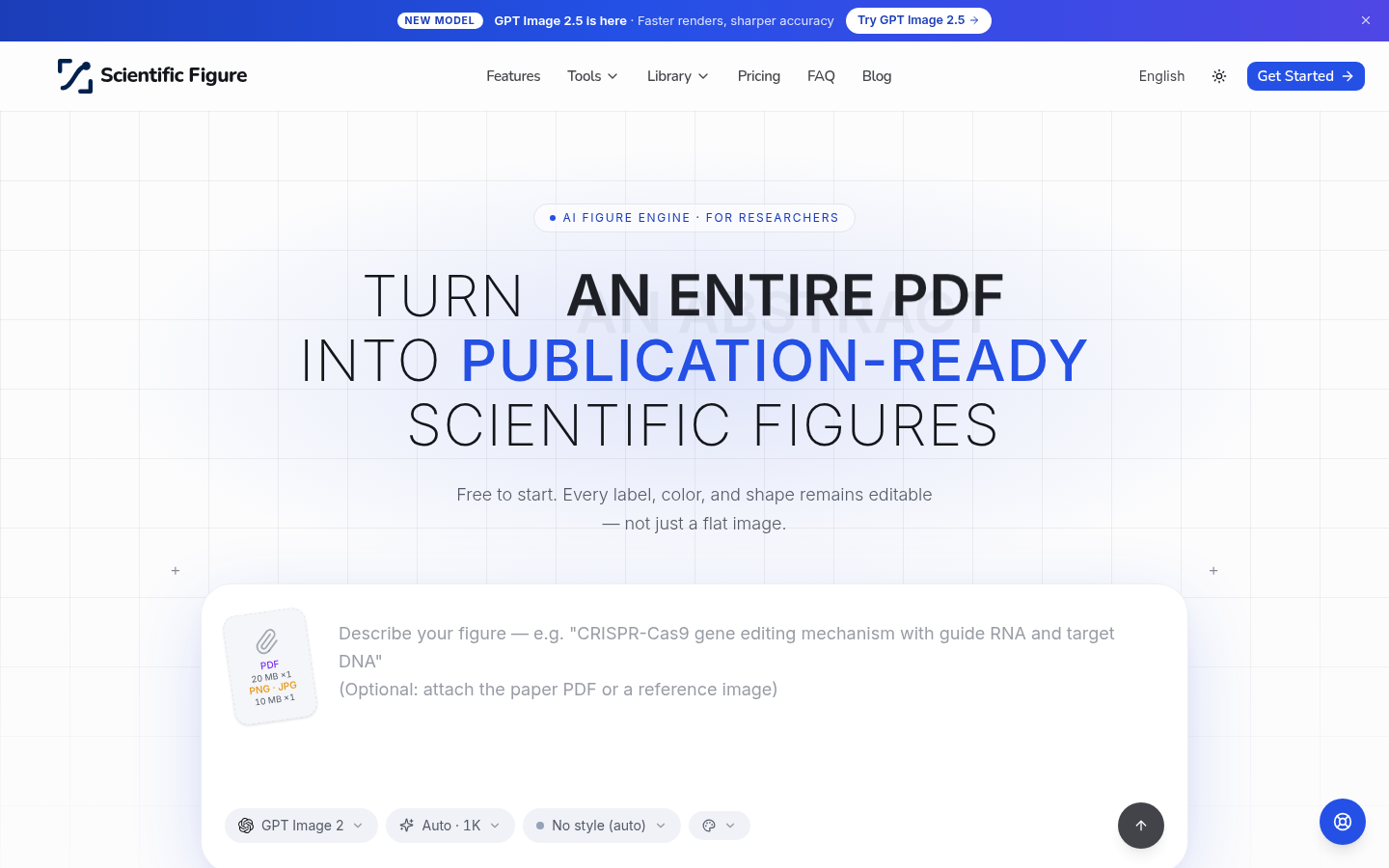
Screenshot archived from the listing page, for preview only.











