SciDraw AI
AI science drawingsJournal-ready science figures
Highlights
What you can do with it
- Making figures for a paper or journal submission.
- Building a graphic abstract for a study.
- Creating teaching posters and diagrams.
How to use it
- 1 Register and log in to get your credits.
- 2 Describe the figure you need in text.
- 3 Pick an AI mode and generate the graphic.
- 4 Edit, then export in the format you need.
Who it is for
Pros
- A free trial with credits on registration and login.
- High-definition export in formats suited to journals.
- Text-to-figure lowers the need for drawing software.
Limitations
- Credits are limited and extra use needs payment.
- Free trial terms and credit rules can change over time.
- Scientific accuracy still needs expert review.
What SciDraw AI is
SciDraw AI is an AI drawing platform for scientific illustrations. It turns text descriptions into research graphics, creates graphic abstracts, and refines hand-drawn sketches into polished figures. It supports high-definition export in formats such as SVG, PNG, PDF, EPS, and TIFF, so the output can suit journal submission or classroom use. It can visualize data from CSV or Excel into clear charts, and it offers multiple AI generation modes plus support for 11 languages. A free trial is offered, with 10 credits on registration and 5 credits for each daily login, so you can test the figures before paying. It is aimed at researchers, graduate students, teachers, and science popularizers who need clear, professional visuals without complex drawing software.
What you can do with it
- Generate research illustrations from text prompts.
- Create graphic abstracts and refine sketches.
- Export high-definition files for journals or teaching.
- Turn CSV or Excel data into visual charts.
Who it is for
- Researchers illustrating papers and reports.
- Graduate students making thesis figures.
- Teachers and science popularizers explaining ideas.
What to watch out for
Credits are limited, and extra use needs payment, so plan how many figures you need before a deadline. Free trial terms and credit rules can change over time, so confirm the current offer. Scientific accuracy still needs an expert review, since the AI can draw a clean figure that does not match the real data or concept. Because figures may go into published work, double-check labels, scales, and details before submission, and make sure the final images meet the target journal's requirements. Start with a small sample to confirm the output meets your expectations before processing the full batch.
FAQ
What is SciDraw AI?
It is an AI scientific research drawing tool that generates illustrations from text and supports high-definition export for journal submissions.
Is there a free trial?
Yes. You get 10 credits on registration and 5 credits for each daily login.
What formats can I export?
It supports formats such as SVG, PNG, PDF, EPS, and TIFF.
Why it is free
What the official page says: free trial
Free limits, trial length and features are decided by the official site and can change at any time.
Product preview
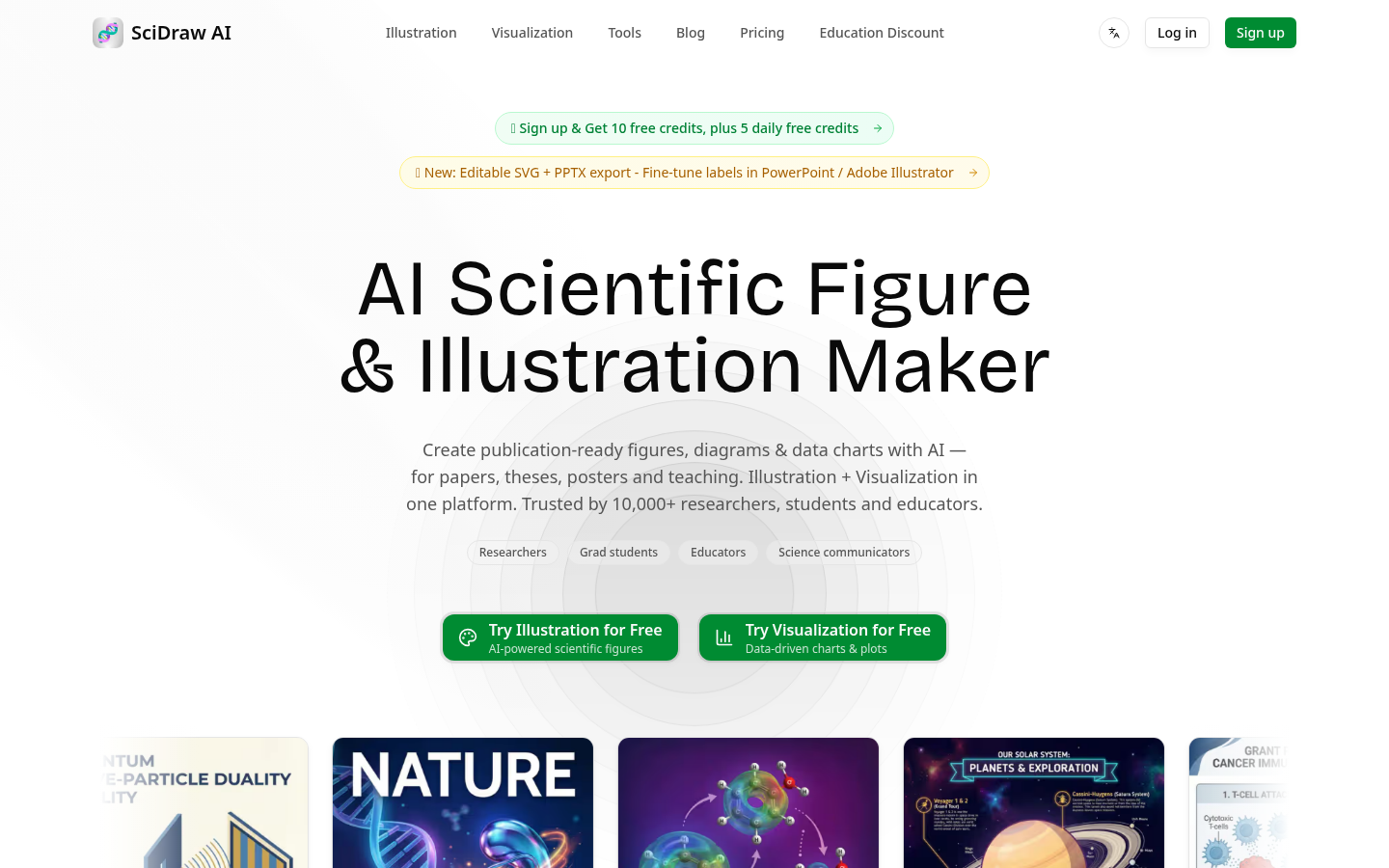
Screenshot archived from the listing page, for preview only.











