School AI
AI learning assistant for K12Personalized learning with instant feedback
Highlights
What you can do with it
- Create math spaces for different skill levels
- Set AI usage rules for a science class
- Monitor writing practice and guide students
How to use it
- 1 Sign up as a teacher
- 2 Create a learning space for your subject
- 3 Set guidelines in Mission Control
- 4 Watch real-time insights and guide students
Who it is for
Pros
- Free for teachers
- Personalized spaces and instant feedback
- Multilingual support for students
Limitations
- Free-for-teachers terms can change
- AI answers can be wrong and need review
- Depends on an external service you do not control
What School AI is
School AI is an AI platform designed for K12 students. It offers personalized learning experiences and instant feedback, and it supports multilingual environments so students can interact in their own language. The platform is free for teachers and includes monitoring and control tools to help them design better, more personal classroom experiences. Teachers can build learning spaces, set AI usage guidelines, and watch real-time insights to guide students. The goal is to make learning more personal and inclusive without adding heavy setup.
What you can do with it
Here is what you can do with School AI:
- Create personalized learning spaces for students
- Set AI usage rules through Mission Control
- Watch real-time insights on student work
- Give instant feedback in a student's own language
Who it is for
It suits a few groups:
- K12 teachers running a class
- Students who want personal practice and feedback
- Schools adding AI to everyday learning
What to watch out for
The platform is free for teachers, but that can change, and it depends on an external service you do not control. AI answers can be wrong, so students should not treat them as final, and teachers should review content before relying on it. Because it is built for classrooms, setup and rules take some time to get right. Use it as a support for teaching, not a replacement for a teacher's judgment. Generated suggestions are for reference only, so verify anything that affects professional judgment or important data. Start with a small sample to confirm the output meets your expectations before processing the full batch. Save a backup of the original file before large batch jobs, and keep an exported copy of key results in case the page or service becomes temporarily unavailable.
FAQ
Is it free?
The platform is free for teachers.
Who is it for?
K12 students and their teachers.
What tools do teachers get?
Mission Control plus real-time insights and monitoring tools.
Why it is free
What the official page says: 免费
Free limits, trial length and features are decided by the official site and can change at any time.
Product preview
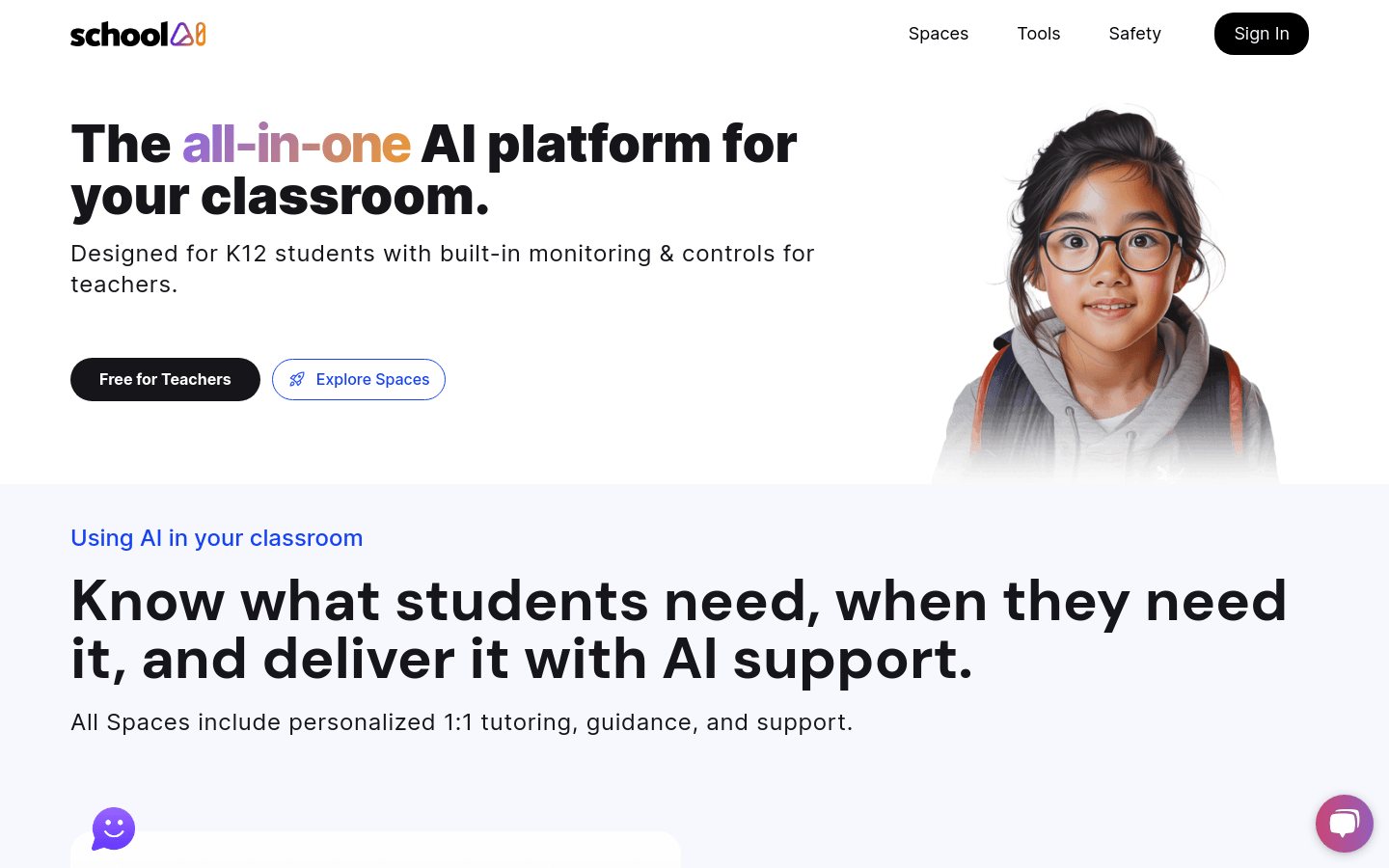
Screenshot archived from the listing page, for preview only.