
Scenew AI
AI scene synthesis for shopping previewsSee a product in your own scene
Highlights
What you can do with it
- A user previews a new coat while walking a Tokyo street
- A shopper sees a sofa placed inside their own living room
- A buyer checks a backpack on top of a mountain before an outdoor trip
How to use it
- 1 Visit the SCENEW website
- 2 Upload your half-body or full-body photo
- 3 Paste the e-commerce link of the product you are considering
- 4 Describe the scene you want, for example a street in Paris
- 5 Wait a few minutes, then download the composite image
Who it is for
Pros
- Simple three-input flow with no editing skills needed
- Results in a few minutes
- Several scenes per product for comparison
- Free trial available
Limitations
- Composite accuracy varies with photo quality and product type
- Not every e-commerce platform is supported
- Full use requires payment
- Trial terms and limits may change
What Scenew AI is
SCENEW is an AI scene synthesis tool built around a simple shopping question: how will this product actually look on me or in my space. Instead of reading dimensions and guessing, you upload a half-body or full-body photo, paste a link to the product from a major e-commerce platform, and describe the scene you want. The tool then produces a composite image of you with that product in the setting you described, usually within a few minutes. You can switch between several scenes for the same item, which is useful when comparing a coat on a city street, a sofa in your living room, or a backpack on a trail. A free trial is offered, with paid service afterwards.
What you can do with it
- Preview clothing on your own photo before ordering
- Place furniture or large items into a described room
- Check gear and equipment in a realistic outdoor setting
- Compare the same product across several scenes
Who it is for
- Online shoppers who want a visual check before committing
- Fashion and home goods buyers weighing options
- Outdoor and equipment buyers testing items in context
- Sellers who want to present products inside a lifestyle scene
What to watch out for
The composite is an estimate. Lighting, pose, and product shape all affect how convincing the result looks, and a poorly lit or oddly cropped photo produces a weaker image. Platform support is limited to the major e-commerce sites the tool recognizes, so an unusual product page may not work. The free trial is limited and full use requires payment, with terms subject to change. Treat the output as a rough preview that helps you decide, not as an accurate depiction of what will arrive.
FAQ
What do I need to provide?
A half-body or full-body photo, a product link from a supported e-commerce platform, and a short description of the scene you want.
How long does generation take?
The site says high-quality scene images are generated within a few minutes.
Can I see one product in different settings?
Yes. Multiple scene switches are supported so you can compare the same item in different situations.
Is it free?
A free trial is offered, with paid service after that.
Why it is free
What the official page says: free trial
Free limits, trial length and features are decided by the official site and can change at any time.
Product preview
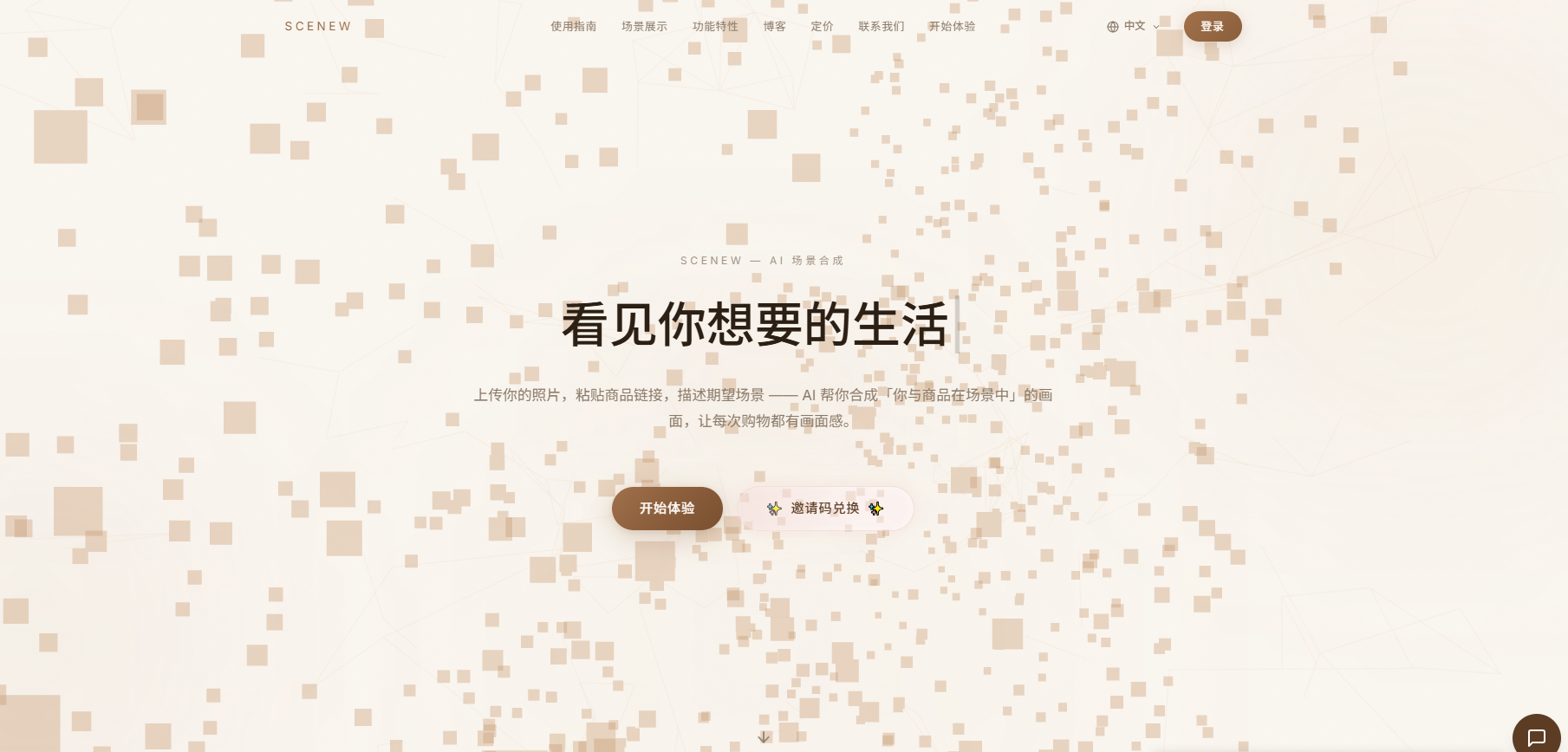
Screenshot archived from the listing page, for preview only.











