
Sam Audio
AI audio separation toolSeparate any sound with a prompt
Highlights
What you can do with it
- Split a live band recording into guitar, bass and drum tracks.
- Clean a podcast by separating the guest from traffic and wind noise.
- Separate dialogue, effects and music in film and television post.
How to use it
- 1 Open https://samaudio.audio in your browser.
- 2 Upload the audio file you want to separate.
- 3 Choose a prompt type: text, visual or time range.
- 4 Enter the description, mark the waveform, or set the time range.
- 5 Click to start the separation.
- 6 Download the target track and the residual audio.
Who it is for
Pros
- Prompt based separation is flexible and precise.
- One model handles vocals, instruments, speech and effects.
- Free of charge to use.
- The original sampling rate is preserved.
Limitations
- Separation quality depends on the mix and how precisely you describe the target.
- Free access can change without notice.
- Long or heavy files take longer to process.
- Dense mixes with overlapping instruments can still bleed.
- It separates audio; it does not mix or master it for you.
What Sam Audio is
Sam Audio is an audio separation tool from Metakey, built on Meta's Segment Anything Audio model. You upload a mixed file and tell it what to pull out, either by describing the sound in words, by marking the waveform, or by setting a time range. It then returns the target track and the residual audio separately. The listing positions it for professional audio editing and names music production, podcast editing and film and television post as the main fields. It covers vocal isolation, instrument separation, speech extraction and sound effect isolation with a single model, and it keeps the original sampling rate. The listing says the product is free of charge.
What you can do with it
- Pull a clean vocal out of a full mix.
- Separate individual instruments from a live recording.
- Extract speech for podcast or meeting cleanup.
- Isolate sound effects for film, television or game work.
- Describe, mark or time box exactly which part you want separated.
Who it is for
- Music creators and producers working with live or mixed recordings.
- Podcast editors dealing with location noise and overlapping voices.
- Film and television post production teams.
- Researchers who need specific audio data extracted from a recording.
What to watch out for
Separation quality depends on two things: how clean the source is and how precisely you describe what you want. Dense mixes where instruments share a frequency range will still bleed, and a vague prompt gives a vague result, so expect to try a few descriptions. Long or high resolution files take longer, and processing time depends on the service load. The tool separates audio; it does not mix, master or repair it, so you still need an editor and, ideally, a monitor setup to judge the result. Because it is offered free of charge, access and limits can change, and a research oriented model can shift behaviour between versions. Keep your original files untouched and work on copies, and do not rely on a single pass for material you have to deliver.
FAQ
Is Sam Audio free?
Yes, the listing says the product is free of charge.
What kinds of prompts can I use?
Text descriptions, visual marks on the waveform, or a specific time range.
What can it separate?
Vocals, instruments, speech and sound effects, among other audio elements.
Does it change my audio quality?
The listing says it preserves the original sampling rate.
Why it is free
What the official page says: free of charge
Free limits, trial length and features are decided by the official site and can change at any time.
Product preview
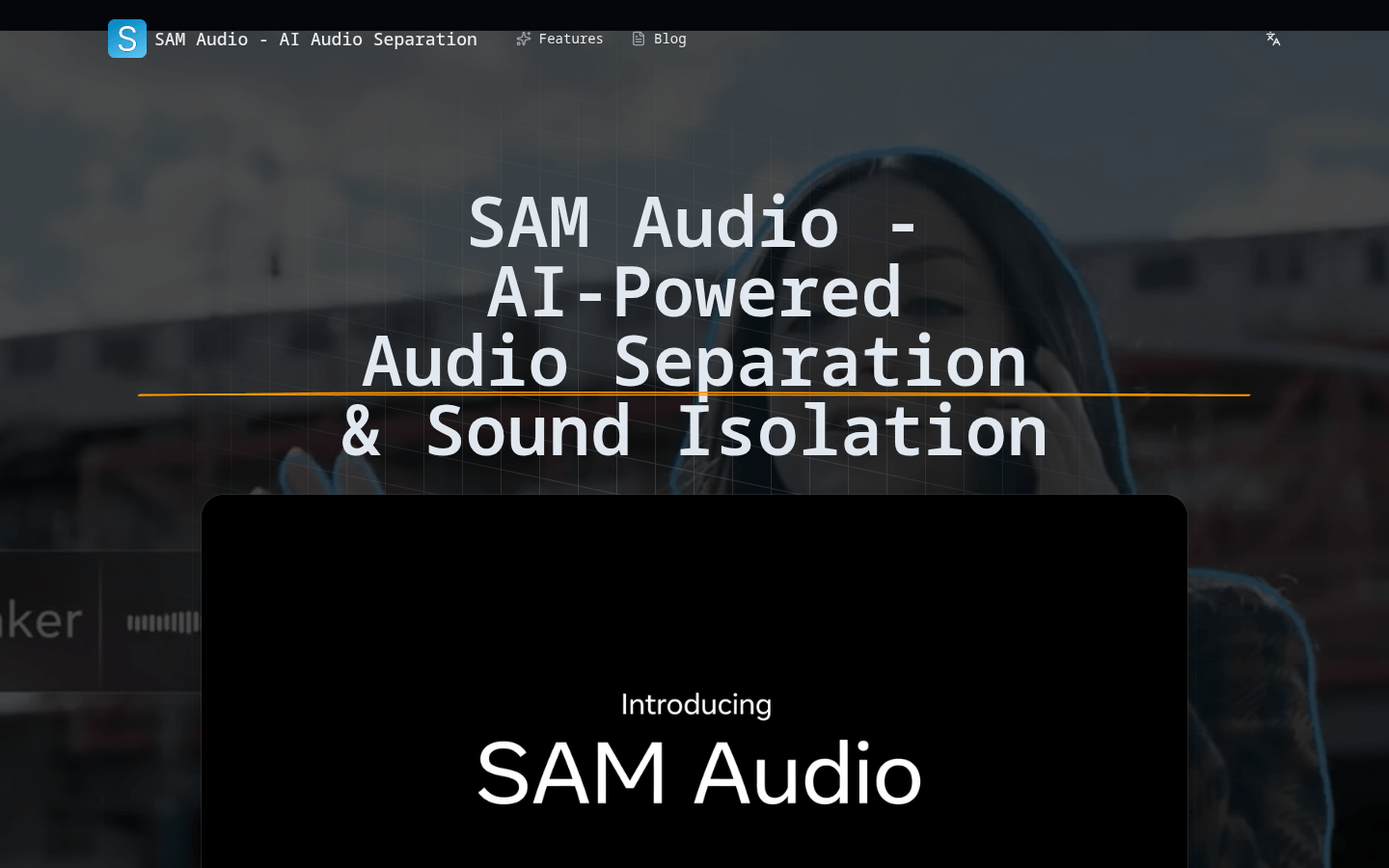
Screenshot archived from the listing page, for preview only.










