
Salt AI
AI workflow builder on ComfyUIBuild and scale AI workflows
Highlights
What you can do with it
- Turn a ComfyUI graph into a shareable workflow
- Deploy a workflow with one click instead of manual setup
- Scale a workflow when demand spikes
How to use it
- 1 Open the Salt website and sign in.
- 2 Build or import your ComfyUI based workflow.
- 3 Let Salt resolve and manage dependencies.
- 4 Deploy the workflow with one click.
- 5 Share it or run it as a production application.
Who it is for
Pros
- Removes manual dependency and setup work
- One click deployment is fast for iteration
- Automatic scaling matches resources to demand
- Free GPU access lowers the entry barrier
Limitations
- Free GPU and scaling terms are not detailed
- It depends on the ComfyUI ecosystem
- Production use still needs your own monitoring
- The site has shown availability issues
What Salt is
Salt is a workflow tool for people who already think in ComfyUI graphs. Instead of wiring nodes locally and then fighting with dependencies to share the result, you build the workflow in Salt and let the platform manage the parts around it. The listed features are dependency management, one click deployment, automatic scaling and free GPUs. The pitch is that you stay focused on the workflow itself while Salt handles the plumbing needed to run it, share it or support a production application.
What you can do with it
- Build a workflow based on ComfyUI.
- Deploy it with one click instead of manual environment setup.
- Share the workflow with other people.
- Let automatic scaling adjust resources as demand changes.
Who it is for
- ComfyUI users who want easier sharing and deployment.
- Developers turning a workflow into a service.
- Teams that want scaling without managing their own servers.
What to watch out for
Free GPU access and scaling limits are mentioned but not specified, so confirm current terms before you plan capacity. The tool sits on top of the ComfyUI ecosystem, so changes there can affect what works and how. Deployment is easy, but running a production application still needs your own monitoring, error handling and cost controls. The site has also shown periods of unavailability, so keep a local copy of any workflow you cannot afford to lose. Name and archive exported files consistently so you can find and reuse them, and keep a backup copy of key data. When quality matters, export a small draft first to confirm the result before producing the final file.
FAQ
What is Salt?
An AI workflow building tool that lets users build, share and scale workflows based on ComfyUI.
What does it handle for me?
Dependency management, one click deployment and automatic scaling.
Are GPUs free?
The page lists free GPUs among its features, though detailed terms are not given.
Can I use it in production?
The page says workflows can support production applications, and scaling adjusts resources based on demand.
Why it is free
What the official page says: 免费
Free limits, trial length and features are decided by the official site and can change at any time.
Product preview
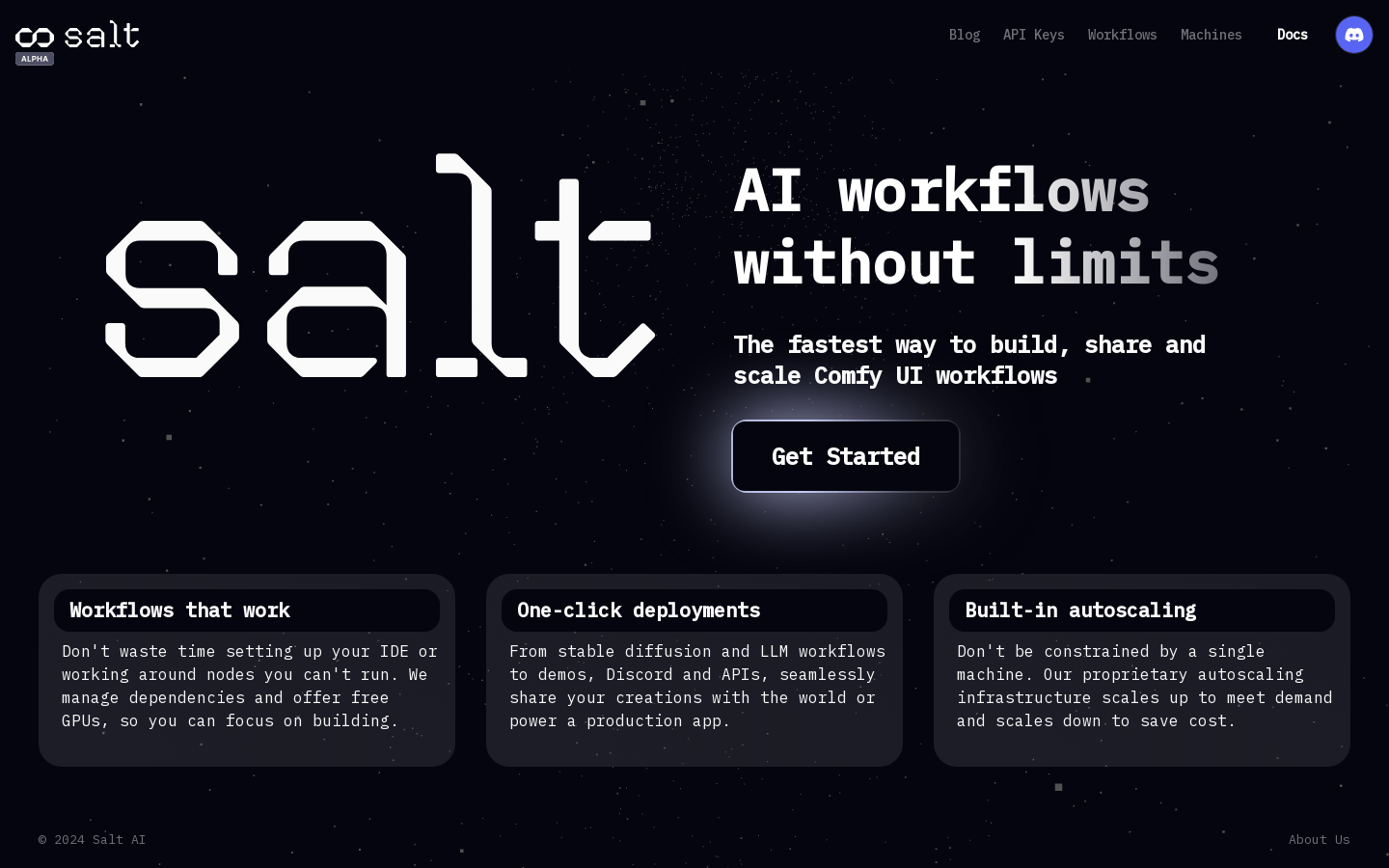
Screenshot archived from the listing page, for preview only.











