
SadHorse Studio
1080p AI video creatorText or image to 1080p video
Highlights
What you can do with it
- A creator turning a written scene into a cinematic clip
- A marketer animating product photos
- A student making an anime-style report video
How to use it
- 1 Register on the website and claim credits
- 2 Choose text-to-video or image-to-video
- 3 Enter a description or upload an image
- 4 Pick an AI model and visual style
- 5 Generate, preview, and download
Who it is for
Pros
- Audio is generated together with the video
- No credit card needed to try it
- Commercial rights included in every plan
Limitations
- Free credits cover only one video
- Output quality varies by model and prompt
- 1080p files are large to download and store
What SadHorse Studio is
SadHorse Studio is an AI video generation tool powered by the HappyHorse AI engine. It converts text or images into 1080p video, adding motion, parallax, and depth to static pictures and matching synchronized audio such as environmental sound, music, or dialogue. Because the audio arrives with the picture, there is no separate post-production step for a simple clip. The platform offers multiple AI models and 12 visual styles, from cinematic and realistic to anime, so you can match the tone of your project. New users receive 10 credits after registration, which is enough for one free video, and no credit card is needed.
What you can do with it
- Turn a written description into a video with plot and imagery
- Animate a static image with motion and synchronized audio
- Choose from multiple AI models and 12 visual styles
- Monetize finished videos commercially without royalties
Who it is for
- Content creators who need frequent video output
- Marketers making product promotion videos
- Students creating video reports and assignments
- Small business owners without a production team
What to watch out for
Free credits only cover a single video, so evaluation is brief. Quality varies by model and by how specific your prompt is, so expect to iterate. Files at 1080p are large, so plan storage and upload time. If you use images of real people, make sure you have the right to do so and that generated content follows the rules of the platforms where you publish. Run one full task end to end first, then expand once you are comfortable with the workflow and the result quality.
FAQ
What resolution are the videos?
Videos are generated in 1080p full high definition with clear images and rich detail.
Is there a free trial?
Yes, new users get 10 video credits after registration, enough for one free video, with no credit card required.
Can I use videos commercially?
Yes, all plans include full commercial use rights, and you own the generated videos without paying royalties.
Why it is free
What the official page says: free trial
Free limits, trial length and features are decided by the official site and can change at any time.
Product preview
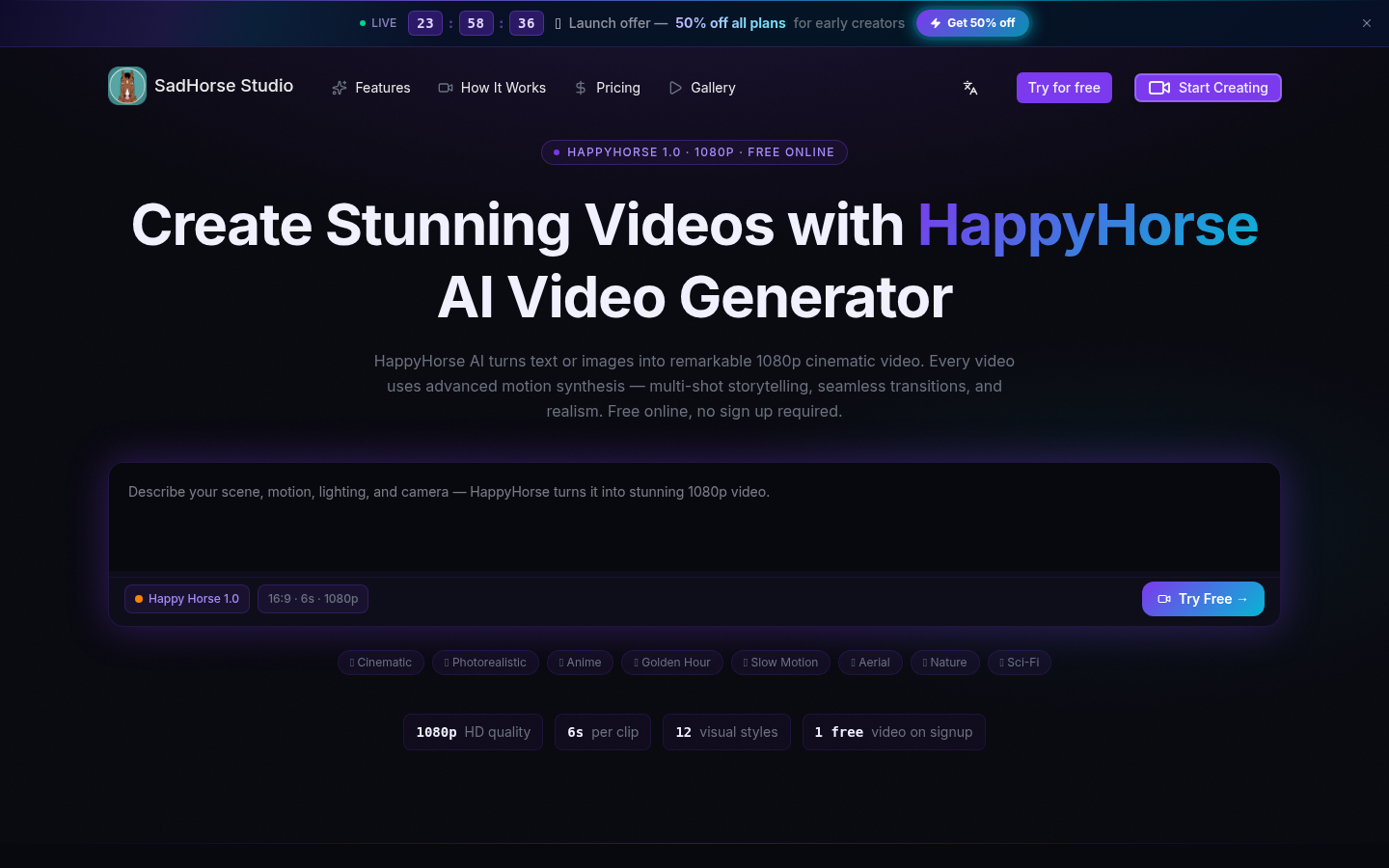
Screenshot archived from the listing page, for preview only.











