
Ryter Pro
AI text humanizer and rewriterRewrite AI text into a more natural voice
Highlights
What you can do with it
- Softening a stiff AI draft before you edit it yourself
- Varying tone in marketing copy
- Studying how rewriting changes sentence structure
How to use it
- 1 Open the Ryter Pro page
- 2 Paste the AI-generated text
- 3 Run the humanizer
- 4 Read the result and check it still says what you meant
- 5 Edit by hand before you publish or submit anything
Who it is for
Pros
- Free and quick to run
- Keeps meaning while changing phrasing
- Useful for learning how rewriting works
Limitations
- Using it to hide AI authorship can break school or platform rules and you carry the consequences
- Detection tools change constantly, so no rewrite stays ahead of them
- Free access, limits and output quality can change
What Ryter Pro is
Ryter Pro is a free online tool from the Ryter team that rewrites AI-generated text. You paste in content produced by a model such as ChatGPT or GPT-4 and it adjusts sentence structure and word choice so the result reads more like natural human writing while keeping the core meaning. The listing presents it as an auxiliary writing tool for people who need to avoid AI detection, and it is free to use. That framing is the reason for the cautions below.
What you can do with it
- Rewrite AI-generated text into a more natural style
- Keep the core meaning while changing phrasing
- Adjust tone for marketing or editorial copy
- Study how sentence structure changes when text is rewritten
Who it is for
- Bloggers and marketers polishing AI-assisted drafts by hand afterwards
- Writers who want to see how rewriting affects a text
- Students learning about AI writing, not looking to disguise it
What to watch out for
Using this tool to disguise AI authorship can violate school academic integrity rules or the content policies of a platform, and any consequences fall on you rather than on the software. Do not submit rewritten AI text as your own coursework. Detection tools also change constantly, so a rewrite that passes one checker today may fail tomorrow, and no tool can promise otherwise. Beyond the ethics, rewriting can flatten meaning or introduce small errors, so read the output carefully. Free access, usage limits and output quality can all change without notice. For team use, agree on naming and editing conventions in advance to avoid version conflicts or duplicated work.
FAQ
Is Ryter Pro free?
The listing describes it as a free online AI humanizer.
Will the text always pass detection?
No. Detectors change often and nothing guarantees a result.
Can I use it for school work?
Only as a study aid. Submitting disguised AI text can breach academic rules and the risk is yours.
Why it is free
What the official page says: for free
Free limits, trial length and features are decided by the official site and can change at any time.
Product preview
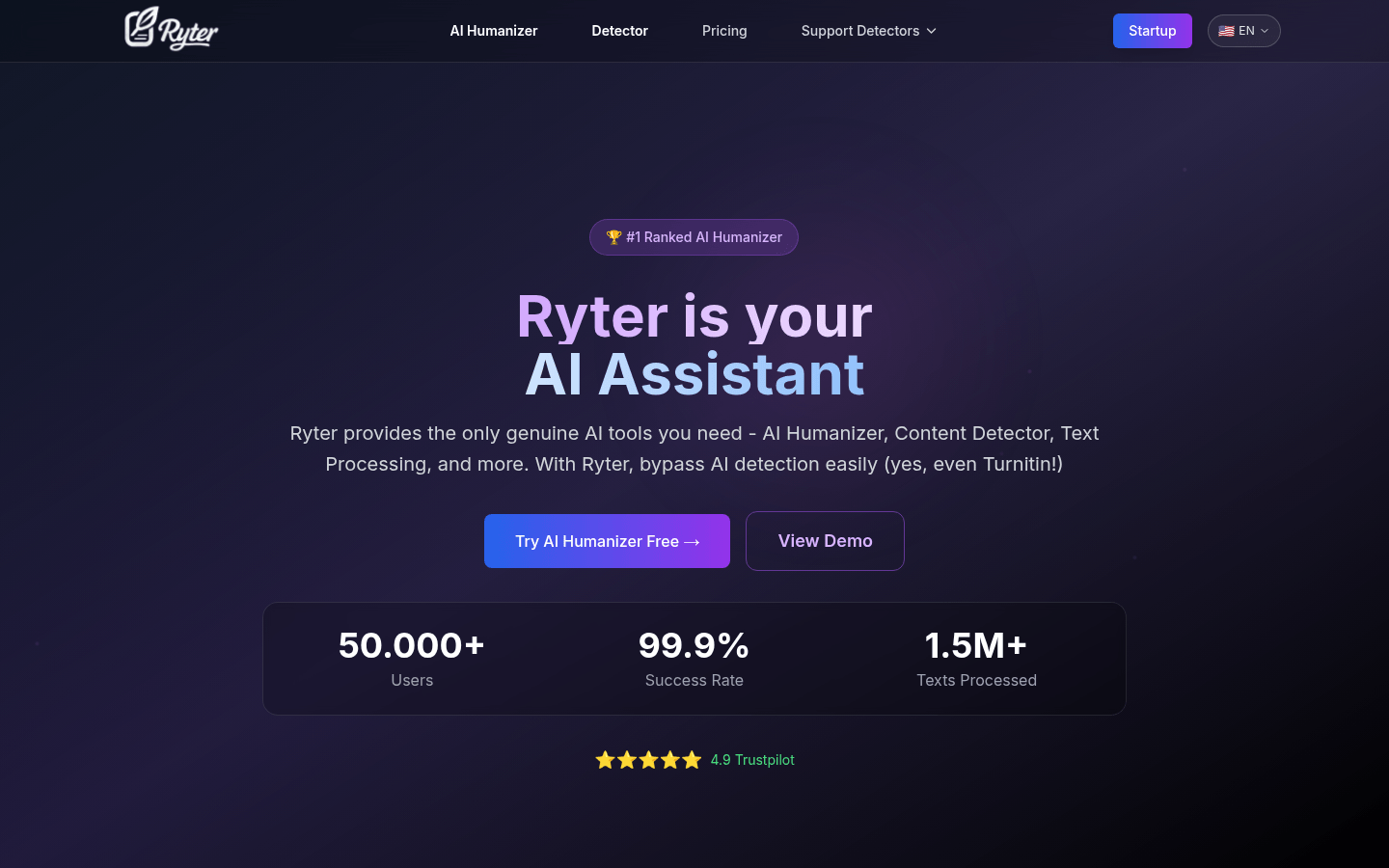
Screenshot archived from the listing page, for preview only.











