
Rytar
Free AI writing assistantWrite content faster with AI
Highlights
What you can do with it
- Generate blog posts to save time and publish more often
- Write advertising copy quickly to boost conversions
- Create social media content that attracts more users
How to use it
- 1 Visit the Rytar website
- 2 Describe the content you need
- 3 Let the AI generate a draft based on your ideas
- 4 Refine and edit the draft before publishing
Who it is for
Pros
- Free to use
- Fast first drafts instead of a blank page
- Adapts output to your own writing style
Limitations
- AI drafts still need editing for accuracy, tone, and originality
- Free tools can change their terms or add limits
- Output quality depends on the brief you give, so vague instructions produce vague results
What Rytar is
Rytar is a free AI writing assistant. It uses natural language processing to generate content from your ideas, adapting to your style. It handles tasks such as blog posts, advertising copy, social media content, text summarization, and automated storytelling. The pitch is speed: describe what you need and get a draft you can refine, instead of starting from a blank page. It is listed as free to use.
What you can do with it
- Generate blog posts, ad copy, and social media content
- Summarize text and produce automated storytelling
- Create content shaped to your own writing style
- Turn rough ideas into a draft you can edit
Who it is for
- Bloggers who need to publish more often
- Marketers writing ad and social copy
- Anyone facing a blank page who needs a first draft
- Writers who want a starting point to refine
What to watch out for
AI drafts still need editing for accuracy, tone, and originality before publishing, and unattributed AI content can raise issues with some platforms and publications. The service is listed as free, but free tools can change their terms or add limits. Output quality depends on the brief you give, so vague instructions produce vague results. Treat the output as a draft to shape rather than a finished piece. Processing speed depends on file size and network conditions, so retry later if a task stalls during peak hours. Run one full task end to end first, then expand once you are comfortable with the workflow and the result quality. When quality matters, export a small draft first to confirm the result before producing the final file.
FAQ
Is Rytar free?
Yes, Rytar is listed as a free AI writing assistant.
What can it write?
It handles blog posts, advertising copy, social media content, summaries, and storytelling.
Will it sound like me?
The tool says it generates content based on your unique style, but you should still edit drafts to match your voice.
Why it is free
What the official page says: 免费
Free limits, trial length and features are decided by the official site and can change at any time.
Product preview
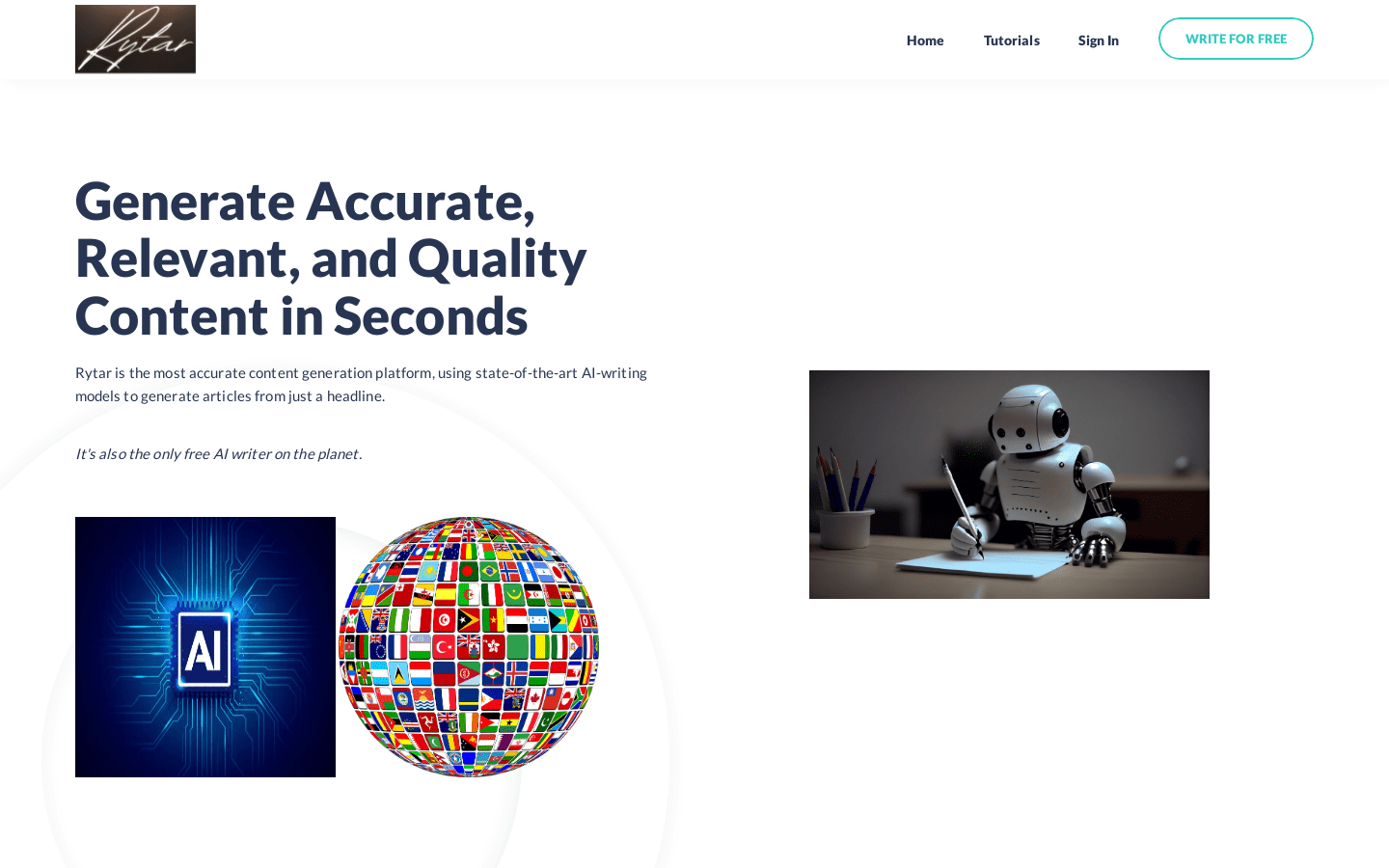
Screenshot archived from the listing page, for preview only.











