
RTF to PDF Converter
Convert RTF files to PDF onlineKeep RTF formatting intact and preview before you download
Highlights
What you can do with it
- A project team converts an approved proposal from RTF to PDF so the layout stays consistent for clients.
- A job seeker turns an RTF resume into PDF to avoid formatting problems at the application portal.
- A student converts course notes from RTF to PDF to read and review on a phone or tablet.
How to use it
- 1 Select your RTF file by dragging it into the upload area or using the file picker.
- 2 Start the conversion and let the service interpret the RTF formatting.
- 3 Preview the resulting PDF in the browser to check page order, line breaks, headings and images.
- 4 Download the PDF if the preview looks right, or re-upload and retry if something is off.
- 5 Use the PDF for printing, sharing or archiving.
Who it is for
Pros
- Formatting and document structure are preserved, including lists, spacing and page breaks.
- Free to use with no install, and you can preview before downloading.
- Supports files up to 50MB and embedded images and tables.
Limitations
- The site does not state pricing clearly, so the current free access could change without notice.
- It depends on the RTF using supported features; unusual or complex formatting may not convert perfectly.
- Output is standard PDF only, so you still need other tools for editing.
What RTF to PDF Converter is
RTF to PDF Converter is a free online tool that converts RTF documents into PDF files. Its main job is to keep the rich formatting of an RTF file, such as fonts, headings, lists, spacing and page structure, so the PDF looks the same as the original. You work in the browser with nothing to install: drag and drop a file or paste text, then preview the result before you download it. It accepts RTF files up to 50MB and keeps embedded images and tables when the format supports them. The converted PDF opens reliably on common devices, which makes it handy for proposals, resumes and study notes that need a stable, shareable format.
What you can do with it
- Convert an approved project proposal from RTF to PDF so the layout stays identical for clients.
- Turn an edited RTF resume into PDF to avoid formatting issues at recruitment portals.
- Change RTF course notes into PDF to read and review on a phone or tablet.
- Preview the output first to confirm page order, headings, lists and images before saving.
Who it is for
- People who process project and client documents and need consistent formatting across viewers.
- Job seekers who must submit application materials as PDF.
- Students and researchers who organize large numbers of notes and references.
- Archivists preserving long-term records in a stable, widely supported format.
What to watch out for
The site does not publish firm pricing, so the current free access could change without notice, and you should check the page before relying on it for important work. Conversion depends on the RTF using supported features, so unusual or heavily customized formatting may not come through perfectly. Output is standard PDF only, which means editing still requires a separate PDF tool. Very large or complex documents may take longer to process.
FAQ
Is it free?
The tool is presented as free to use, though the site does not publish firm pricing, so access terms may change.
What is the file size limit?
It handles RTF files up to 50MB.
Will my formatting be kept?
Fonts, headings, lists, spacing and page structure are retained, and supported images and tables are kept too.
Can I check the result before downloading?
Yes, you can preview the converted PDF in the browser first.
Why it is free
What the official page says: free to use
Free limits, trial length and features are decided by the official site and can change at any time.
Product preview
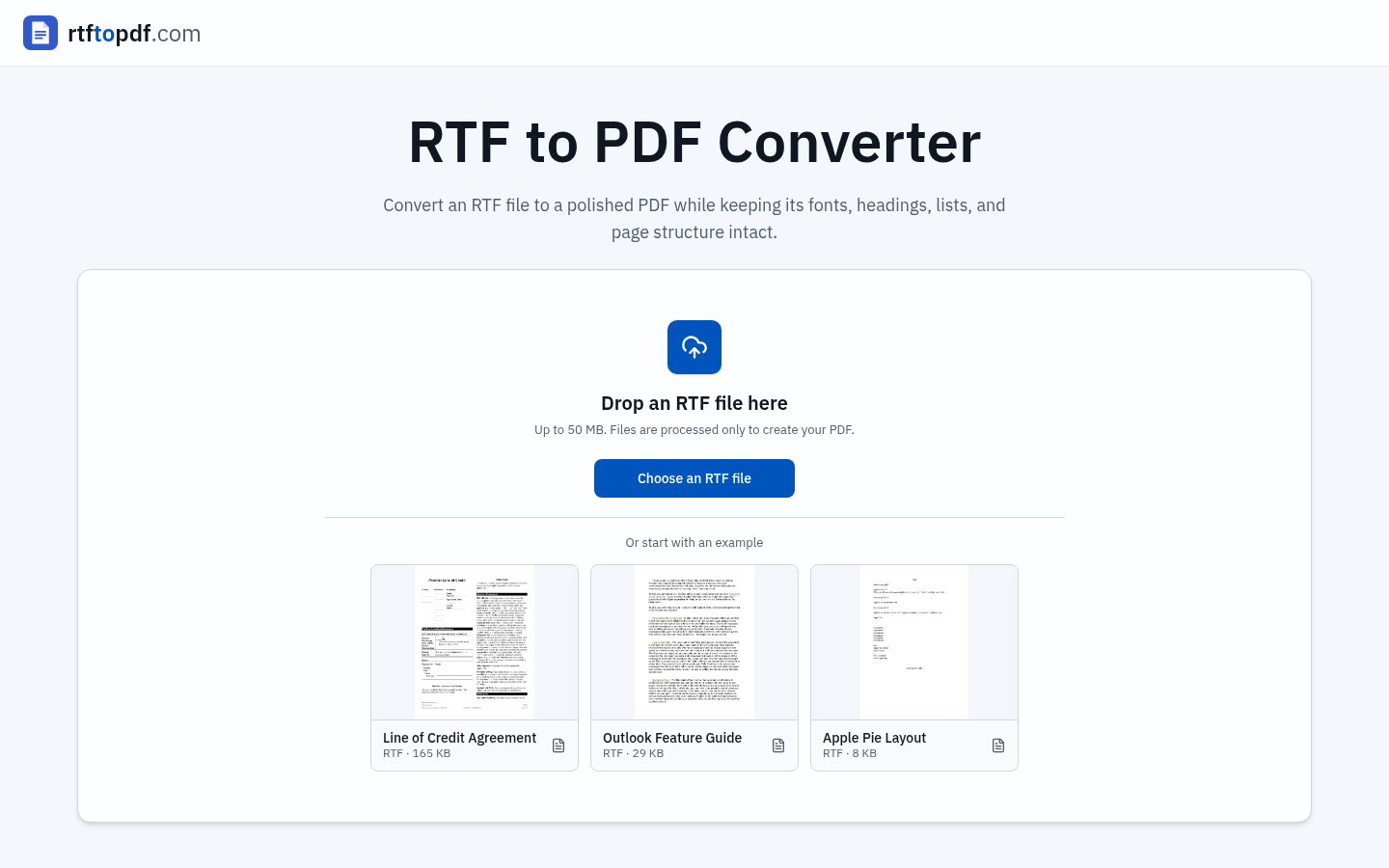
Screenshot archived from the listing page, for preview only.











