
RoomAI
AI room redesign from your own photoNew interior ideas in under a minute
Highlights
What you can do with it
- Testing furniture styles in a room before buying anything
- Showing clients or buyers a quick visual of a decorated space
- Exploring color and layout options for a rental or renovation
How to use it
- 1 Upload a clear photo of your room to roomai.ai
- 2 Choose the style or direction you want to explore
- 3 Wait for the generated design, usually within a minute
- 4 Compare variations and narrow down your selection
- 5 Use the result as a reference when shopping or briefing a designer
Who it is for
Pros
- Fast turnaround, with results in about a minute
- Original structure is preserved, so designs fit the real room
- Low cost per image after the trial quota is used
Limitations
- The free quota is limited and terms may change
- After the trial, each image costs around $0.3, so volume adds up
- It changes decor and furniture only; layout and structural changes are not covered
- Output is a visual suggestion, not a buildable design plan
What RoomAI is
RoomAI is an AI interior design tool that starts from a photo of your actual room. You upload the image, and the platform returns a new design plan in roughly 20 seconds to one minute. What separates it from a generic image generator is what it keeps: walls, windows, and the room's original geometry stay in place, and the changes are limited to decoration and furniture. That constraint makes the output usable, because you are looking at your own space rather than an idealized room that does not exist. A free trial quota is available so you can judge result quality on your own photos before spending anything. After the quota is used, images cost around $0.3 each, which is low per image but worth tracking if you generate many variations. The tool is aimed at people with interior design needs and at real estate agents who want fast visuals for a listing.
What you can do with it
- Upload a room photo and get a redesigned version within a minute
- Try different furniture and decor styles in the same room
- Keep windows and walls intact so the result fits the real space
- Produce quick visuals to share with family, clients, or a designer
Who it is for
- Homeowners and renters planning a refresh before buying furniture
- Real estate agents who need fast, presentable room visuals
- Clients exploring directions before hiring a designer
What to watch out for
The free quota is limited and the terms may change, so confirm current access before you plan a project around it. Per-image cost is low but not zero, and long sessions with many variations add up quickly. The tool changes decoration and furniture only; it will not move a wall, change a window, or produce a buildable plan with measurements. Results are a visual reference to guide decisions, not a construction document, and any real purchase or renovation should be checked against the actual room and its dimensions.
FAQ
How long does generation take?
Usually between 20 seconds and one minute.
Does it keep my room's windows and walls?
Yes. It preserves the original structure and changes only decoration and furniture.
What does it cost?
There is a free trial quota, then roughly $0.3 per image.
Who is it for?
People with interior design needs and real estate agents.
Why it is free
What the official page says: 免费试用免费
Free limits, trial length and features are decided by the official site and can change at any time.
Product preview
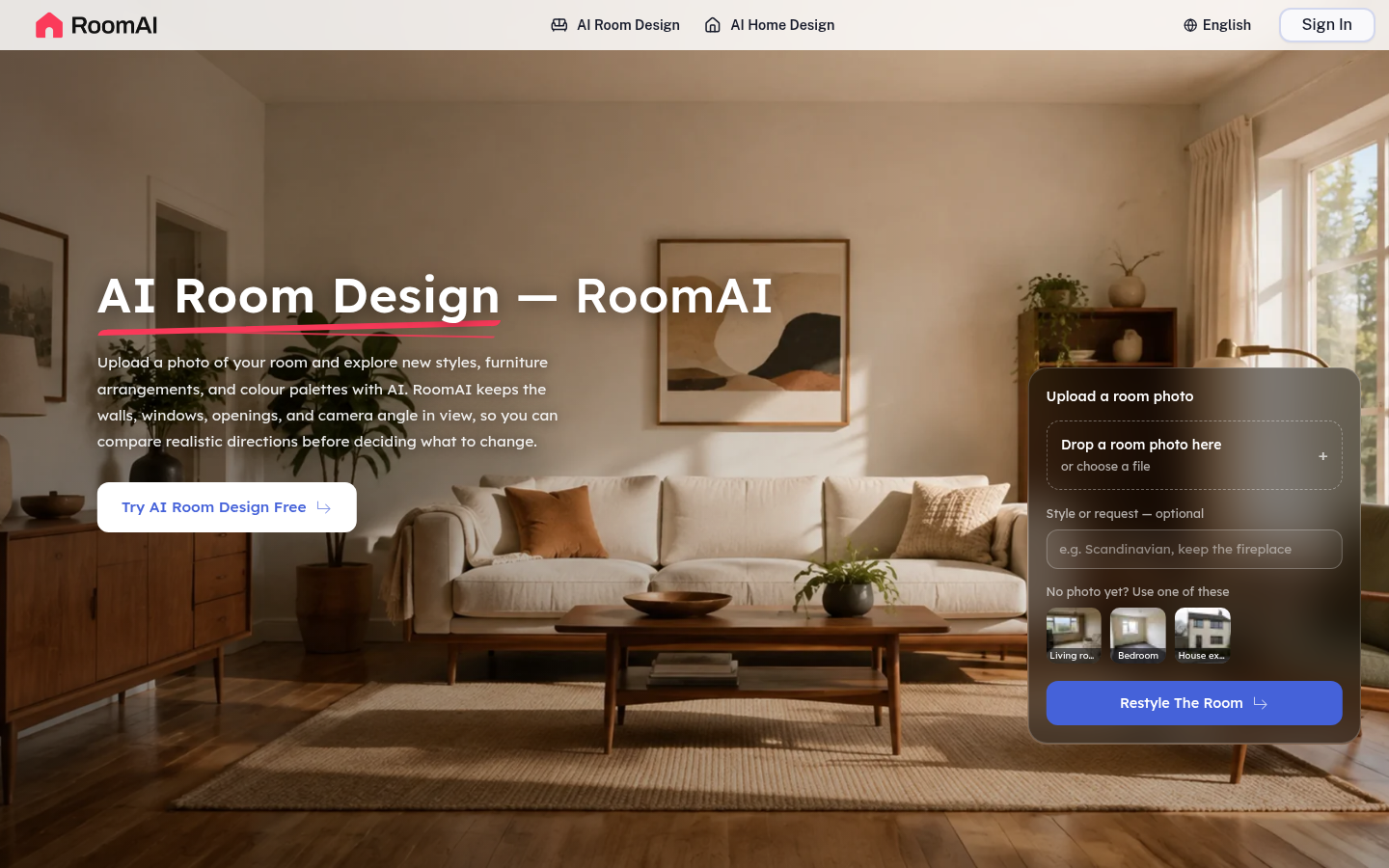
Screenshot archived from the listing page, for preview only.