Robynn AI
Autonomous website optimization agentsWeekly audits and fixes that drive your goals
Highlights
What you can do with it
- Continuously optimize a site, managing many pages and fixing issues weekly
- Lift form fills through repeated, measured page improvements
- Keep marketing assets aligned with brand voice and rules
How to use it
- 1 Connect tools like HubSpot, Salesforce, Notion, and Google Analytics
- 2 Let Growth Cortex build brand context and run the first audit
- 3 Set a page goal and approve the first iteration
- 4 Review and approve work through Slack, web, or mobile
- 5 Keep adjusting goals based on measured results
Who it is for
Pros
- Runs a weekly optimization loop without manual pushes
- Goal-driven, so changes tie to metrics you care about
- Keeps output inside your brand rules
Limitations
- A free trial is offered, but paid pricing is not stated and can change
- Automated changes need review to avoid off-brand edits
- Requires connecting data tools, so setup depends on your stack
What Robynn AI is
Robynn AI is a website optimization product that runs on a team of agents, including researchers, writers, and analysts. It audits your website every week, proposes improvements, and implements the changes you approve until the goals you set are reached. You can set measurable goals per page, such as organic traffic, conversion rate, or sign-ups, and it iterates weekly based on analytics. Its Growth Cortex memory connects your product, brand, and marketing tools so each agent works in context. It supports systems such as WordPress and Webflow, and a free trial is offered.
What you can do with it
- Run a weekly audit that flags issues and suggests fixes
- Set page-level goals and iterate toward them
- Coordinate multiple agents for research, writing, and analysis
- Keep every change inside your brand rules
Who it is for
- Enterprise marketing teams that want automated site upkeep
- SEO specialists who need ongoing audits and fixes
- Startups and e-commerce teams with small crews
What to watch out for
A free trial is offered, but paid pricing is not clearly stated and can change, so confirm terms before committing. Automated changes still need human review to avoid off-brand or risky edits, especially on live pages. Getting value requires connecting your data tools, so setup effort depends on your current stack. Because it optimizes weekly, give it several cycles before judging results, and keep an eye on any change that touches conversions. Start with a small sample to confirm the output meets your expectations before processing the full batch. Free tiers and usage limits can change, so check the current rules on the official page before relying on it long term.
FAQ
How does it work?
It audits your site weekly, suggests changes, and applies approved edits until your goals are met.
Which systems does it support?
It supports content systems such as WordPress and Webflow and connects tools like HubSpot and Google Analytics.
Is there a free trial?
Yes. A free trial is offered; the specific paid plan is not clearly stated on the page.
Why it is free
What the official page says: free trial
Free limits, trial length and features are decided by the official site and can change at any time.
Product preview
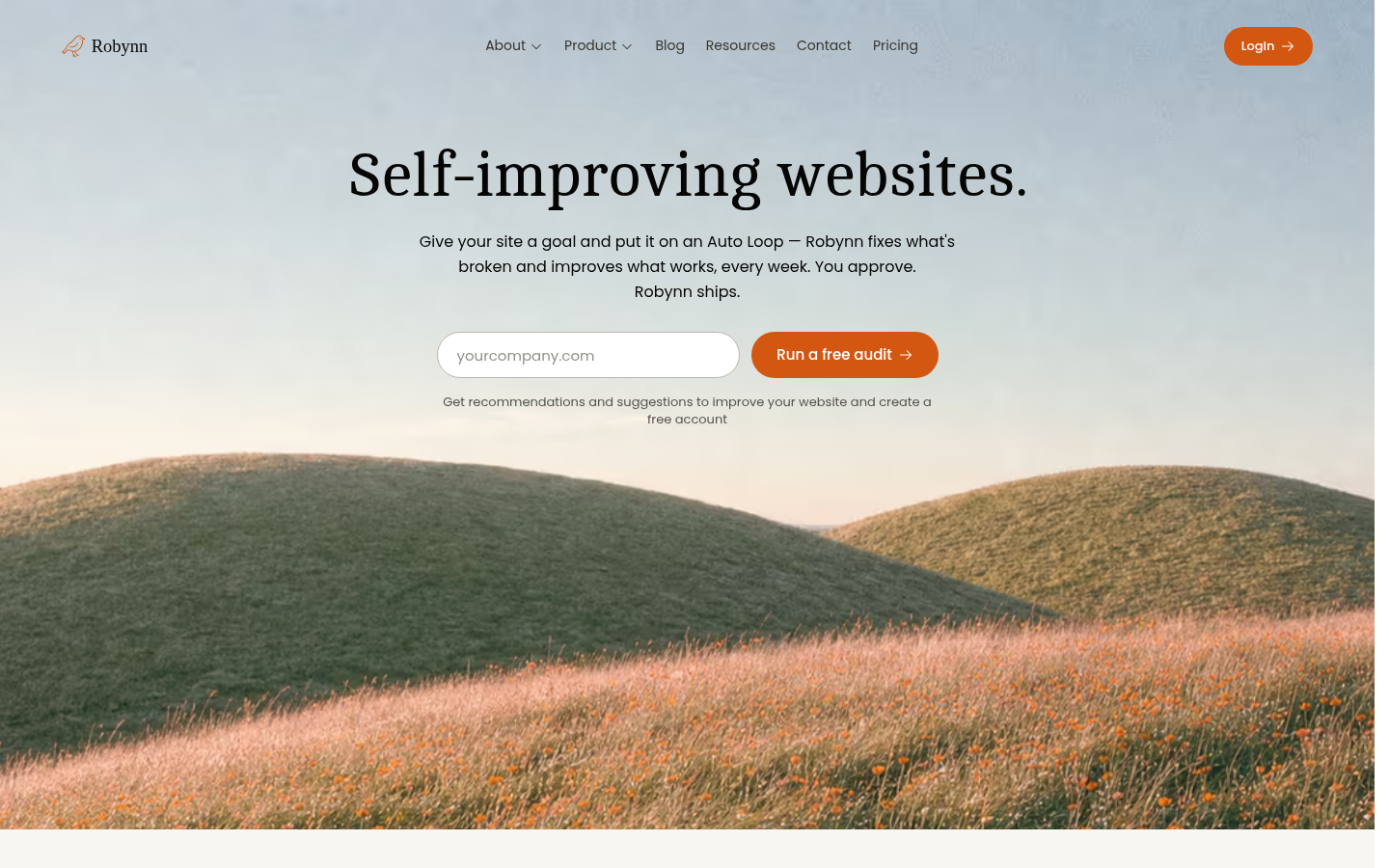
Screenshot archived from the listing page, for preview only.