
RMBG
Free open-source local background removerRemove image backgrounds privately and free
Highlights
What you can do with it
- Remove portrait backgrounds for replacement
- Prepare transparent images for e-commerce
- Create artistic effects from travel photos
How to use it
- 1 Visit the RMBG website
- 2 Upload the image you want to edit
- 3 Let the AI detect and remove the background
- 4 Adjust edges or keep specific areas
- 5 Preview and download the final image
Who it is for
Pros
- Completely free and open-source
- Local processing protects privacy
- No upload needed, so it is fast
- Simple and easy to operate
Limitations
- Runs on your device, so it needs a capable machine
- Complex edges may need manual touch-up
- Open-source support is community-based
- Features and access may change over time
What RMBG is
RMBG is a free, open-source tool that removes image backgrounds using AI. It processes images locally on your own device, so your photos are not uploaded to the internet. There is no upload step, so your files never leave your device. This helps protect privacy and keeps processing fast, since nothing waits on a server. It supports multiple image formats and offers a simple, easy-to-use interface with a fast response. Because it is open-source and completely free, you can use it without cost concerns. It is aimed at users who value data security and want a tool they can inspect.
What you can do with it
- Remove backgrounds from images using AI
- Process files locally without uploading them
- Support multiple image formats
- Adjust edges and keep or remove specific areas
- Download a clean image with the background gone
Who it is for
RMBG suits photographers who clean up portraits, designers who prepare transparent assets, marketers who build ad visuals, and general users who want quick edits. E-commerce sellers can also use it for product shots, and teachers making class materials can use it as well. It is made for anyone who needs fast, private background removal without heavy editing software. If you care about privacy and do not want to upload photos, the local processing fits that need.
What to watch out for
Because processing happens on your device, a very large or complex image may be slower than a server-based tool, and it needs a reasonably capable browser or machine. Edges such as hair or fine details may still need manual touch-up for a perfect cut. As an open-source project, support is community-based rather than a paid help desk. Features and access can change over time, so check the official page for updates and keep your original files safe before editing.
FAQ
Is RMBG free?
Yes. RMBG is completely free and open-source, so you can use it without cost concerns.
Are my images uploaded?
No. It processes images locally on your device, so your photos are not uploaded to the internet.
What formats does it support?
It supports multiple image formats, and the interface is simple and easy to use.
Who should use it?
It suits photographers, designers, marketers, and general users who need quick, private background removal.
Why it is free
What the official page says: completely free
Free limits, trial length and features are decided by the official site and can change at any time.
Product preview
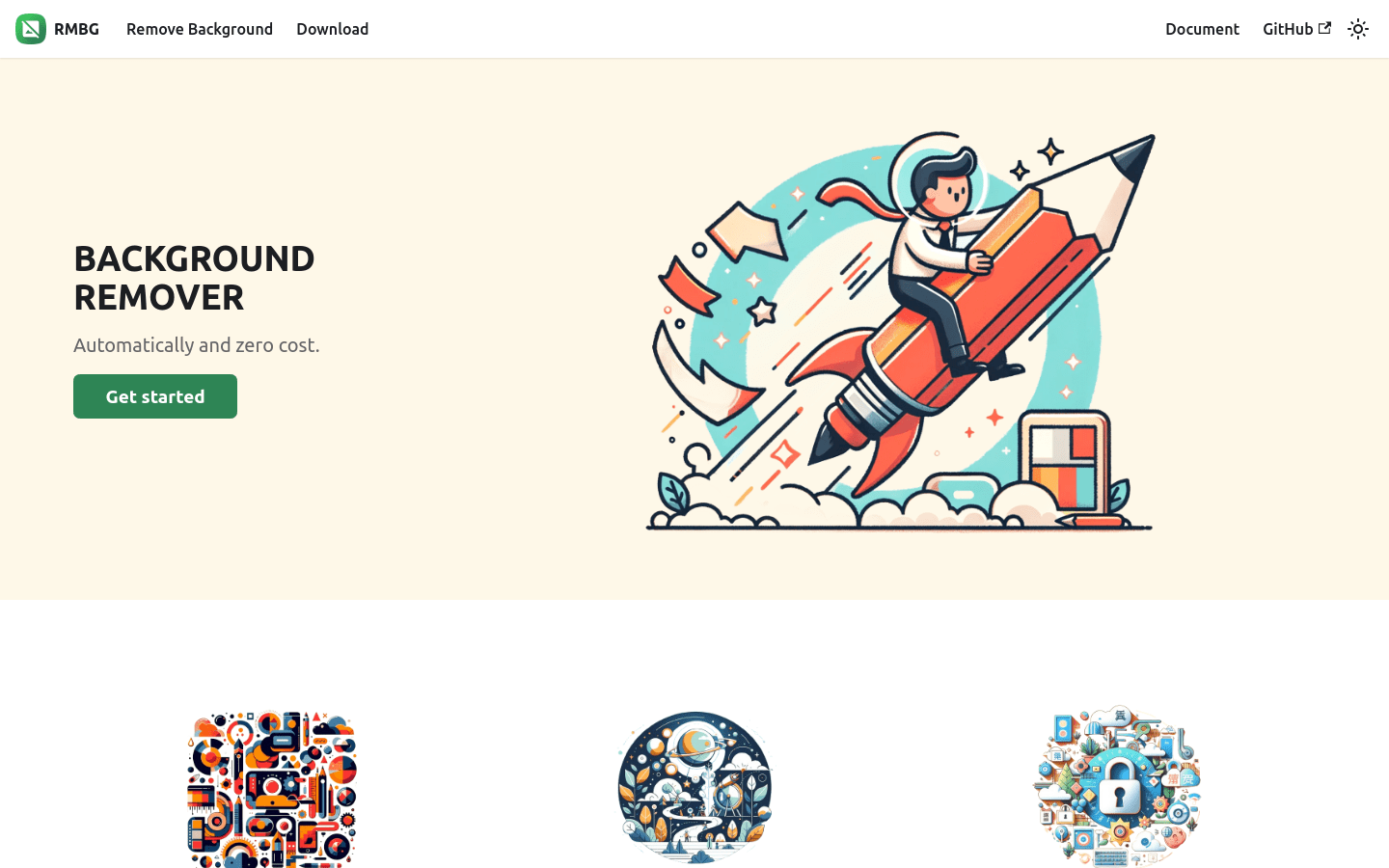
Screenshot archived from the listing page, for preview only.











