
Ricebowl AI
Multi-model AI video and image studioText, image, video, one workflow
Highlights
What you can do with it
- Creators turning a story script into an animated video
- Marketers restyling product images into poster variants
- Designers generating concept imagery from text descriptions
How to use it
- 1 Open the site and log in if the model you want requires it
- 2 Choose text-to-video, image-to-video, image generation, or image-to-image
- 3 Describe what you want or upload the source image
- 4 Pick the model you want to use
- 5 Generate, then review and download the result
Who it is for
Pros
- One workspace for several generation types and models
- Free trial lowers the risk of trying a new tool
- Character consistency and audio sync support serious video work
Limitations
- Free access is a trial, and paid terms may change
- Output quality varies by model, so expect trial and error
- Generation time and queueing depend on model load
- Generated media still needs review before publication
What Ricebowl.ai is
Ricebowl.ai is an AI video and image studio that puts several mainstream models into one workflow. You can start from text or from an image, and the platform handles text-to-video, image-to-video, text-to-image, and image-to-image conversion without forcing you to switch tools. Models such as Sora 2 and OpenAI video models sit in the same workspace, and the platform highlights fast output, character consistency across shots, and audio that stays in sync with the picture. A free trial option is available so you can test whether the output suits your project before paying.
What you can do with it
- Turn a written script into a video clip
- Animate a still image into moving footage
- Generate images from a text description
- Restyle an existing image into a different look
- Switch between models inside one workflow instead of juggling tabs
Who it is for
Content creators who need a regular supply of video and image assets. Marketers who want several visual styles of the same product idea. Designers gathering concept imagery and references quickly. Students producing media for assignments and presentations without a production suite.
What to watch out for
The free option is a trial, and paid terms can change, so confirm the current offer before building a workflow on it. Quality varies between models and prompts, so expect to iterate rather than get a perfect result on the first attempt. Generation speed depends on model load, and busy periods mean waiting. Like any generative tool, output needs a human review pass: check details, text, and any factual claims before you publish. Generated suggestions are for reference only, so verify anything that affects professional judgment or important data.
FAQ
Is Ricebowl AI free?
It offers a free trial option before paid use.
Which models does it use?
It integrates mainstream models such as Sora 2 and OpenAI video models.
What can I generate?
Video from text or images, plus images from text and image-to-image restyling.
Do I need an account?
Login is needed for some models, so check the specific feature.
Why it is free
What the official page says: free trial
Free limits, trial length and features are decided by the official site and can change at any time.
Product preview
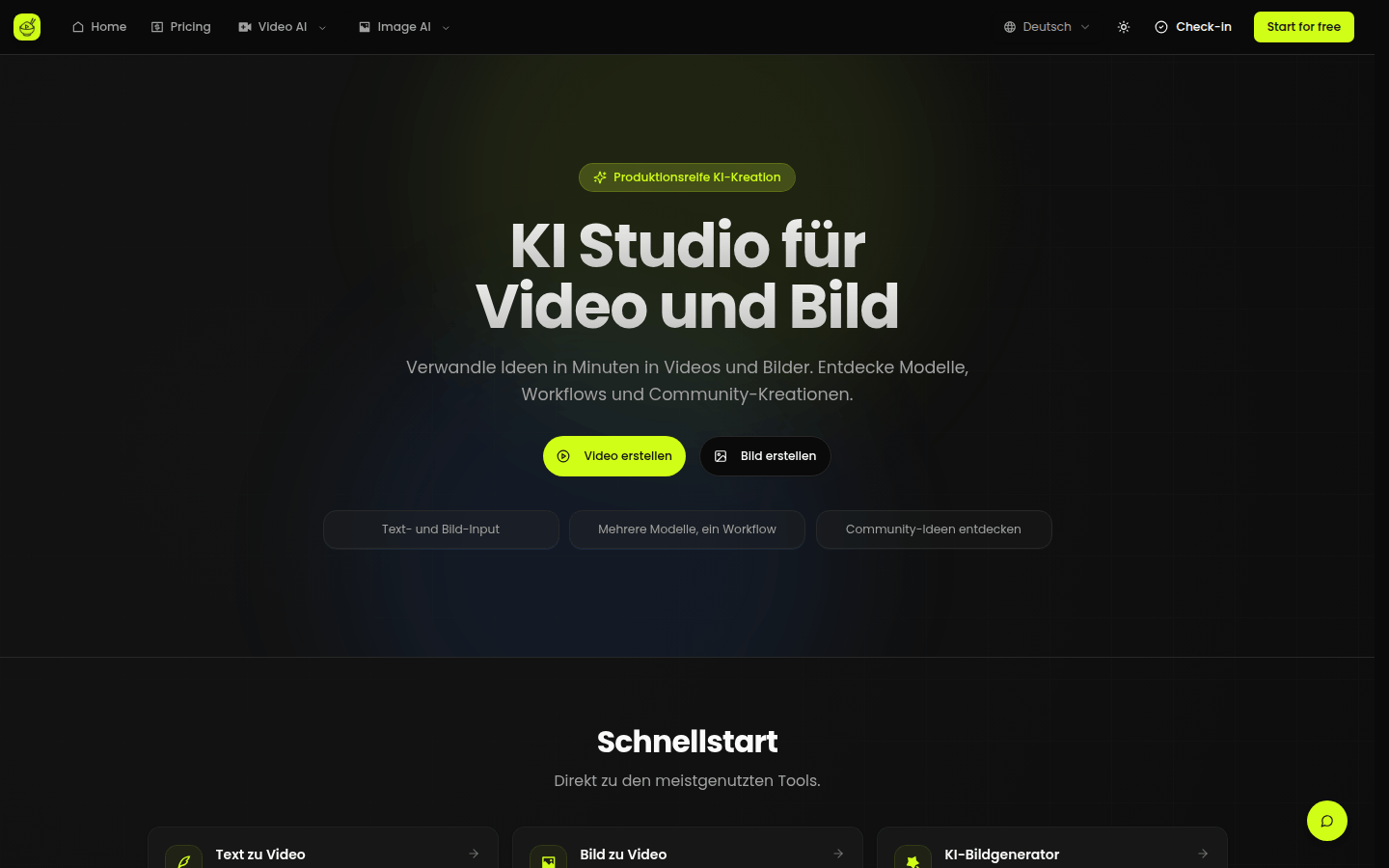
Screenshot archived from the listing page, for preview only.











