
ReWords AI
Edit text inside finished images with AI, keeping the original style.Change the words, keep the design.
Highlights
What you can do with it
- Update product prices and tags in e-commerce images quickly
- Refresh poster dates, event titles, and YouTube thumbnail text
- Fix garbled text in AI-generated images without regenerating them
How to use it
- 1 Log in and upload a finished PNG, JPG, or WebP image
- 2 Check the automatically detected text areas
- 3 Select the text to edit, or draw a box manually if missed
- 4 Type the new content, or leave it empty to delete the text
- 5 Generate, review spacing and edges, then download the result
Who it is for
Pros
- Works on finished images where source files are long gone
- No manual erasing, background repair, or font hunting
- Free trial quota for new users
Limitations
- Results vary on complex backgrounds and small text
- Each standard 1K edit costs 10 credits, so costs add up
- Free quota and credit rules can change over time
What ReWords AI is
ReWords AI is an online tool focused on one specific editing job: changing text inside finished images. Instead of redesigning a whole graphic, you upload a PNG, JPG, or WebP file, select the existing text area, and type the new content. The AI analyzes and reproduces the original text's font feel, size, color, and surrounding background, producing a replacement that blends into the design. It also handles deletion, automatic text detection with manual box selection, and localized repair of typos and garbled text in AI-generated images. New users can try free upon login; after that, edits consume credits, with subscriptions adding 2K and 4K output.
What you can do with it
- Modify product prices, tags, poster dates, and event titles without source files
- Update YouTube thumbnail text and social media copy on finished graphics
- Delete text by leaving the replacement empty while the AI repairs the area
- Fix garbled words in AI-generated images instead of regenerating them from scratch
Who it is for
- E-commerce teams that constantly update product images without design staff
- Social media managers refreshing posts, posters, and thumbnails quickly
- Designers who need targeted fixes on AI-generated assets
- Small businesses that lack Photoshop skills or original design files
What to watch out for
Results are not always perfect. Complex backgrounds, small text, unusual fonts, or heavy textures can produce visible seams or spacing issues, so preview carefully, especially before commercial use, and check that repaired areas look natural at full size. Credit costs accumulate: each standard 1K edit uses 10 credits, so heavy workflows need packs or subscriptions, and free quotas, credit pricing, and plan terms can change over time. Also confirm you hold the rights to edit and reuse any image you upload, since the tool does not verify licensing.
FAQ
Is ReWords AI free?
New users can try for free upon logging in. After that, each standard 1K edit consumes 10 credits, available through credit packs or subscription plans.
What image formats are supported?
It supports PNG, JPG, and WebP uploads, including posters, screenshots, product images, social media materials, and AI-generated images.
Can it output high resolutions?
Yes. Subscription plans support 2K and 4K high-resolution output in addition to standard 1K edits.
Why it is free
What the official page says: for free
Free limits, trial length and features are decided by the official site and can change at any time.
Product preview
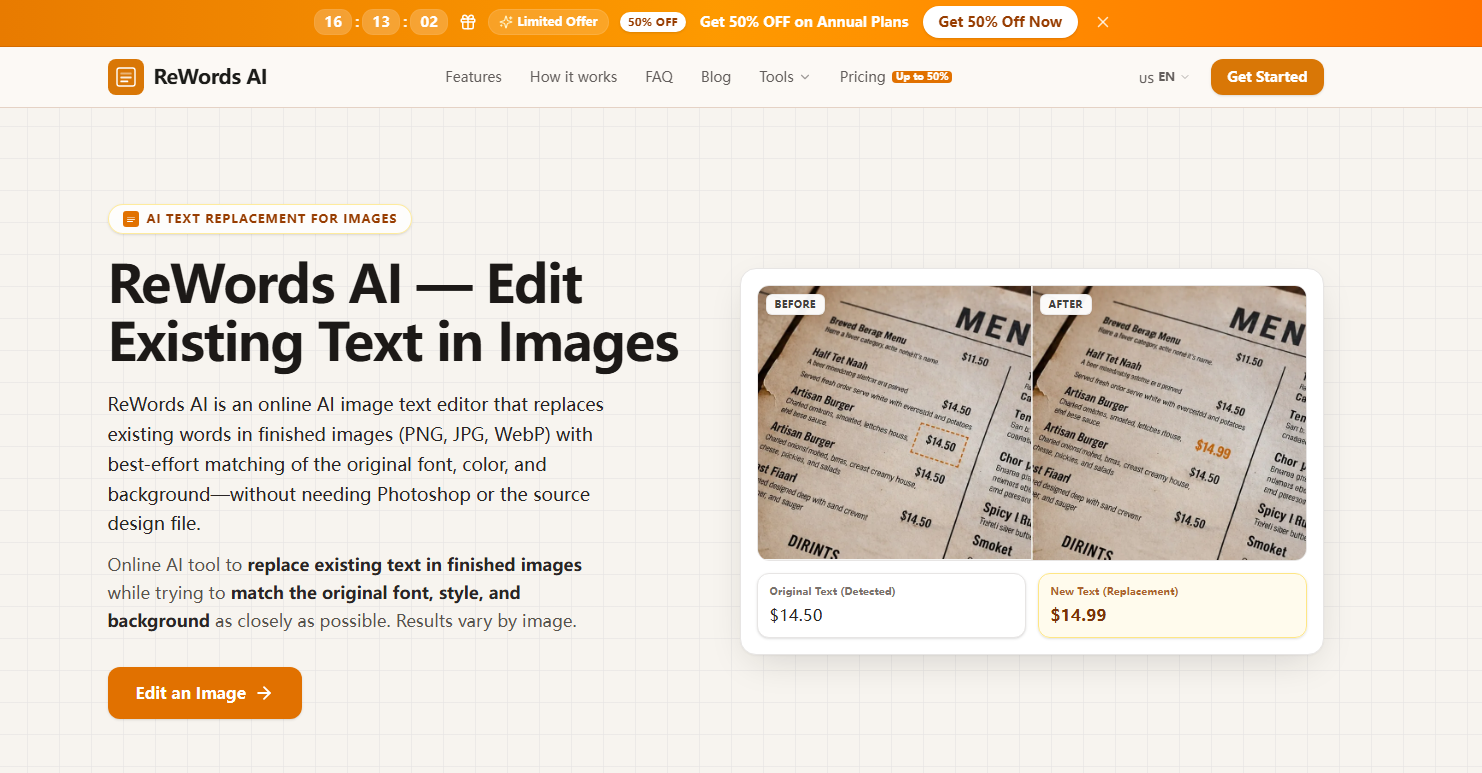
Screenshot archived from the listing page, for preview only.











