
Revise
AI writing assistantImprove clarity, keep your own voice
Highlights
What you can do with it
- Polish a novel chapter without losing the author's voice
- Clean up a news draft quickly before deadline
- Check grammar and tighten structure in an academic paper
How to use it
- 1 Open revise.net and start the free trial
- 2 Paste your text or write directly in the editor
- 3 Set style rules, grammar preferences, and rewrite strength
- 4 Review each suggestion and accept or reject it
- 5 Use brainstorming or voice-to-text when you get stuck, then share the document
Who it is for
Pros
- You control how much the AI changes
- It learns your voice over time instead of forcing one house style
- Change tracking keeps you in the editor's seat
Limitations
- The free trial is limited and advanced models cost money; pricing is not detailed in the listing and can change
- Learned preferences need time and correcting before the output feels right
- It is an assistant, so responsibility for accuracy and any claims stays with you
What Revise is
Revise is an AI writing assistant with one unusual priority: it tries to improve your writing without sanding off your voice. Every edit it proposes is tracked, so you see exactly what changed before you accept it. You can set custom style rules, build a personal writing profile, and choose how hard the AI should work, from a light polish to a full rewrite. Around that core it adds voice-to-text for capturing ideas out loud, in-document brainstorming when you are stuck, a choice of models tuned for creativity, accuracy, or speed, and sharing for collaboration. Access starts with a free trial.
What you can do with it
- Improve clarity and grammar while keeping your own tone
- Accept or reject each change individually
- Set style rules so the output matches a house guide
- Talk through an idea with the AI inside the document
- Dictate a passage with voice-to-text and clean it up afterwards
- Share the document when you want a second opinion
Who it is for
- Novelists and writers protective of their voice
- Journalists filing on a deadline
- Bloggers who need clean copy that still sounds like a person
- Students and professionals writing formal documents
What to watch out for
The free trial is a trial: advanced model access is tied to paid plans, and the listing does not say what it costs or what the trial includes, so check the site and expect terms to change. The personalisation needs time, because the assistant learns your preferences from the corrections you make, and early suggestions may miss your style until you have pushed back a few times. It is also still an assistant. It can tighten a sentence and catch a grammar slip, but it cannot verify your facts, and any claim in your document remains your responsibility. Read the final version yourself before it goes out.
FAQ
How is this different from a grammar checker?
It aims to keep your voice while improving clarity, and it learns your writing preferences as you use it.
Can I control how much it changes?
Yes. You can adjust the rewrite strength and set custom style rules, and every change is tracked before you accept it.
Is there a free version?
There is a free trial. What it includes and what the paid plans cost are not spelled out in the listing, so check the site.
Why it is free
What the official page says: for freefree trial
Free limits, trial length and features are decided by the official site and can change at any time.
Product preview
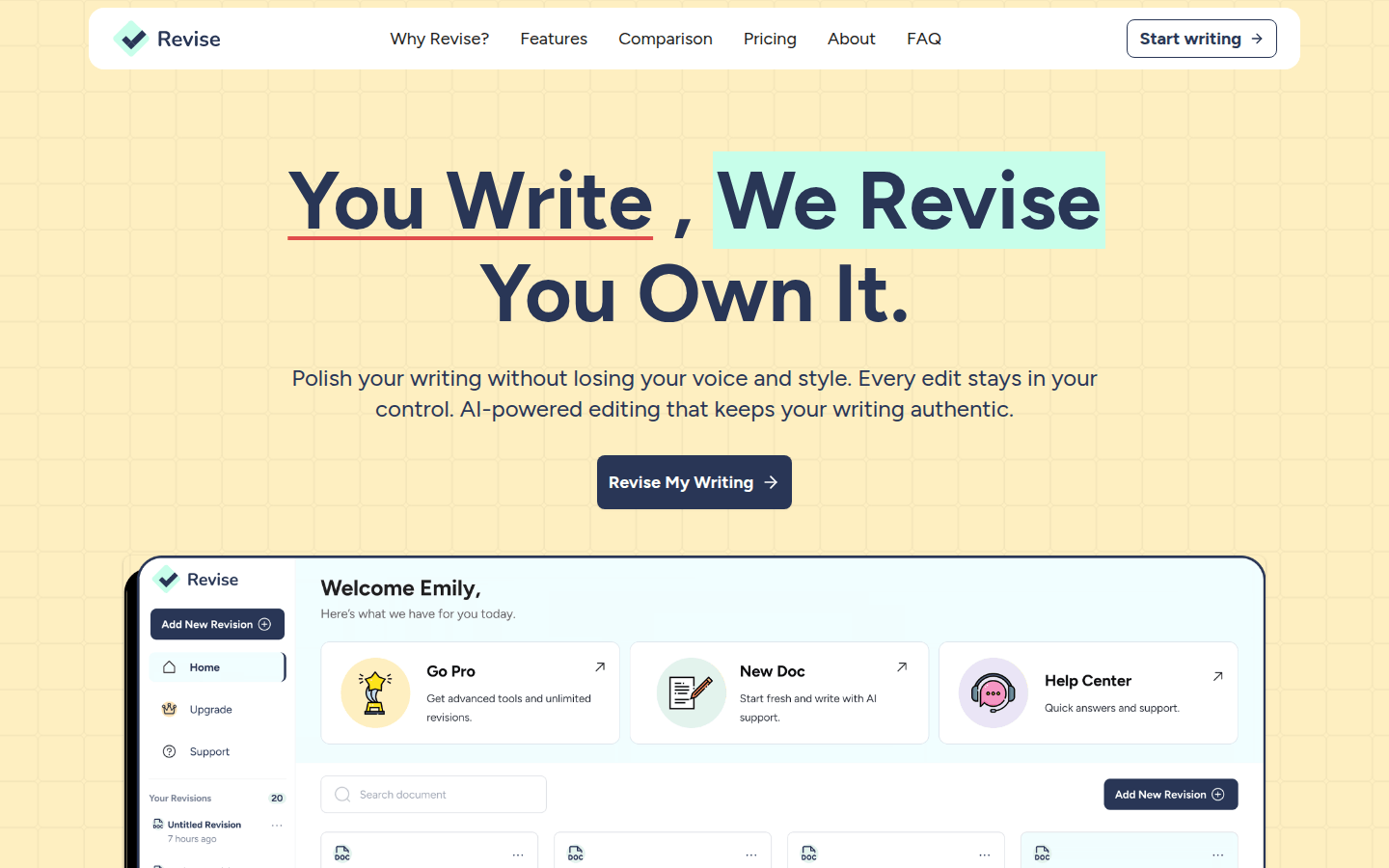
Screenshot archived from the listing page, for preview only.











