
Revid
Fast AI video from text, images, or referencesTurn a prompt or a photo into video in seconds
Highlights
What you can do with it
- Product promo videos built from a written description
- Story videos built from your own photos and collected material
- Teaching and explainer clips from course text
How to use it
- 1 Open https://revid.me and start with the free functions.
- 2 Pick text-to-video, image-to-video, or reference-to-video.
- 3 Supply the prompt, image, or reference elements the function asks for.
- 4 Wait for generation, which the site says usually takes under 10 seconds, then preview.
- 5 Save or share the video, and subscribe if you need commercial rights.
Who it is for
Pros
- Very fast generation according to the site
- Several input modes for different starting points
- Free entry with no editing experience required
Limitations
- Commercial use requires a paid subscription
- Free trial limits and model behavior can change at any time
- Hair replacement and face edits touch consent and likeness; only use material you have rights to, and check platform rules
What Revid is
Revid is an online AI video generator built for people without editing experience. You can start from a text prompt, a static image, or reference elements such as a character, object, or scene, and the platform returns a finished clip. Beyond the three main modes it lists an AI video extender, emotional video generation, interactive video generation, and hair replacement. The site says generation usually takes no more than 10 seconds, which makes it useful for quick drafts. There is a free trial, and commercial use of the output is tied to a paid subscription.
What you can do with it
- Turn a written idea into a short video with a few clicks
- Animate a static photo into a moving clip
- Control the result with reference elements for character, object, or scene
- Extend, restyle, or add emotional and interactive layers to existing video
Who it is for
- Marketers producing product promos and ads quickly
- Content creators turning photos and collected material into stories
- Educators building course explanations and demonstrations
What to watch out for
Commercial use needs a paid subscription, so free output is for testing rather than client work, and you should read the plan terms before you build a business on it. Free trial limits and model behavior can change without notice. Hair replacement and face edits raise consent and likeness questions: only use material you have the rights to, and remember that platforms and institutions may prohibit altered likenesses, with the consequences falling on you. Finally, a 10 second render is fast, but you will still spend time on prompts and revisions to get something usable.
FAQ
How fast is generation?
The site says the process usually takes no more than 10 seconds, though this varies with load and settings.
What can I start from?
A text prompt, a static image, or reference elements such as a character, object, or scene.
Can I use the videos commercially?
The site ties commercial use to a paid subscription, so read the plan terms before you publish client work.
Why it is free
What the official page says: free trial
Free limits, trial length and features are decided by the official site and can change at any time.
Product preview
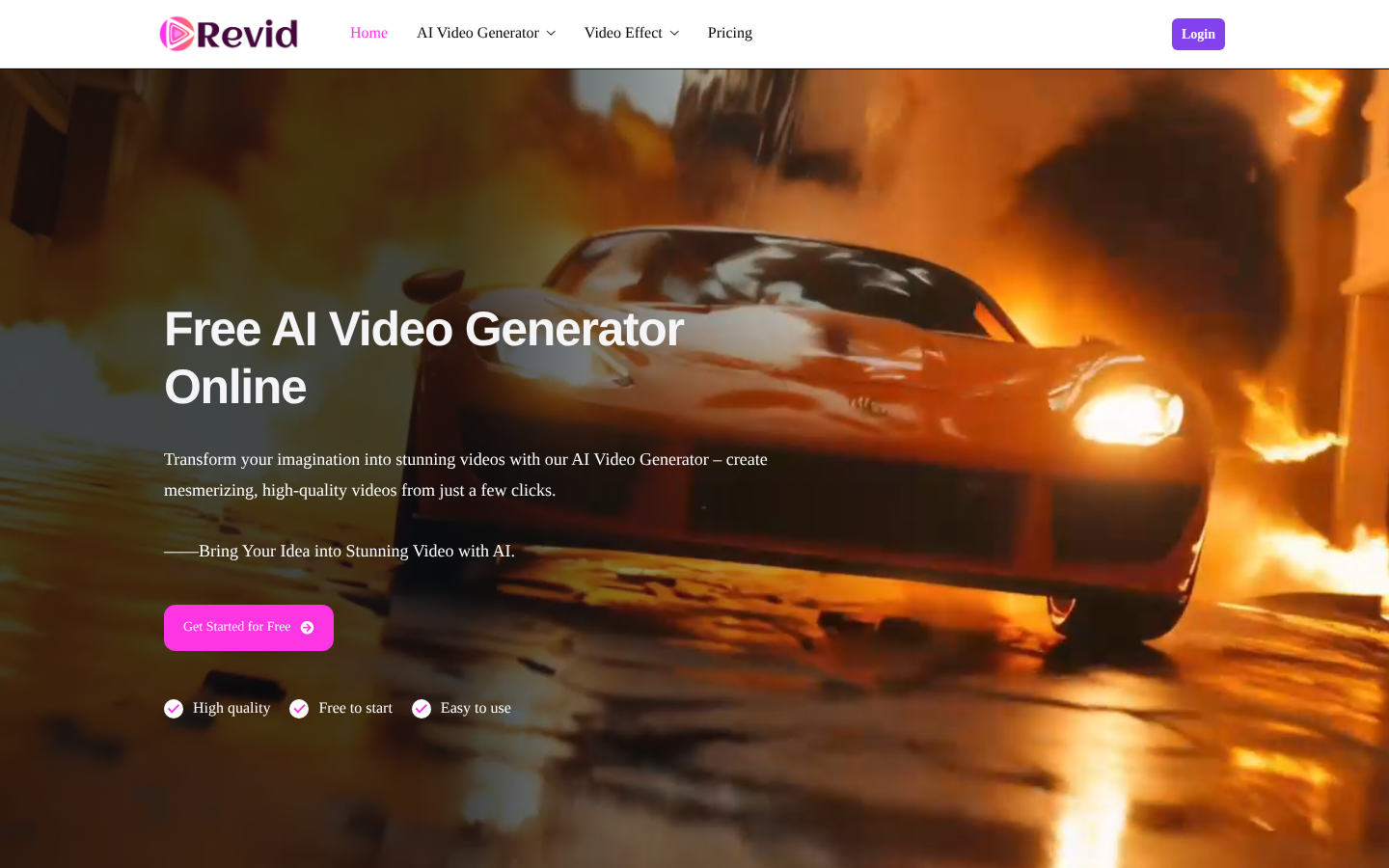
Screenshot archived from the listing page, for preview only.











