
Reve 2.0 AI
Browser-based AI image and video generator with 4K outputText and references turned into 4K visuals
Highlights
What you can do with it
- Generate brand posters with readable text and strong layouts
- Create product images and advertising concepts for e-commerce
- Produce film-style promotional posters and trailer clips
How to use it
- 1 Visit the website and register an account to get free trial credits
- 2 Choose your creation type, AI image or AI video
- 3 Enter a text description or upload reference images
- 4 Wait for the AI to generate the result
- 5 Edit and adjust the output to fit your needs
- 6 Download the final image or video
Who it is for
Pros
- 4K output and text rendering cover real production needs
- Reference images give you more control over the result
- Editing tools let you fix composition and lighting after generation
- A free trial lets you test quality before paying
Limitations
- Paid plans scale up to $539, so heavy use gets expensive
- AI output still needs human review for text and brand accuracy
- Generated assets can raise copyright and platform questions depending on use
- Free trial quotas and pricing can change at any time
What Reve 2.0 AI is
Reve 2.0 AI is a browser-based AI image generator and editor. You type a description or upload a reference image, and it produces visuals you can then edit without installing any software. The service generates native 4K images, renders text inside images with precision, and offers editing for theme, background, product details, lighting, text position, and composition. Beyond stills, it covers video and creative assets such as posters, thumbnails, and covers, plus product visuals and advertising concepts. A free trial is available for new users, and paid plans range from $0 to $539 depending on usage. It is aimed at brand designers, performance marketers, e-commerce teams, and other professionals who need high-quality visuals quickly.
What you can do with it
- Turn text prompts or reference images into finished visuals.
- Edit generated images: change the theme, background, lighting, or layout while keeping the subject stable.
- Produce posters, thumbnails, covers, and product visuals with readable text.
- Create video and advertising concepts for campaigns.
Who it is for
- Brand designers who need typography that comes out right the first time.
- Performance marketers and e-commerce teams making ad and product visuals.
- Film, game, and product teams that need promotional material fast.
- Anyone who wants 4K output without running heavy design software locally.
What to watch out for
The top paid tier reaches $539, so budget carefully if you generate at volume, and check what the cheaper plans actually include. AI images can look convincing but still contain errors in text, hands, or logos, so review every asset before it goes public. If you use generated people or brand-like imagery in ads, check the legal and platform rules for your market, because generated content is not automatically cleared for commercial use. Free trial credits and plan pricing can change, so confirm the current terms on the site before committing.
FAQ
Is there a free trial?
Yes. New users can register to get a free trial quota before choosing a paid plan.
What resolution does it output?
It generates native 4K images directly, without a separate enlargement step.
Can it put text in images correctly?
Precise text rendering is one of its advertised strengths, aimed at design work where text matters.
Does it do video too?
Yes. It supports AI video creation alongside still images.
Why it is free
What the official page says: free trial
Free limits, trial length and features are decided by the official site and can change at any time.
Product preview
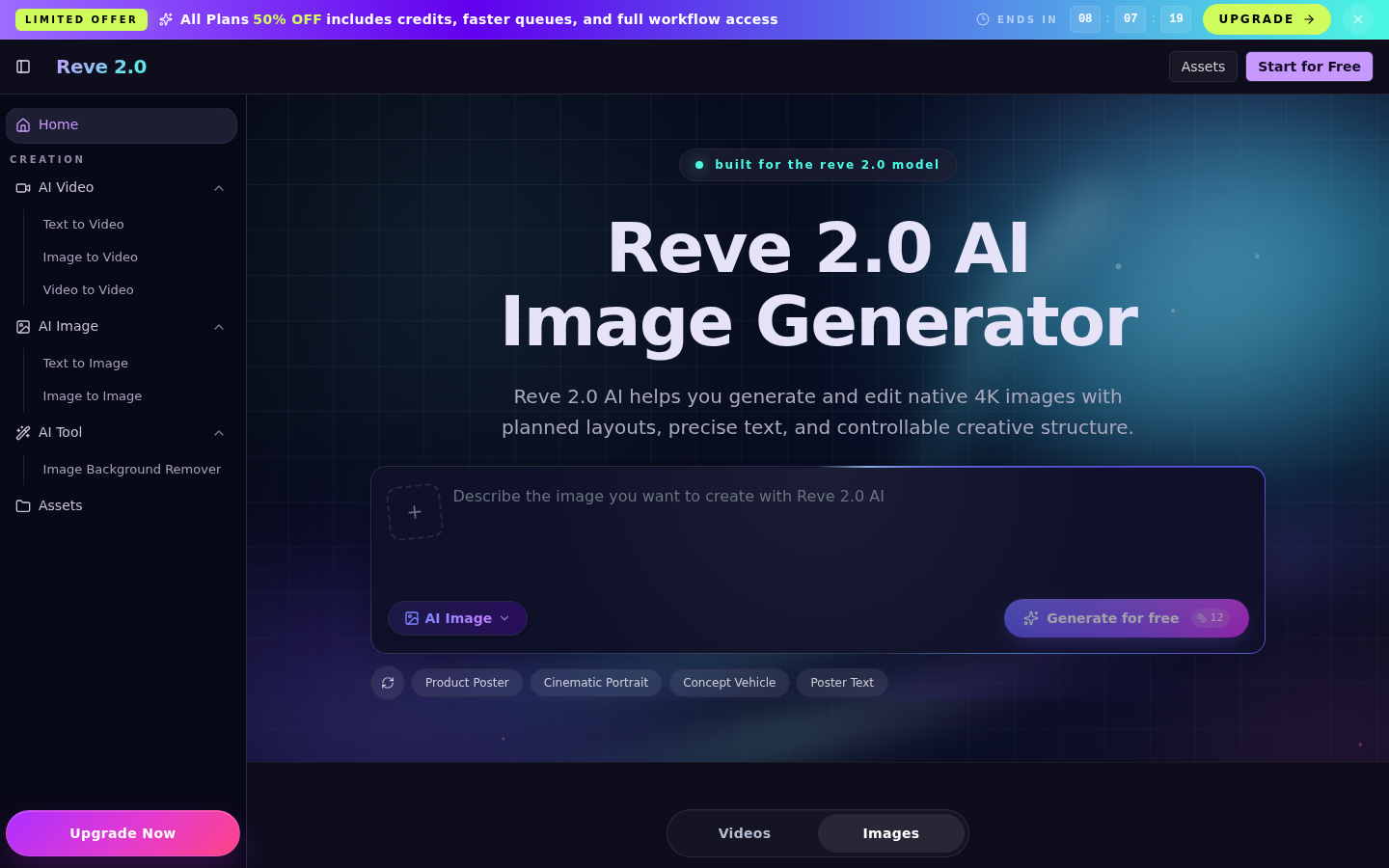
Screenshot archived from the listing page, for preview only.











