
RepoClip
AI promo videos for GitHub reposTurn a repository into a promo video
Highlights
What you can do with it
- Sharing a launch day promotional video on social media to boost a new project's visibility
- Showing investors a clear video of a product's technical advantages and features
- Helping open source maintainers attract contributors by presenting project value
How to use it
- 1 Open the RepoClip website and go to the video generation page.
- 2 Paste the URL of a public or private GitHub repository, connecting your GitHub account for private repos.
- 3 Wait for the AI to analyze the code and draft a script.
- 4 Add custom instructions to set narration tone, visual style, voice, and focus.
- 5 Generate the video and download the finished promotional clip.
Who it is for
Pros
- No video editing experience needed; the AI handles script, narration, and visuals
- Private repositories are supported through GitHub account connection
- Custom instructions keep the video aligned with your message
Limitations
- The free quota is limited, and quota or package terms can change over time
- Output depends on upstream AI models, so style and quality vary between runs
- Larger repositories take longer, and generated scripts still need review before publishing
What RepoClip is
RepoClip is an AI tool that turns GitHub repositories into professional promotional videos. You paste the URL of a public repository, or connect your GitHub account for a private one, and the AI studies the code structure and features, writes a script, and assembles a video with narration, visual effects, and animated scenes. It is built for developers and project teams who need to showcase code projects without touching video editing software. A free quota is available, and paid packages cover heavier use. Most videos finish in about five minutes, though the exact time depends on repository size and current demand.
What you can do with it
- Convert any public repository URL into a finished promo video with narration, visual effects, and animation.
- Connect a GitHub account to generate videos for private repositories while keeping project access under your control.
- Steer the output with custom instructions covering narration tone, visual style, voice type, and content focus.
- Create launch announcements, investor presentation clips, and open source promotion videos from one workflow.
Who it is for
- Developers who want to present projects without learning editing tools or hiring a video editor.
- Project leaders preparing launch day posts, product demos, or investor meetings.
- Open source maintainers who need to explain a project's value quickly to attract contributors.
What to watch out for
The free quota is limited, so frequent use may push you toward a paid package, and quota or pricing terms can change over time. Output depends on several upstream AI models for code analysis, speech, images, and animation, so style and quality can differ between generations and between repositories. Larger repositories take longer to process. Because the script comes from automated code analysis, review the narration and the final video before publishing so the claims match what your project actually does.
FAQ
Do I need video editing skills?
No. The AI analyzes the repository and builds the video, including narration and animated scenes.
Can it handle private repositories?
Yes. Connect your GitHub account and RepoClip can generate videos for private repositories too.
How long does generation take?
Most videos are generated within about five minutes, depending on repository size and current demand.
Why it is free
What the official page says: 免费额度免费
Free limits, trial length and features are decided by the official site and can change at any time.
Product preview
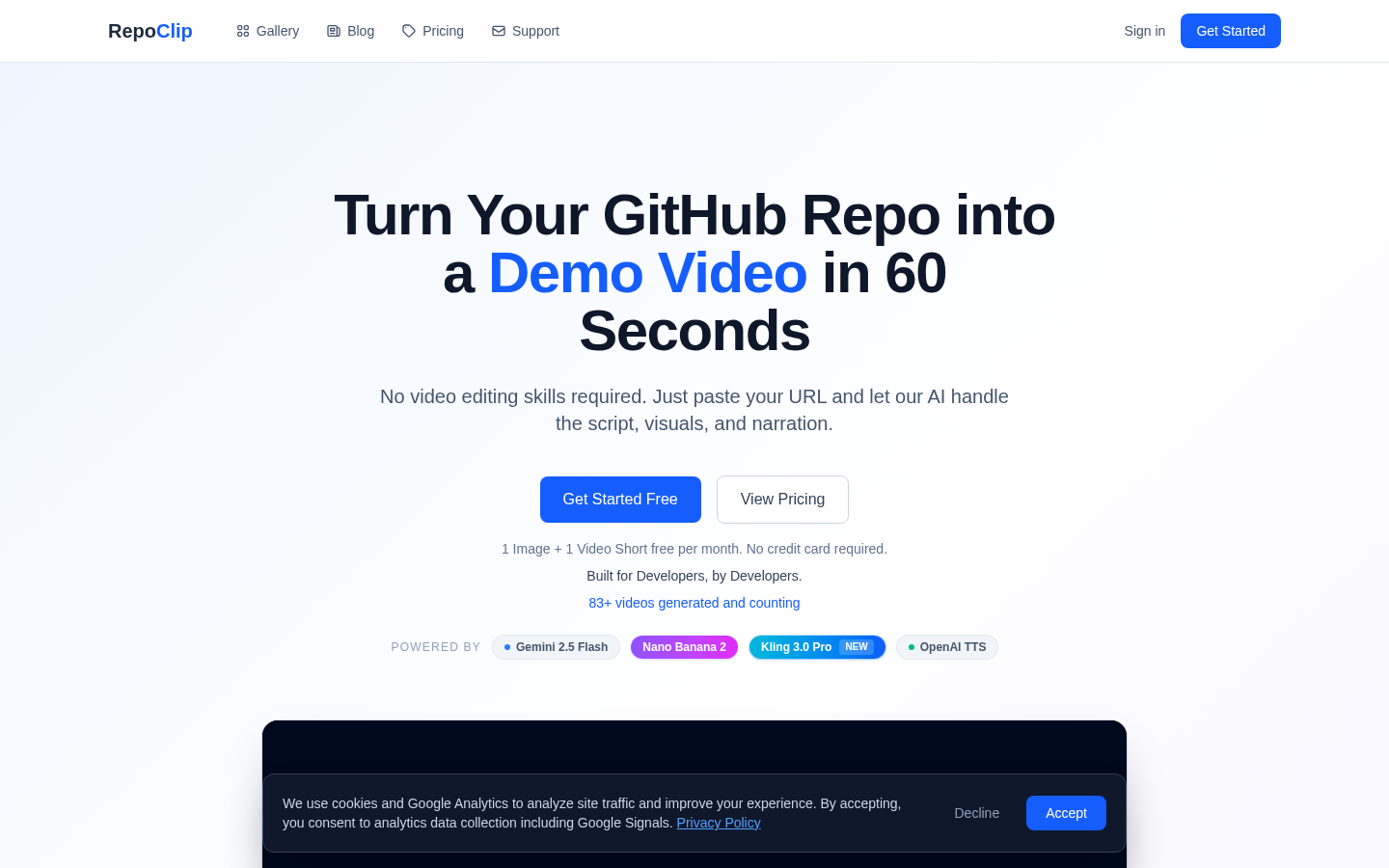
Screenshot archived from the listing page, for preview only.











