
Repo Prompt
macOS app for AI work on local codeGive a language model your whole repo
Highlights
What you can do with it
- Iterating project code quickly
- Reviewing AI-suggested code changes
- Reading and understanding an unfamiliar codebase
How to use it
- 1 Download the macOS application from the site
- 2 Install and launch Repo Prompt
- 3 Select the files and folders to use as context
- 4 Use a saved prompt or write a new one to guide the AI
- 5 Review each change and approve it, then save or keep editing
Who it is for
Pros
- Precise control over what context the model sees
- Every AI change is reviewed before it is accepted
- Native macOS experience rather than a web wrapper
Limitations
- macOS only, so Windows and Linux users are excluded
- Trial before payment, and pricing is not published on the page
- You still have to review every change yourself
What Repo Prompt is
Repo Prompt is a native macOS application for working with language models over local files. Rather than pasting code into a chat window, you select the files and folders that matter and set them as context for the model. Saved prompts and repository mappings guide the output, so you can either iterate on those files or simply ask the model to explain how they work. Context stays under your control throughout, and changes the AI makes are presented file by file for you to approve one at a time or in bulk. A free trial is available and pricing is not published on the page.
What you can do with it
- Select files and folders as context for the model
- Use saved prompts and repository mappings to steer output
- Iterate files or ask the model to explain them
- Review every AI change file by file before accepting
- Approve changes individually or in bulk
Who it is for
- macOS developers who want tighter context control than a chat window
- Technical teams reviewing AI-generated changes before they land
- Developers trying to understand an unfamiliar codebase
What to watch out for
It runs on macOS only, so if your team is on Windows or Linux this is not an option. The trial gives way to a paid product whose price is not on the page, so confirm the cost before you depend on it. Most importantly, review does not disappear: you still read every diff and approve every change, which is the point but also the work. A language model can be confidently wrong about how code behaves, so verify anything it claims before you accept an edit.
FAQ
What platforms does Repo Prompt support?
It is a native macOS application.
How does it control context?
You select files and folders as context and use saved prompts and repository mappings to guide the model.
Is there a free version?
A free trial is offered, though specific pricing is not listed on the page.
Why it is free
What the official page says: free trial
Free limits, trial length and features are decided by the official site and can change at any time.
Product preview
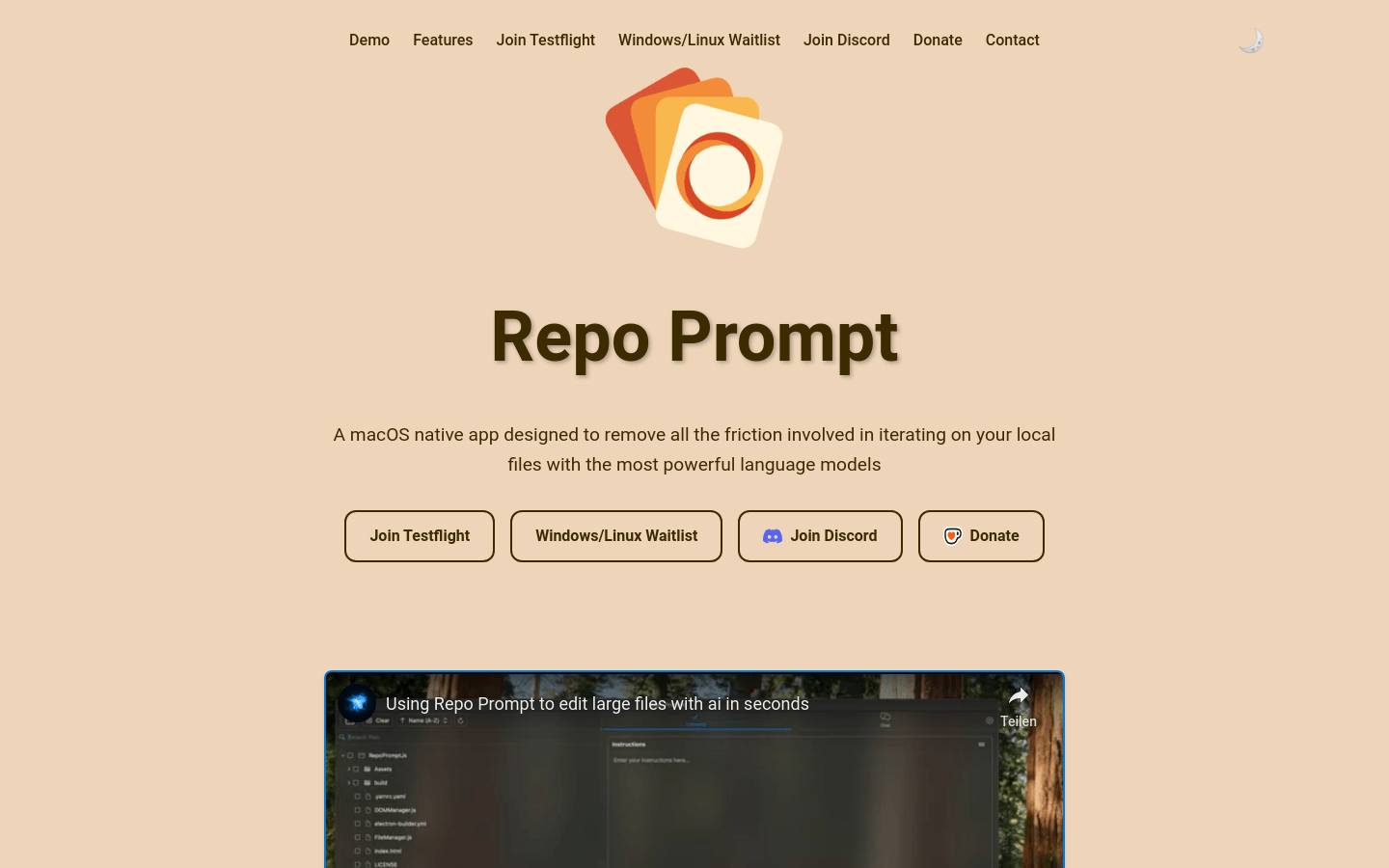
Screenshot archived from the listing page, for preview only.











