
RenderNet
Fast AI image generator on stable Diffusion modelsTurn a text prompt into an AI image in seconds
Highlights
What you can do with it
- Generate concept art and mockups from short prompts
- Produce social media images and digital art
- Compare stable Diffusion models on the same prompt
How to use it
- 1 Visit rendernet.ai and create an account to claim free credits
- 2 Enter a text prompt and pick a stable Diffusion model
- 3 Generate the image and download the result
Who it is for
Pros
- Fast generation on ultrafast GPUs
- Several models available in one place
- Free credits let you try before paying
Limitations
- Free credits are a limited starting allowance
- Quality depends on the model and your prompt
- Depends on upstream models and GPU capacity, which can change
What RenderNet is
RenderNet is an AI image generation service that turns text prompts into pictures. It is built on ultrafast GPUs and runs several stable Diffusion models, so a prompt can return a finished image in seconds rather than minutes. Signing up gives you free credits, which means the first round of experiments does not require payment. The service is positioned as a quick way to get AI visuals for design drafts, social content, and personal projects without owning a graphics card.
What you can do with it
- Write a text prompt and generate an image in seconds
- Choose between several stable Diffusion models
- Test prompts using the free credits from signup
- Download results for mockups and social posts
Who it is for
- Designers who need fast visual concepts
- Content creators producing AI art for feeds
- Hobbyists exploring prompt based generation
What to watch out for
The free credits are a starting allowance, not an unlimited plan, so heavy use will require payment. Output quality depends heavily on the model you select and how precise your prompt is, so expect to iterate several times. Because the service relies on upstream models and rented GPU capacity, availability and speed can vary at peak times. Check current pricing and model availability before you commit a project to it. Processing speed depends on file size and network conditions, so retry later if a task stalls during peak hours. Run one full task end to end first, then expand once you are comfortable with the workflow and the result quality. Save a backup of the original file before large batch jobs, and keep an exported copy of key results in case the page or service becomes temporarily unavailable.
FAQ
Is RenderNet free to use?
You can sign up and receive free credits, so the first experiments cost nothing. Heavy use needs a paid plan.
How fast is generation?
The site says images are generated in seconds because it runs on ultrafast GPUs.
Do I need a powerful computer?
No, generation happens on the provider's hardware, so a normal browser is enough.
Why it is free
What the official page says: free credits
Free limits, trial length and features are decided by the official site and can change at any time.
Product preview
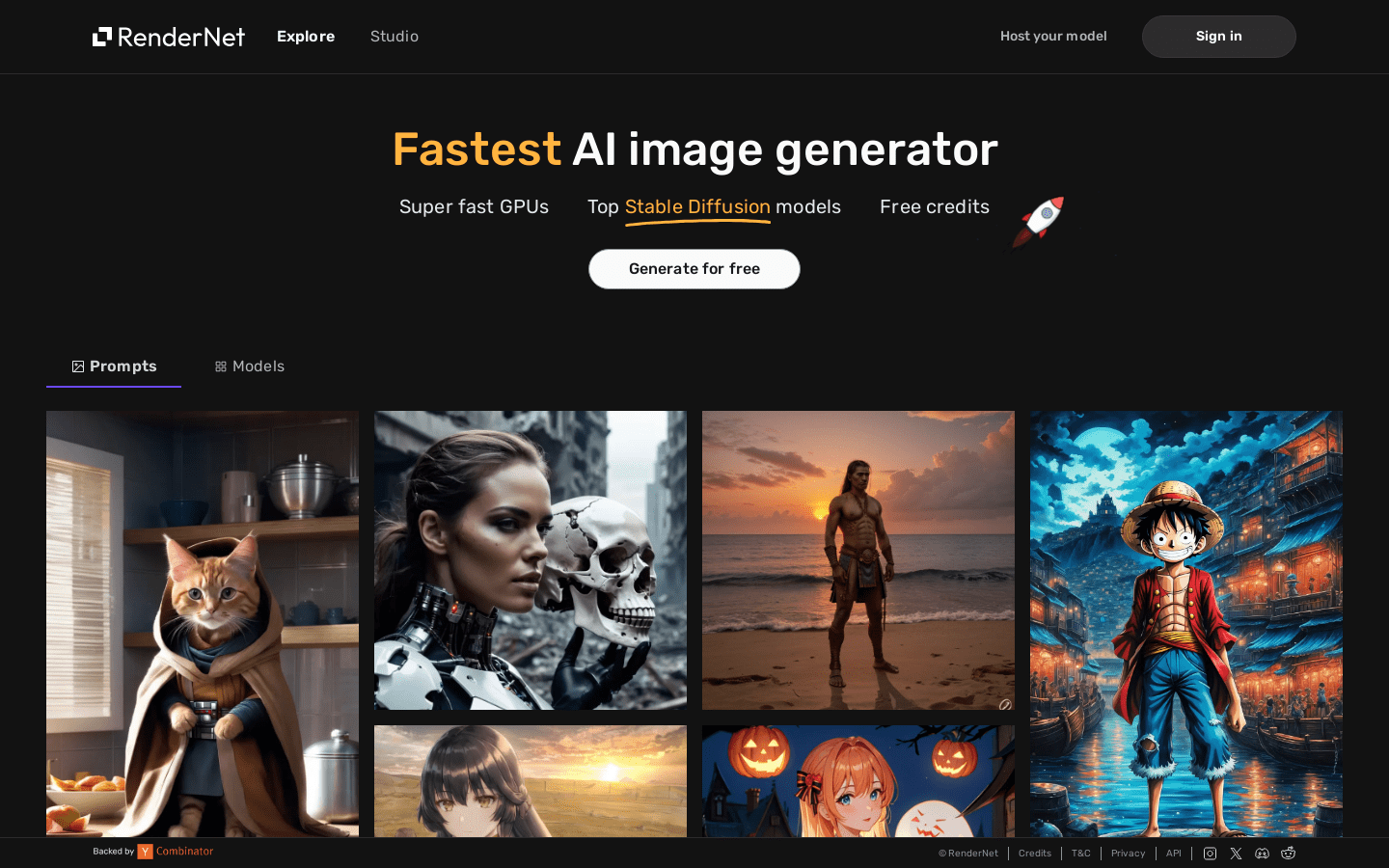
Screenshot archived from the listing page, for preview only.











