
RenderLion
Free AI video generator for brandsText, images, and logos into video
Highlights
What you can do with it
- Turn product photos into video
- Convert text content into a video
- Create a dynamic logo animation
How to use it
- 1 Open RenderLion
- 2 Choose text, image, or brand element input
- 3 Upload or enter your content
- 4 Generate and download the video
Who it is for
Pros
- Handles brand assets like logos
- Free to start using
- Simple input options
Limitations
- Video length and resolution limits are not documented
- Free plan scope should be confirmed on the site
- Brand logo animation quality may need manual polish
- Site reachability has varied in our checks
What RenderLion is
RenderLion is a free AI video generator that transforms text, images, and brand elements into videos. The framing is that any piece of data can become video content, which is a useful way to think about it if you already have assets sitting around: product photos, written copy, or a logo. The core capabilities are text-to-video, image-to-video, and brand element to video, and the last one is the interesting case, since turning a static logo into a dynamic animation is something brands otherwise pay a designer to do. The product emphasizes that you can start using it for free, which lowers the barrier for small teams that need a promotional clip quickly.
What you can do with it
- Turn text content into a video clip
- Animate a still image into moving footage
- Convert a brand element such as a logo into dynamic video
- Produce quick promotional material without an editor
Who it is for
- Small brands that need promo video on a tight budget
- Marketers testing whether video works for a campaign
- Sellers with product photos but no video skills
- Social media managers who need simple motion content
What to watch out for
Video length and resolution limits are not documented, which makes it hard to judge whether the free tier covers your actual needs, so check the site before planning a campaign. Logo animation in particular often needs manual polish: automatic motion can look generic or slightly off-brand, and brand assets are exactly where sloppiness shows. The free plan scope should also be confirmed rather than assumed. Site reachability has varied in our checks, and since generation happens remotely, output depends on the service being up and responsive when you need it. Test with a real asset before committing.
FAQ
What can RenderLion generate from?
Text, images, and brand elements.
Can it animate a logo?
Yes, brand element to video is listed as a capability, including dynamic logos.
Who is it for?
Small brands and marketers who need quick video without editing skills.
Why it is free
What the official page says: for free
Free limits, trial length and features are decided by the official site and can change at any time.
Product preview
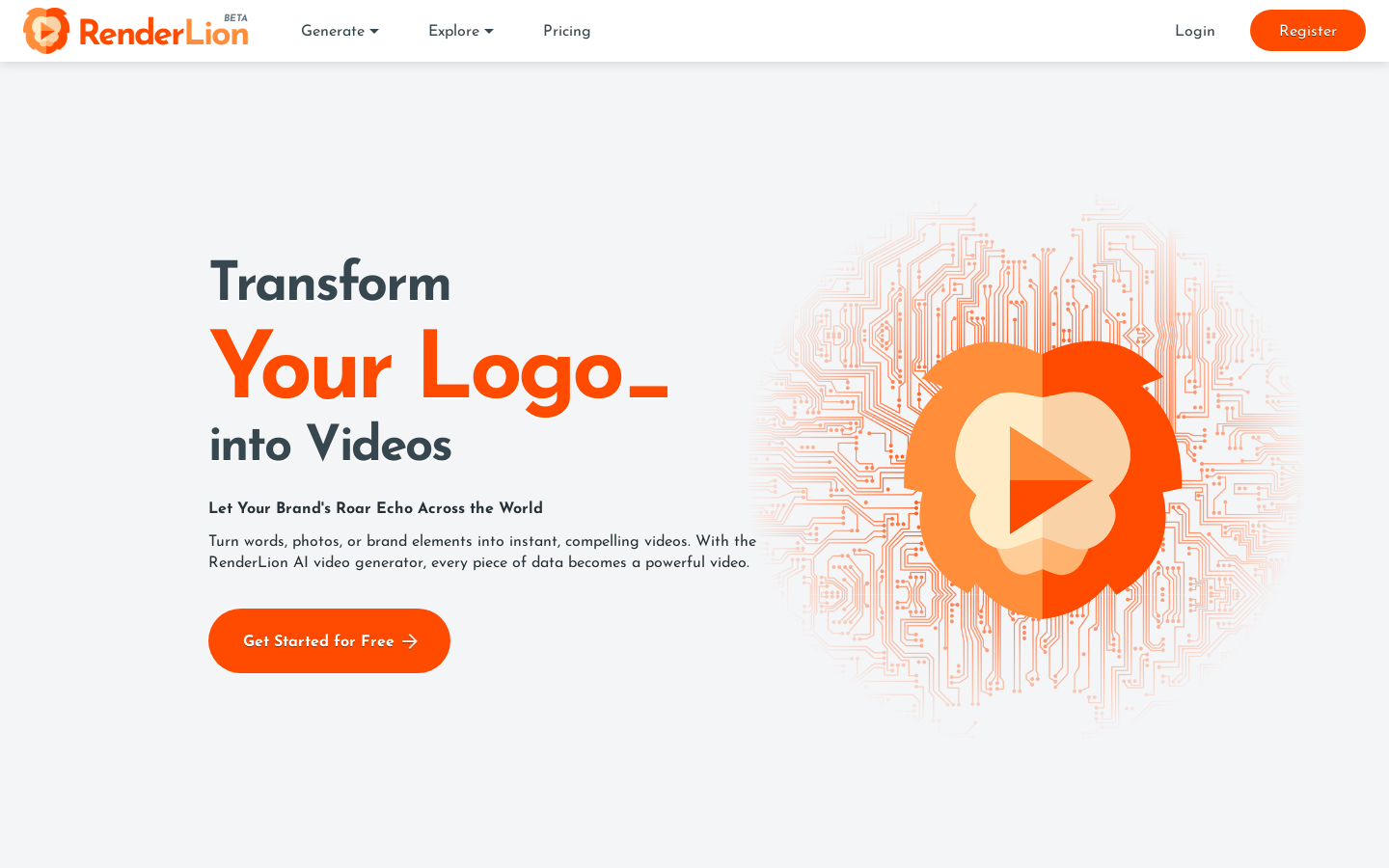
Screenshot archived from the listing page, for preview only.











