
RenderFlow AI
AI image and video generation platform in one placeImages, video, avatars, and voices from text
Highlights
What you can do with it
- Generate a series of artworks from text concepts for exhibitions or sales
- Produce product promotional videos for social media campaigns
- Turn a portrait and voice into a talking avatar for video content
How to use it
- 1 Visit RenderFlow AI and register an account
- 2 Choose a module such as image generator or video generator
- 3 Enter text descriptions or upload materials like portraits and voice
- 4 Edit the results with the AI image editor or other tools
- 5 Save or export the finished images, videos, or voices
Who it is for
Pros
- Image, video, avatar, and voice tools share one account
- Multiple model providers behind a single interface
- Editing tools let you refine after generation
- A free trial lowers the entry cost
Limitations
- Creating avatars or voices of real people without consent raises serious rights issues
- Output quality varies by model and prompt
- Paid pricing is not stated, so budgeting is hard
- Trial terms and pricing can change, so confirm current details
What RenderFlow AI is
RenderFlow AI is an AI image and video generation platform that draws on models from providers such as GPT and Google. In one place it offers general image generation from text descriptions, an AI image editor, a Flux Kontext editor known for high consistency and prompt following, AI video generation, an avatar generator that turns a portrait and voice into a talking avatar, and a voice generator that produces natural, expressive voices in multiple styles. A free trial is available, though specific paid prices are not stated on the page, which means you should check costs before committing. It is positioned for artists, marketers, and creators who need varied visual output.
What you can do with it
- Generate images and videos from text descriptions.
- Edit existing images with AI tools and the Flux Kontext editor.
- Turn a portrait and voice into a talking avatar.
- Create natural voice audio in multiple styles.
Who it is for
- Artists turning concepts into visual work quickly.
- Marketers producing promotional images and videos.
- Video creators adding avatars and voice to their content.
- Anyone who wants several generation types behind one account.
What to watch out for
The avatar and voice features clone likeness and speech, so only use material you own or have explicit permission to use, because creating a talking avatar or voice of a real person without consent can violate their rights and platform rules, with consequences falling on you as the user. Output quality varies by model and prompt, so expect to iterate before you get something usable. Paid pricing is not stated on the page, which makes budgeting difficult, so confirm costs before heavy use, and remember that free trial terms and pricing can change. Generated media should be reviewed for quality and rights before publication.
FAQ
What can RenderFlow AI generate?
Images, videos, talking avatars from a portrait and voice, and natural voices from text.
Which models does it use?
It relies on models from providers such as GPT and Google, including a Flux Kontext image editor.
Is there a free trial?
Yes. The platform offers a free trial, though specific paid prices are not mentioned on the page.
Can it make a talking avatar?
Yes. The avatar generator can transform a portrait and voice into a talking avatar for video content.
Why it is free
What the official page says: free trial
Free limits, trial length and features are decided by the official site and can change at any time.
Product preview
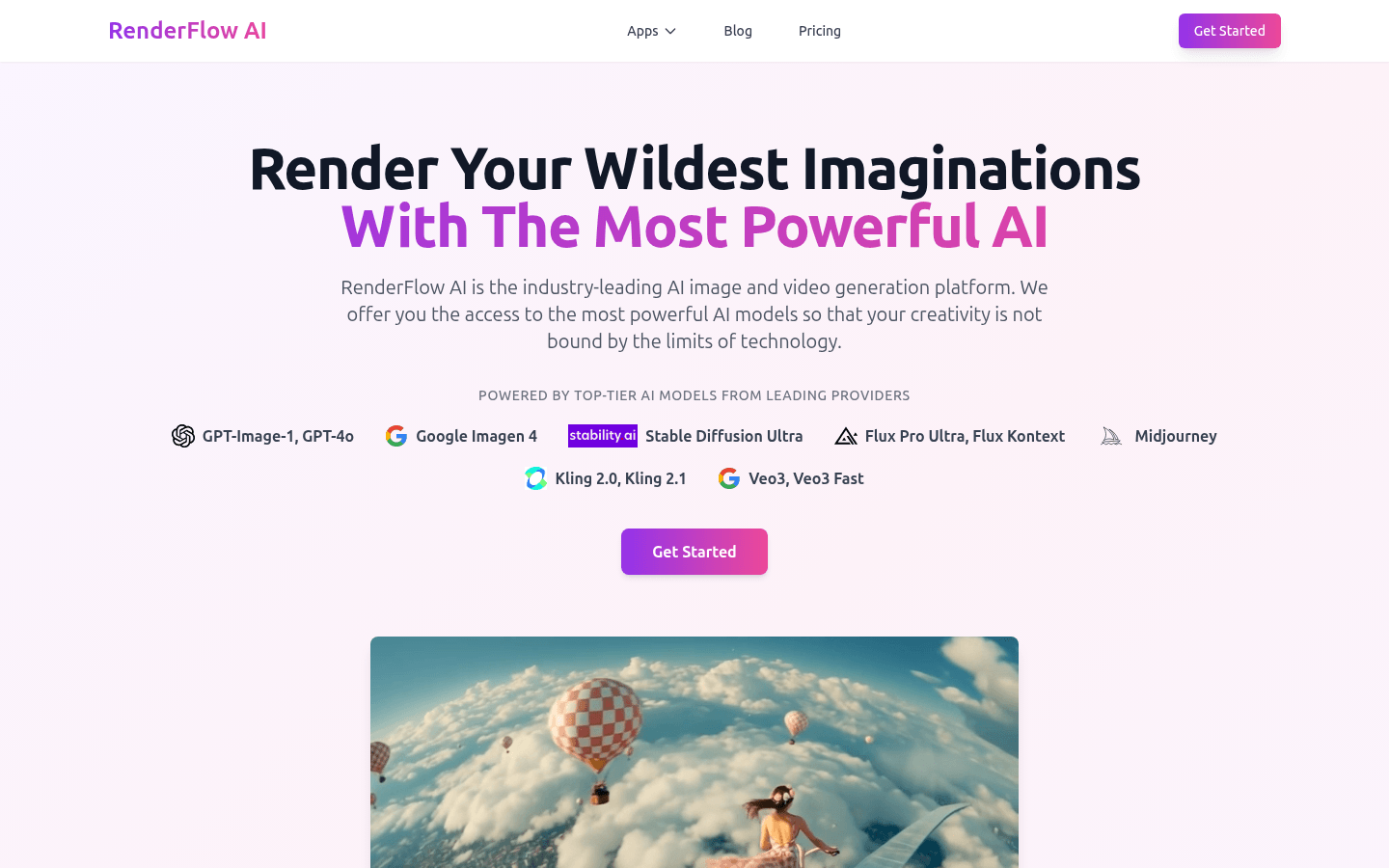
Screenshot archived from the listing page, for preview only.











