
RemoveZero
Free AI background removerClean product cutouts, no watermark
Highlights
What you can do with it
- A seller gets a transparent product image for free
- An agency batch-processes many product photos
- A developer adds background removal to an app via API
How to use it
- 1 Open the RemoveZero site
- 2 Pick single-image, batch, or API workflow
- 3 Upload the product images
- 4 Let the AI remove the background
- 5 Check the edges, then download PNG or WebP
Who it is for
Pros
- Free single-image use with no account or credits
- Handles fine product details carefully
- Watermark-free output ready for listings
- Batch and API options for bigger volume
Limitations
- Batch and API use cost 1 credit per image, so volume adds up
- Very complex edges may still need manual touch-up
- Purchased credits and pricing rules may change
What RemoveZero is
RemoveZero is an AI tool dedicated to removing the background of product images. It is built for e-commerce, advertising, and similar work where clean product cutouts matter. The standout feature is a free single-image workflow: you can process one image each time without registering an account, subscribing, or using credits, and download a transparent PNG or WebP. For bigger volume it offers batch processing and an API, both at 1 credit per image. It is designed to keep fine details like thin shoelaces, open furniture frames, transparent bottles, and shiny surfaces, and the description says downloaded results carry no watermarks or logos.
What you can do with it
- Remove a background from one image for free
- Batch-process many product images by credits
- Add background removal to your own app through the API
- Keep fine details like laces, frames, and bottles clean
- Download transparent PNG or WebP with no watermark
Who it is for
- E-commerce sellers who need clean product shots
- Advertising and marketing teams building assets
- Developers adding cutouts to their own tools
- Anyone who wants a fast, free single-image cutout
What to watch out for
Single-image use is free, but batch and API work costs 1 credit per image, so large volumes add up quickly. The description says purchased credits do not expire and bigger top-ups add bonus credits, but credit pricing and bonus rules can change. Very complex edges, like hair or fine mesh, may still need manual touch-up after the AI pass. Because it is a young site, confirm current credit rates and output formats before building a workflow around it.
FAQ
Is single-image use really free?
Yes. You can process one product image for free each time with no account, subscription, or credits.
What do batch and API cost?
Both batch processing and API integration consume 1 credit per image.
Are downloads watermark-free?
Yes, the description says downloaded results have no watermarks, logos, or promotional overlays.
Why it is free
What the official page says: 免费
Free limits, trial length and features are decided by the official site and can change at any time.
Product preview
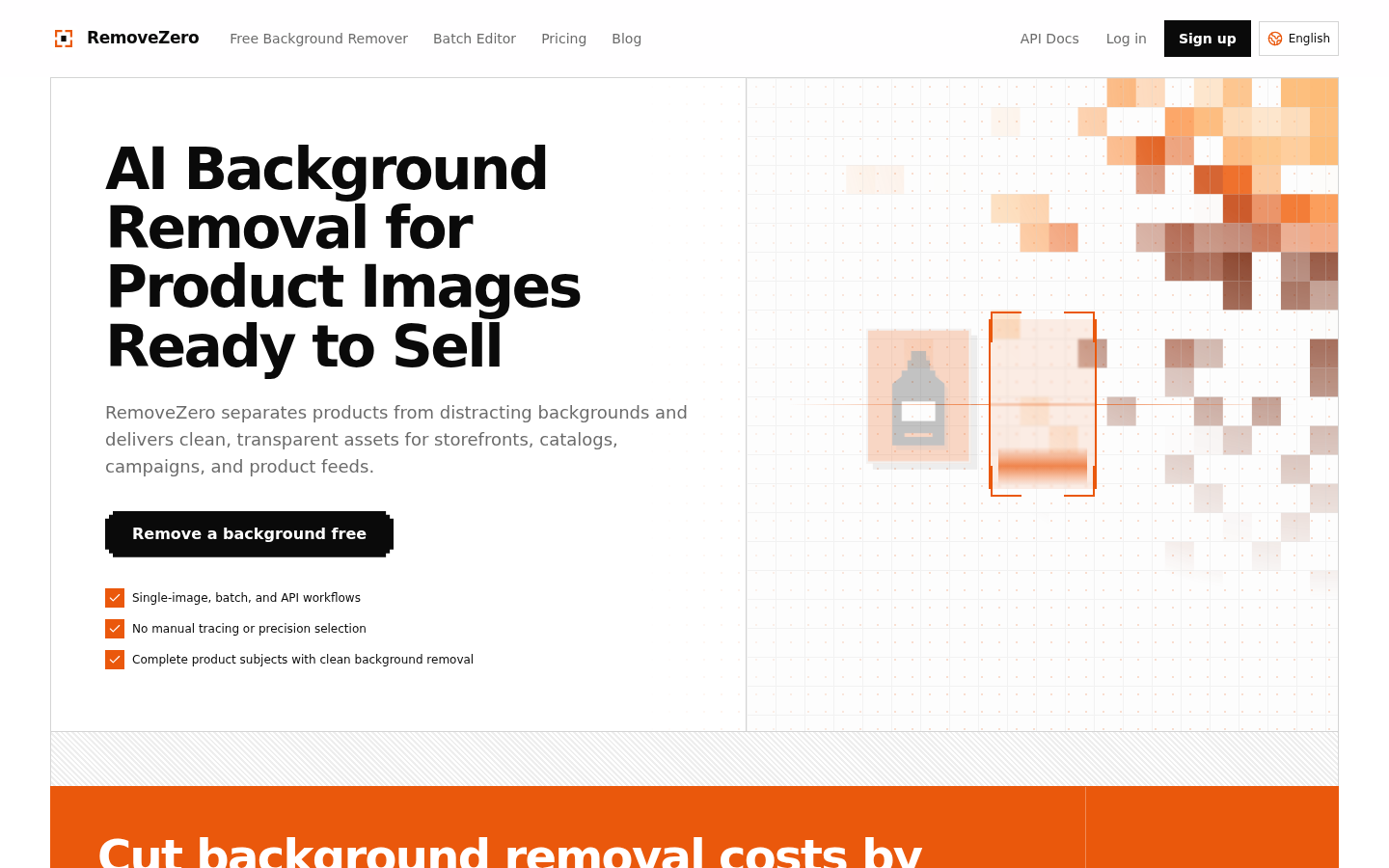
Screenshot archived from the listing page, for preview only.











