
Remover.video
AI watermark removal toolClean text and logos off video
Highlights
What you can do with it
- Strip a platform mark from a clip you are allowed to reuse.
- Batch-clean text and logos across many videos for an editor.
- Prepare ad footage by removing subtitles before re-dubbing.
How to use it
- 1 Upload a video that contains text, watermarks, or logos.
- 2 Click Continue and let the AI process and remove the target area.
- 3 Download the cleaned, non-blurry video result.
Who it is for
Pros
- Free basic use with no upfront payment.
- Non-blur removal preserves the original frame quality.
- Batch mode speeds up high-volume editing work.
Limitations
- The free quota is limited and free rules may change, so volume work needs a paid package.
- Only remove marks from videos you own or have rights to; stripping others watermarks can breach platform or copyright rules, and consequences fall on the user.
- Results depend on how the text or logo sits over the footage.
What Remover.video is
Remover.video is an online AI video tool built to strip text, watermarks, logos, and hard-coded subtitles out of a clip. You upload a video from TikTok, Instagram, Facebook, or another source, and the AI finds the target element and removes it without smearing or blurring the surrounding frame, so the original quality stays intact. It can handle multiple files in a batch and helps reformat footage for different social platforms. Basic removal is free, while paid packages add more processing quota, faster handling, and priority support. The whole workflow is three steps: upload, process, download.
What you can do with it
- Remove text overlays and hard-coded subtitles from a video.
- Clear watermarks and logos without blurring the picture.
- Batch-process several videos for faster cleanup.
- Reformat cleaned footage for different social platforms.
Who it is for
- Content creators cleaning clips they have the right to edit.
- Video editors handling high volumes of similar cleanup.
- Marketing agencies preparing ad and social material.
What to watch out for
Only use it on videos you own or have permission to edit. Removing another creator or platform mark can breach copyright or platform rules, and any consequences fall on you. The free tier is limited, so regular or batch work pushes you toward a paid package, and free rules may change over time. Removal quality depends on the footage: text or logos that move, sit over busy backgrounds, or overlap important detail can leave artifacts. Check current plans and terms on the official site before heavy use. For best results, start with a small test file and review the output carefully before working on anything important.
FAQ
What can Remover.video remove?
It removes text, watermarks, logos, and hard-coded subtitles from videos.
Is it free?
Basic features are free to use, and paid packages provide more quota, faster processing, and priority support.
Can I process several videos at once?
Yes, it supports batch editing of multiple video files.
Why it is free
What the official page says: 免费使用免费
Free limits, trial length and features are decided by the official site and can change at any time.
Product preview
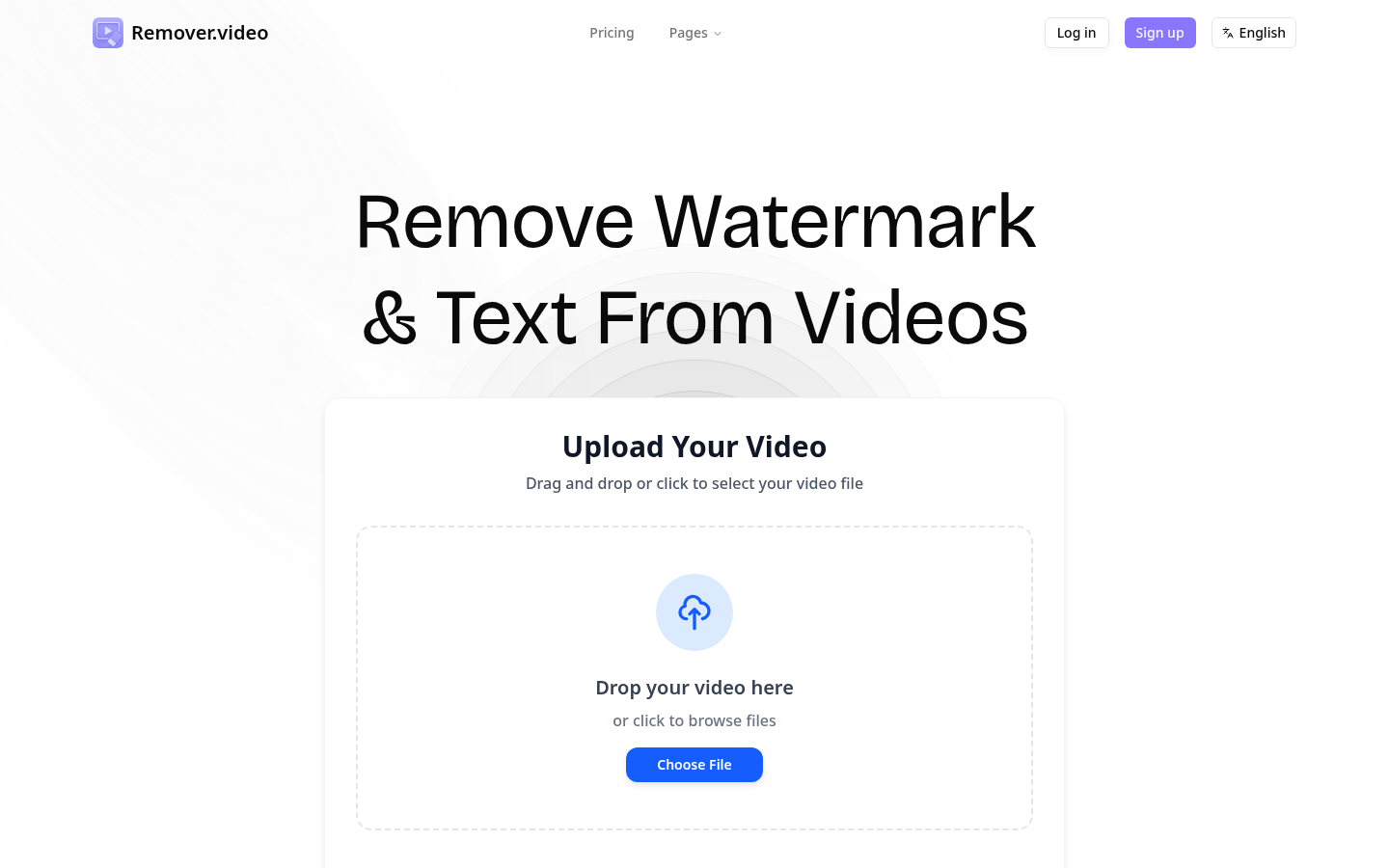
Screenshot archived from the listing page, for preview only.











