
RemovePanda
Free background removal and object editingRemove a background in one click
Highlights
What you can do with it
- Cut a product or subject out of a photo for reuse
- Make a transparent PNG for a design
- Clean distracting elements out of a picture
How to use it
- 1 Open RemovePanda and upload your image.
- 2 Let the automatic tool detect the background, or select the object yourself.
- 3 Adjust the selection as needed.
- 4 Download the result.
Who it is for
Pros
- One-click automatic removal
- Free version available
- Simple interface for quick edits
Limitations
- The site returned an error when checked, so availability is uncertain
- Fine edges such as hair and glass often need manual cleanup
- Free version limits are not described
- Batch processing is not mentioned
What RemovePanda is
RemovePanda is an image editing tool built around background removal. The automatic version detects the background and cuts it out, which gives you a transparent PNG you can drop into another design. Object selection lets you take a subject out and place it on a different image instead, and cropping handles the rest of the frame. The page describes the interface as user-friendly, which for this kind of tool usually means the automatic path works and the manual path is available when it does not. Both free and paid versions are offered, with the paid side adding more features and services.
What you can do with it
- Remove a background automatically in one click.
- Select an object and lift it out of the photo.
- Export a transparent PNG for use elsewhere.
- Crop and adjust the image before you download it.
Who it is for
- Sellers who need clean product images for a listing.
- Designers building composites from separate elements.
- Anyone who wants a quick cutout without opening editing software.
What to watch out for
The site returned an error when checked, so verify availability before you plan work around it. Automatic removal struggles with fine detail: hair, glass, fur, and anything semi-transparent usually need manual cleanup, and the difference between a good and bad cutout is often one edge. Free version limits are not described, so check resolution and watermarking on the free tier. Batch processing is not mentioned, which matters if you have a catalogue rather than a single image. Processing speed depends on file size and network conditions, so retry later if a task stalls during peak hours.
FAQ
What does it do?
It removes backgrounds and selects objects automatically, and supports image cropping.
Is there a free version?
Yes, free and paid versions are both offered.
What can I make?
Transparent PNGs, composites, and cleaned-up photos.
Why it is free
What the official page says: 免费
Free limits, trial length and features are decided by the official site and can change at any time.
Product preview
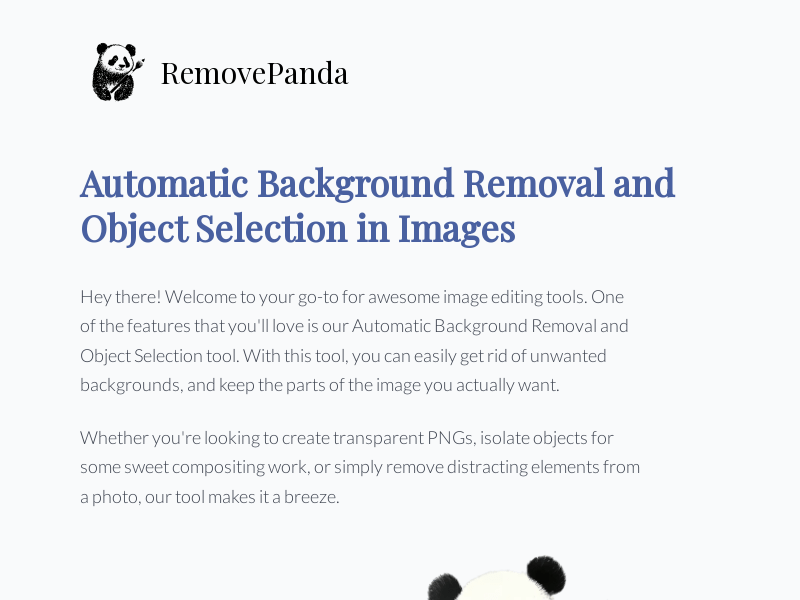
Screenshot archived from the listing page, for preview only.











