
RemoveFrom.Video
Video watermark removerStrip watermarks and objects
Highlights
What you can do with it
- Cleaning watermarked short videos for re-upload.
- Removing hard-coded subtitles before adding new ones.
- Deleting tourists or clutter from scenery footage.
How to use it
- 1 Upload an MP4, MOV, or WEBM video.
- 2 Choose a removal mode such as watermark or object.
- 3 Pick the output resolution and start processing.
- 4 Preview the result and download if you are happy.
Who it is for
Pros
- A free trial lets you test the quality.
- Automatic detection reduces manual masking work.
- Cloud rendering keeps the load off your computer.
Limitations
- Removing watermarks or content you do not own can breach rules.
- Free trial limits and pricing can change over time.
- Complex scenes may still show small artifacts.
What RemoveFrom.Video is
RemoveFrom.Video is an online AI tool that removes watermarks, text, subtitles, and unwanted objects from videos. It uses AI inpainting that understands motion, lighting, and scene continuity, so the background is rebuilt naturally after removal and the video aims to stay intact without blur. It can automatically detect common watermarks and text areas, which cuts down the tedious work of manual masking, and all rendering runs in the cloud so it does not tax your computer. It supports MP4, MOV, and WEBM, and offers a free trial with output up to 1080p. It is aimed at social media managers, course creators, and bloggers who need to clean clips for reuse across platforms.
What you can do with it
- Remove watermarks, logos, and platform marks from video.
- Erase hard-coded subtitles, titles, and overlay text.
- Delete unwanted objects, people, or clutter from footage.
- Process in the cloud and download up to 1080p.
Who it is for
- Social media managers cleaning clips for reuse.
- Course creators removing hard-coded subtitles.
- Bloggers tidying up travel and scenery footage.
What to watch out for
Removing watermarks or content you do not own can breach platform rules or copyright, and the consequences fall on you, so only clean videos you have the rights to edit and reuse. Free trial limits and pricing can change over time, and the free tier may cap resolution or clip length, so confirm the current terms. Complex scenes with fast motion or busy backgrounds may still show small artifacts, so preview before you publish. Because uploads are processed in the cloud, be careful with sensitive footage and check the privacy terms first.
FAQ
What does RemoveFrom.Video remove?
It removes watermarks, text, subtitles, and unwanted objects such as extra people or clutter from videos.
Is there a free trial?
Yes. It offers a free trial and supports output up to 1080p.
What formats does it support?
It supports mainstream formats such as MP4, MOV, and WEBM, processed in the cloud.
Why it is free
What the official page says: free trial
Free limits, trial length and features are decided by the official site and can change at any time.
Product preview
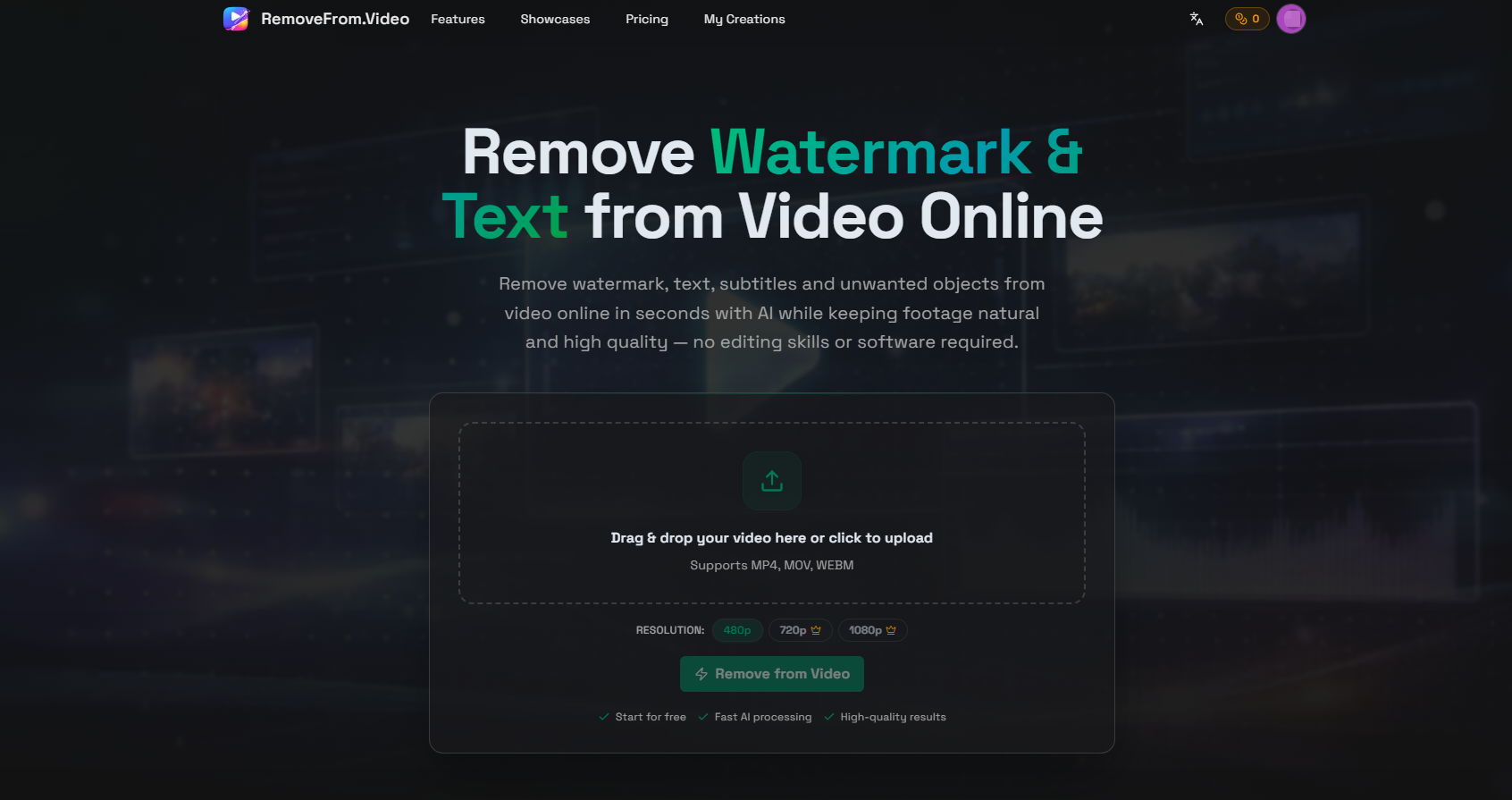
Screenshot archived from the listing page, for preview only.











