
Removebg.one
Free online background removal toolRemove image backgrounds in seconds
Highlights
What you can do with it
- Clean up product photos for online store listings
- Prepare social media images with a clean subject
- Speed up portrait retouching after a shoot
How to use it
- 1 Open removebg.one in your browser
- 2 Upload the image you want to process
- 3 Wait a few seconds for automatic background removal
- 4 Optionally tidy edges or set a new background color
- 5 Download the finished image
Who it is for
Pros
- Free to use per the site
- Works on common image subjects
- API option fits software developers
Limitations
- Free access and limits can change
- Automatic cutouts may need manual touch-ups on complex edges
- Output quality depends on the source image
- It relies on an external service you do not control
What Removebg.one is
Removebg.one is a free online background removal tool at removebg.one. The site says it automatically removes backgrounds from images of people, products, animals, vehicles, and logos, producing clean cutouts in a few seconds. It is aimed at e-commerce sellers, graphic designers, social media creators, photographers, marketers, and anyone who needs a clean subject without opening an editor. The listing also mentions API integration, which points to developers who want the same function inside their own software.
What you can do with it
- Remove backgrounds from product, portrait, and object photos
- Prepare cleaner images for store listings and ads
- Cut out subjects for social media graphics
- Plug automated removal into your own tools through the API
Who it is for
- E-commerce sellers preparing product images
- Social media creators making cleaner posts
- Photographers who want faster portrait retouching
What to watch out for
Automatic cutouts are convenient but not perfect, so expect to tidy edges on hair, glass, and fine details with another tool before final use. Output quality depends heavily on the source image, and a busy or low-contrast background will produce weaker results. The site describes the tool as free, but free access, file limits, and API terms can change at any time, so check the current offer before you build a workflow around it. Because processing happens on an external service, uptime and handling of your files are outside your control, so keep originals safe and avoid uploading anything sensitive. Try a few test images first, and treat the free tier as a snapshot rather than a permanent guarantee. Name and archive exported files consistently so you can find and reuse them, and keep a backup copy of key data.
FAQ
Is Removebg.one free?
The site describes it as a free online background removal tool.
What images can it handle?
The listing mentions people, products, animals, vehicles, and logos.
Is there an API?
Yes, the site lists API integration for automated background removal.
What should I check?
Test a few of your own images first, since edge quality varies with the subject, and confirm current free limits on the site.
Why it is free
What the official page says: 免费
Free limits, trial length and features are decided by the official site and can change at any time.
Product preview
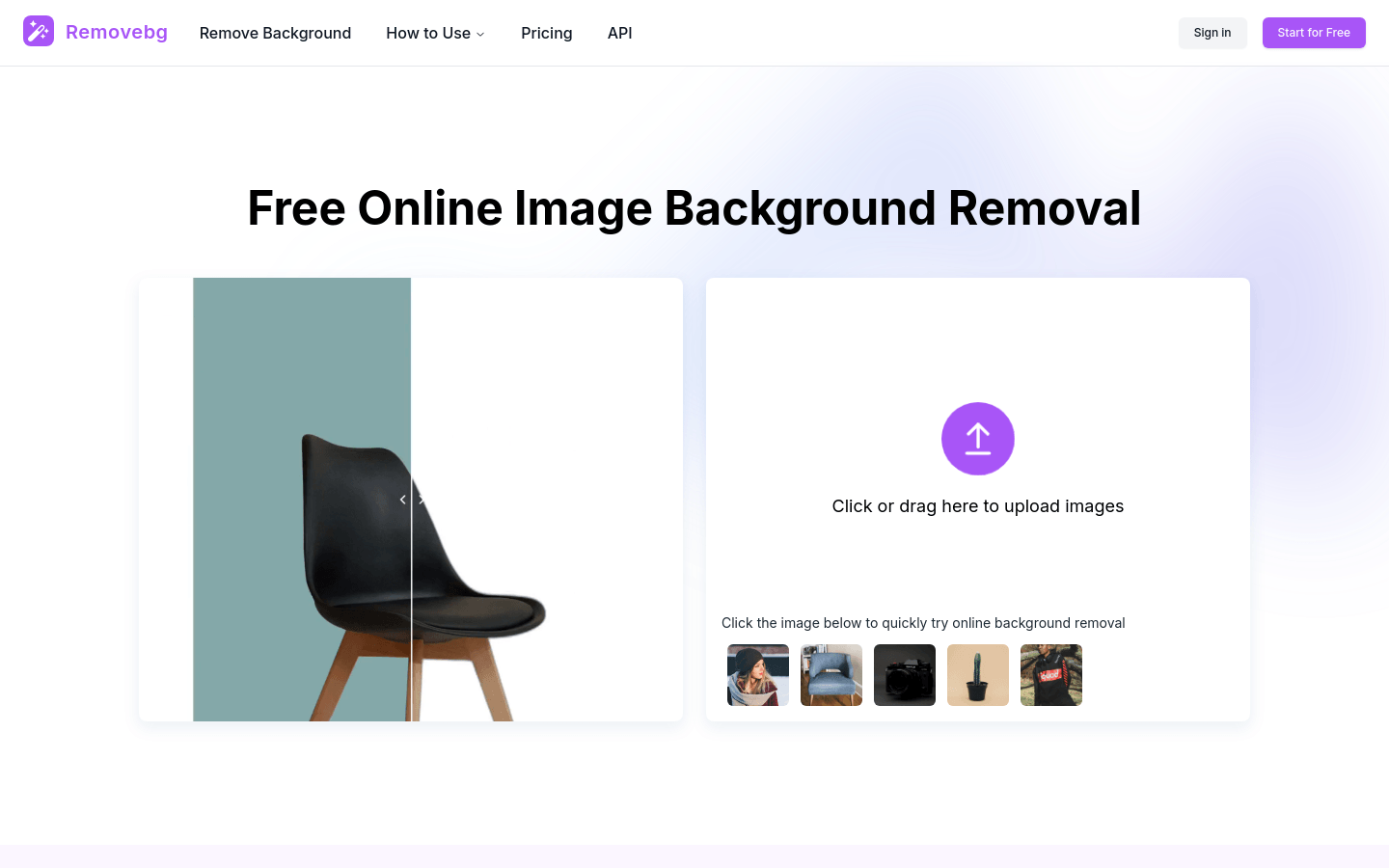
Screenshot archived from the listing page, for preview only.











