
Remove Watermark
AI watermark remover for photos and videoOne click watermark cleanup for images and clips
Highlights
What you can do with it
- A social media manager cleans brand assets before posting
- A video editor removes a mark from a clip during editing
- A user restores an old family photo
How to use it
- 1 Open the site and pick image or video mode
- 2 Upload the file you want processed
- 3 Click remove and let the AI work
- 4 Download the cleaned image or video
Who it is for
Pros
- One click flow avoids manual masking work
- Many file formats are accepted
- A daily free allowance exists for light use
Limitations
- Free uses are limited per day, more requires payment
- Results vary with mark size and background complexity
- Removing watermarks from content you do not own can breach copyright
- Heavy video files take longer and more credits
What Remove Watermark is
Remove Watermark, at removewatermarks.com, is an online AI tool for cleaning marks out of images and video. Instead of manual masking or frame by frame work, you upload a file and click remove. The page says it handles logos, text, and seals, supports a long list of formats from MP4 to HEIC, and aims to preserve original colors, edges, and detail. A limited number of free uses is available each day, with a PRO version or credit packs for more.
What you can do with it
- Remove a watermark from a photo in one click
- Clean a mark from a video clip without frame by frame editing
- Work across many common image and video formats
- Download the result for use in your own project
Who it is for
- Social media managers preparing brand content
- Video editors cleaning source material
- Individual users restoring personal photos
What to watch out for
Free uses are capped daily, and more requires payment, so heavy work needs a budget, and credit consumption on large video files adds up fast. Quality depends on the size of the mark and how busy the background is; stubborn cases leave artifacts that need touch up. Most importantly, only process files you own or have clear rights to, because removing watermarks from protected material can breach copyright, and any consequences are your own responsibility. Uploaded files are handled by a third party, so avoid sensitive media and review the privacy terms. Generated suggestions are for reference only, so verify anything that affects professional judgment or important data. Start with a small sample to confirm the output meets your expectations before processing the full batch.
FAQ
What can it remove?
Logos, text, and seals from photos and videos, according to the product page.
Is it free?
There is a limited number of free uses per day. More requires the PRO version or extra credits.
Which formats work?
Common image and video formats are listed, including MP4, MOV, M4V, JPG, PNG, BMP, WEBP, TIFF, and HEIC.
Why it is free
What the official page says: for free
Free limits, trial length and features are decided by the official site and can change at any time.
Product preview
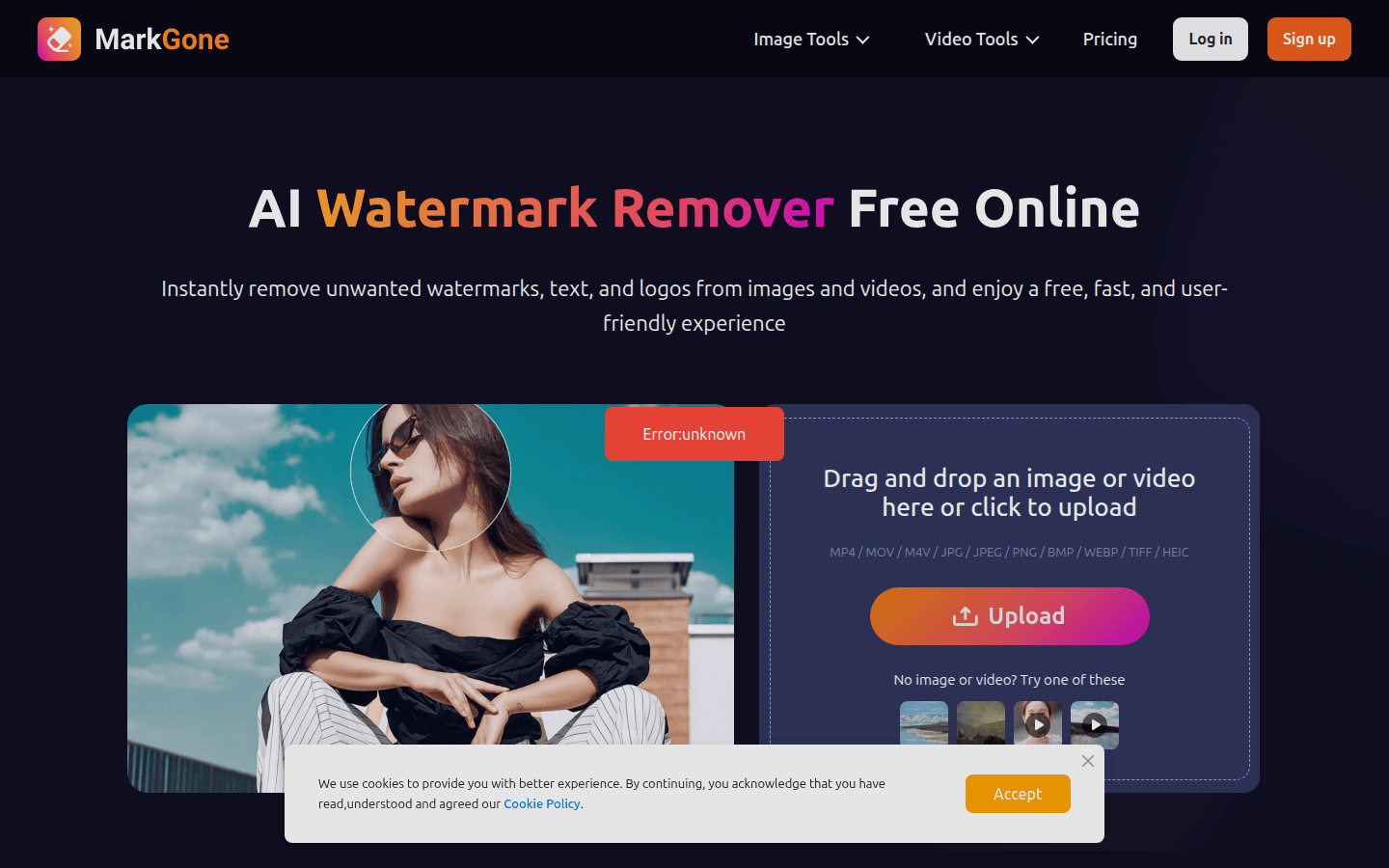
Screenshot archived from the listing page, for preview only.











