
remove bg video
Online AI video background remover without a green screenRemove video backgrounds, preview free, pay per minute
Highlights
What you can do with it
- Influencers remove the background and add a trendy one so videos stand out
- Jewelry designers place product videos on a black or white background
- Personal brand owners swap in a personalized background image
How to use it
- 1 Open removebgvideo.com and upload an MP4, MOV, or WebM file
- 2 Wait for the free preview of the background removal
- 3 Pick an export format and background, such as transparent WebM
- 4 Pay for the minutes you need and let the processing finish
- 5 Download the finished video
Who it is for
Pros
- No green screen required
- Free preview shows the quality before payment
- Fast GPU processing with HD or 4K export
- Flexible pay per minute pricing with no subscription
Limitations
- Only the preview is free; final processing is paid
- Cost starts from $0.5 per minute and grows with video length
- Upload formats are limited to common ones like MP4, MOV, and WebM
- Free preview rules and rates may change
What remove bg video is
remove bg video is an online tool that removes the background from your videos using AI. There is no green screen involved: the AI identifies the subject in the clip and cuts the background automatically. It accepts common upload formats such as MP4, MOV, and WebM, and it can export in several formats, including transparent WebM. Processing runs on GPU acceleration, and the page says most videos under five minutes can be handled in about one to two minutes. You can preview the background removal for free before paying, and pricing is pay per minute starting from $0.5. It is built for video creators on YouTube, TikTok, e-commerce, and similar platforms.
What you can do with it
- Remove the background from a clip without a green screen.
- Preview the result for free and check the quality before you spend anything.
- Export in full HD or up to 4K, keeping the clarity and detail of the original video.
- Replace the background with a solid color, a transparent layer, or a custom image you upload.
Who it is for
- Video bloggers and influencers who post on YouTube, TikTok, and similar platforms.
- E-commerce sellers who need clean product videos for listings and ads.
- Content creation teams and agencies that produce video at volume and want predictable per minute costs.
What to watch out for
Only the preview is free. The final processing is paid per minute, starting from $0.5, and the cost grows with the length of the video. Upload formats are limited to common ones such as MP4, MOV, and WebM. Complex footage with fast movement or fine details such as hair may still need manual touch ups after export. Pricing and free preview rules may change, so check the current terms before you start a large project.
FAQ
Is the tool free?
The preview is free. Final processing is pay per minute, starting from $0.5 per minute according to the page.
Do I need a green screen?
No. The AI identifies the subject in the video and removes the background automatically.
Which formats are supported?
You can upload MP4, MOV, and WebM files, and export options include transparent WebM and other common formats.
Why it is free
What the official page says: 免费
Free limits, trial length and features are decided by the official site and can change at any time.
Product preview
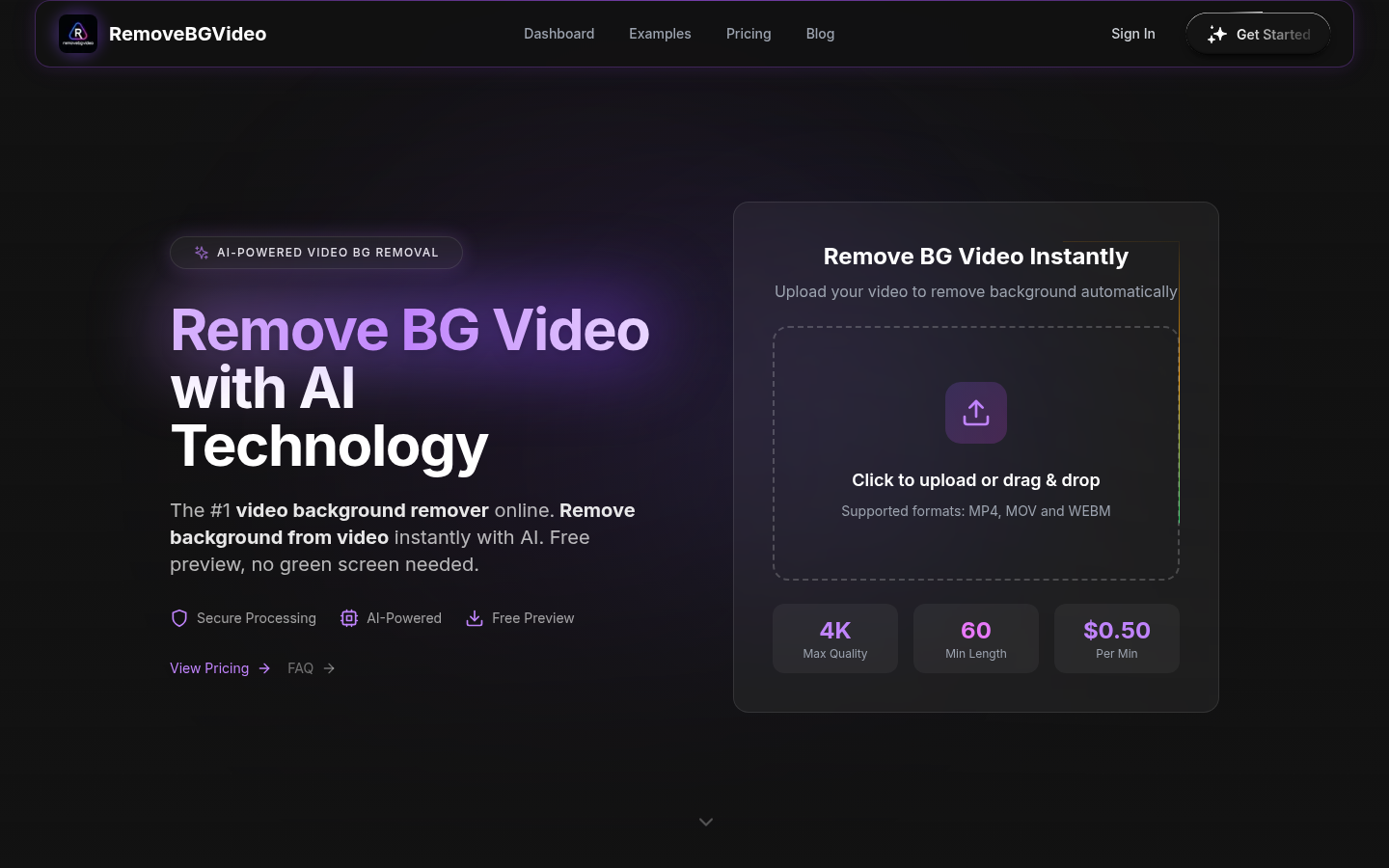
Screenshot archived from the listing page, for preview only.











