
remove-bg.io
Free online background removal, no sign-upOne-click background removal, no registration
Highlights
What you can do with it
- A photographer removing portrait backgrounds
- An e-commerce seller making transparent product images
- A designer creating transparent graphic elements
How to use it
- 1 Visit remove-bg.io.
- 2 Click Upload Image or drag an image into the box.
- 3 Wait for the tool to remove the background.
- 4 Use the editing tools for further adjustments.
- 5 Download the image in high resolution, or add a new background.
Who it is for
Pros
- Free with no registration required
- Fast, full-resolution results
- Editing and blur tools included
Limitations
- Complex edges like hair may need touch-ups
- Large or many images can be slow
- Free service rules and limits can change
What remove-bg.io is
remove-bg.io is a free online background removal tool. It automatically identifies and removes the background from an image, supporting common formats such as PNG and JPG. There is no software to install and no registration to complete, so you open the page and start working right away. The tool is built to keep high image quality, even when the background becomes transparent as a PNG. It also includes editing tools for removing, replacing, or recoloring a background, plus depth-of-field effects that blur the background to highlight the subject. It works on any device through the browser.
What you can do with it
- Remove a background in seconds at full resolution
- Create transparent-background PNG images
- Replace or recolor the background after removal
- Add depth-of-field blur to highlight a subject
Who it is for
- Photographers cleaning up portrait photos
- E-commerce sellers who need transparent product images
- Designers creating cut-out graphic elements
What to watch out for
Automatic removal works well on clear subjects, but tricky edges such as fine hair or detailed objects may need manual touch-ups afterward. Processing very large images or many files at once can be slow, so set expectations for batch jobs. As a free web service, availability and any limits can change over time, so download your results promptly. Only edit and share images you have the right to use. Free tiers and usage limits can change, so check the current rules on the official page before relying on it long term. Processing speed depends on file size and network conditions, so retry later if a task stalls during peak hours. Features and interface details may change between versions, so review the latest notes on the page before you start.
FAQ
Is remove-bg.io free?
Yes, it is a free online background removal tool and needs no registration.
What formats does it support?
It supports common formats such as PNG and JPG.
Does it keep image quality?
Yes, it retains high image quality, including with a transparent PNG background.
Why it is free
What the official page says: no registration
Free limits, trial length and features are decided by the official site and can change at any time.
Product preview
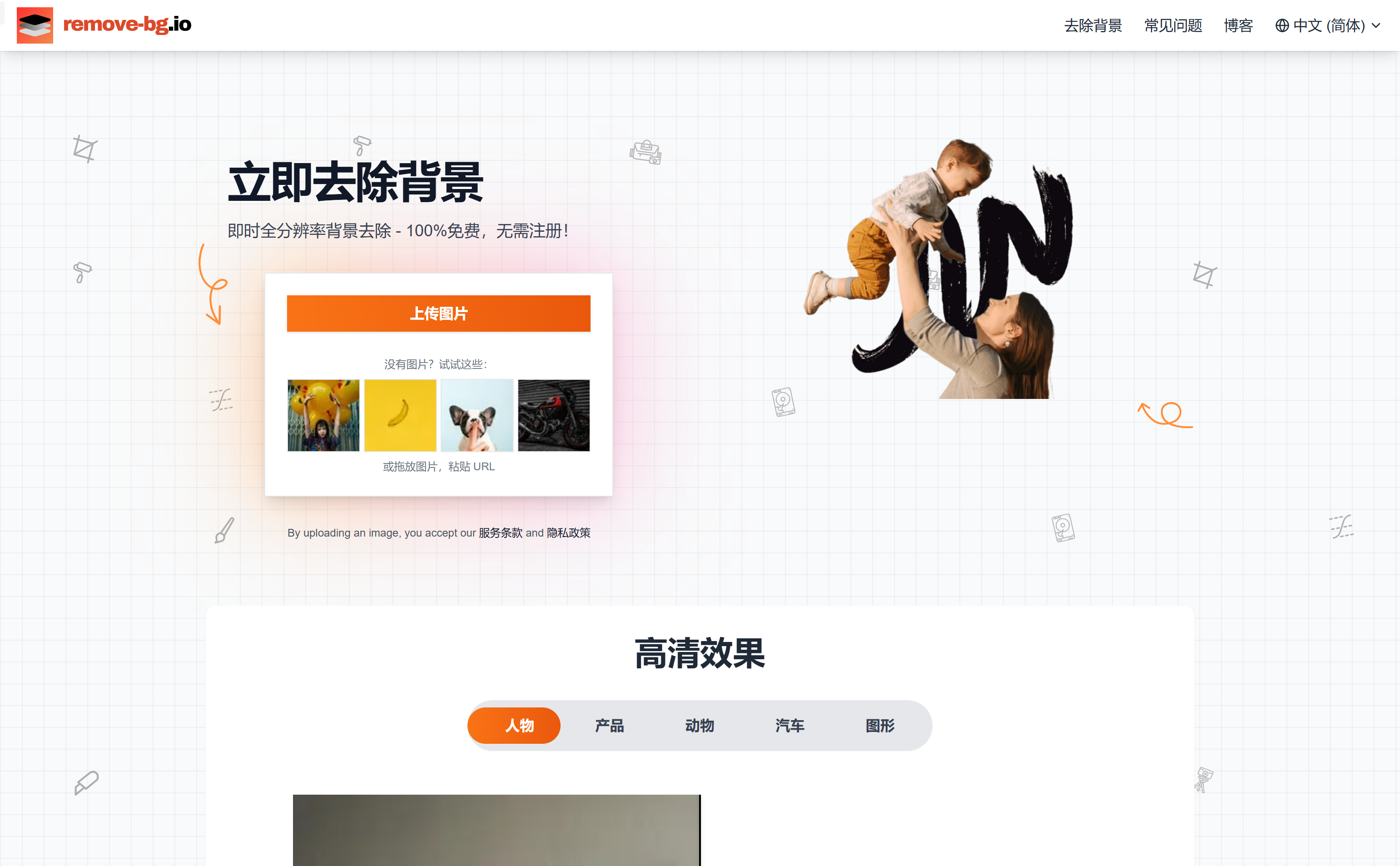
Screenshot archived from the listing page, for preview only.











