
Remove background
Free AI background removal toolTransparent PNGs in your browser, no sign-up
Highlights
What you can do with it
- E-commerce sellers cleaning product photos
- Designers isolating subjects for posters
- Social users creating transparent avatars
How to use it
- 1 Open cropforme.com/remove-background
- 2 Upload a JPG, PNG, or WebP image
- 3 Click Remove Background and wait a few seconds
- 4 Preview the transparent result
- 5 Download the PNG
Who it is for
Pros
- No registration and no stated cost
- Runs in the browser, which supports privacy
- Transparent PNG output suits many workflows
- Wide set of editing tools in one place
Limitations
- Best results are on clear portrait or product shots
- Fine detail like hair or transparent objects can suffer
- Free availability and limits can change
What Remove background is
Remove background is a free online image tool at cropforme.com that strips the background out of photos using AI. You upload a JPG, PNG, or WebP image, click the remove button, and the AI detects the main subject and separates it from the background, usually in a few seconds. The result downloads as a PNG with a transparent background, ready for product pages, posters, or avatars. No registration is required, and processing happens in the browser, which the service presents as a privacy advantage because the image is handled locally. Alongside background removal, the site includes a full set of editing utilities such as cropping by aspect ratio, circle, square, or custom shape, plus rotation, flipping, drawing, color adjustment, and resizing.
What you can do with it
- Remove backgrounds from portrait and product photos
- Crop by ratio, circle, square, or custom shape
- Rotate, flip, draw, adjust colors, and resize
- Remove objects, repair spots, and blur backgrounds
- Extract text with OCR and convert formats
Who it is for
- E-commerce sellers who need clean product images
- Designers isolating subjects for posters and layouts
- Students and social media users making quick edits
What to watch out for
Results are strongest on clear portrait or product shots with good contrast. Fine detail such as hair, thin straps, or transparent objects can look rough at the edges, so review the cutout before publishing. The service is presented as free, but free availability and any usage limits can change. Because processing runs in the browser, a very large image may be slow on an older machine. Keep a backup of the original file before editing, since some operations cannot be undone after download, and check the output edges closely before using a cutout in a professional layout where a rough edge will be visible.
FAQ
Is this background remover free?
The page presents it as free to use online without registration.
Do my images leave my device?
Processing is completed in the browser, which the service says helps keep images private.
What formats can I upload?
JPG, PNG, and WebP files are supported, and downloads come as transparent PNG.
What else can the site do?
It also offers cropping, rotating, drawing, object removal, spot repair, background blur, OCR extraction, and format conversion.
Why it is free
What the official page says: for free
Free limits, trial length and features are decided by the official site and can change at any time.
Product preview
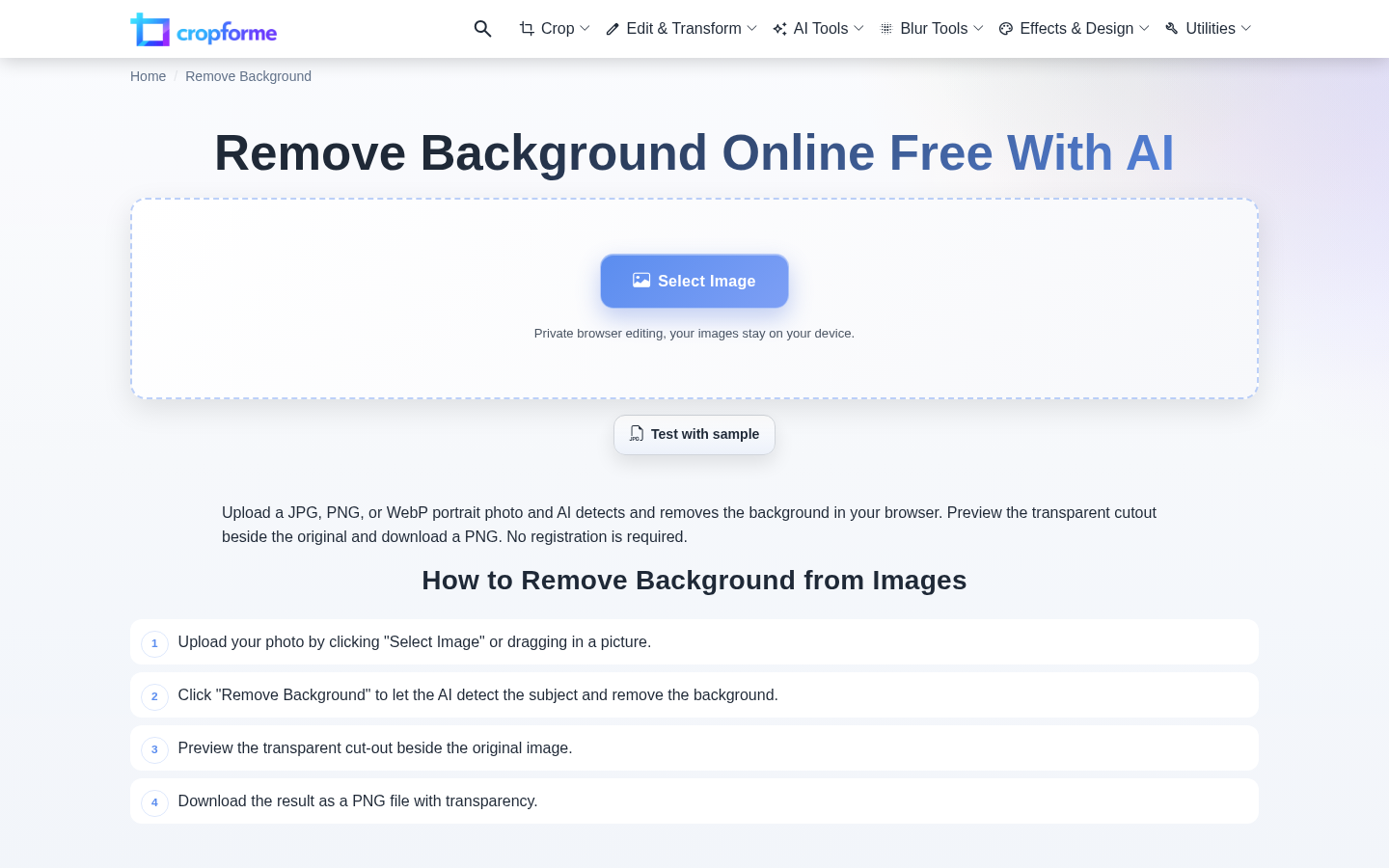
Screenshot archived from the listing page, for preview only.











