
Highlights
What you can do with it
- Cut product photos out for an online store
- Prepare transparent PNGs for a design or presentation
- Batch process an event or portrait shoot
How to use it
- 1 Upload an image or drop in a batch
- 2 Let the tool detect the subject and remove the background
- 3 Check edges around hair and fine detail
- 4 Replace the background or download the transparent file
- 5 Use paid editing services if a file needs manual work
Who it is for
Pros
- No registration required to start
- Batch support suits high volume jobs
- Editing tools included for background swaps
Limitations
- Very fine edges such as hair may still need touch ups
- Paid services exist, so the free path has limits
- Free rules and processing limits can change
- Large batches depend on upload speed and browser stability
What Removal.AI is
Removal.AI is an online tool that removes backgrounds from images. You upload a photo, it detects the main subject, and it deletes everything around it, returning a file you can place on any background. The listing promises processing in three seconds or less, neat and clear edges, and handling of tricky areas such as hair. It also supports batch uploads of more than 1,000 images, which is the part that matters for anyone with a full shoot to process rather than a single photo. Basic use is free and needs no registration, and there are paid options for professional editing when automatic results are not enough. Simple in scope, useful in volume.
What you can do with it
- Remove the background from a single photo in seconds
- Process a large batch of images in one go
- Swap in a new background with the built in editor
- Download transparent files for design or e commerce use
Who it is for
- Online sellers who need clean product cutouts
- Photographers editing large sets of portraits or events
- Marketers and designers producing quick transparent assets
What to watch out for
Automatic cutouts are good but not perfect. Hair, thin wires, glass and semi transparent fabrics often need manual touch ups, and result quality depends heavily on the original photo. Batch uploads of over a thousand images will test both your connection and your browser, so split very large jobs into smaller runs. The free tier comes with limits that are not fully documented here, and paid editing services sit behind it, so heavy users should expect a bill at some point. Free rules can also change, and output can vary between similar images in the same batch, so spot check before you deliver.
FAQ
Is it free?
The listing says it is free to use, with paid options for professional editing services.
How many images can I upload?
Batch processing is described as supporting over 1,000 images at once.
Do I need an account?
No registration is required to use the free version.
How fast is it?
The site claims three seconds or less per image.
Why it is free
What the official page says: 免费使用免费无需注册
Free limits, trial length and features are decided by the official site and can change at any time.
Product preview
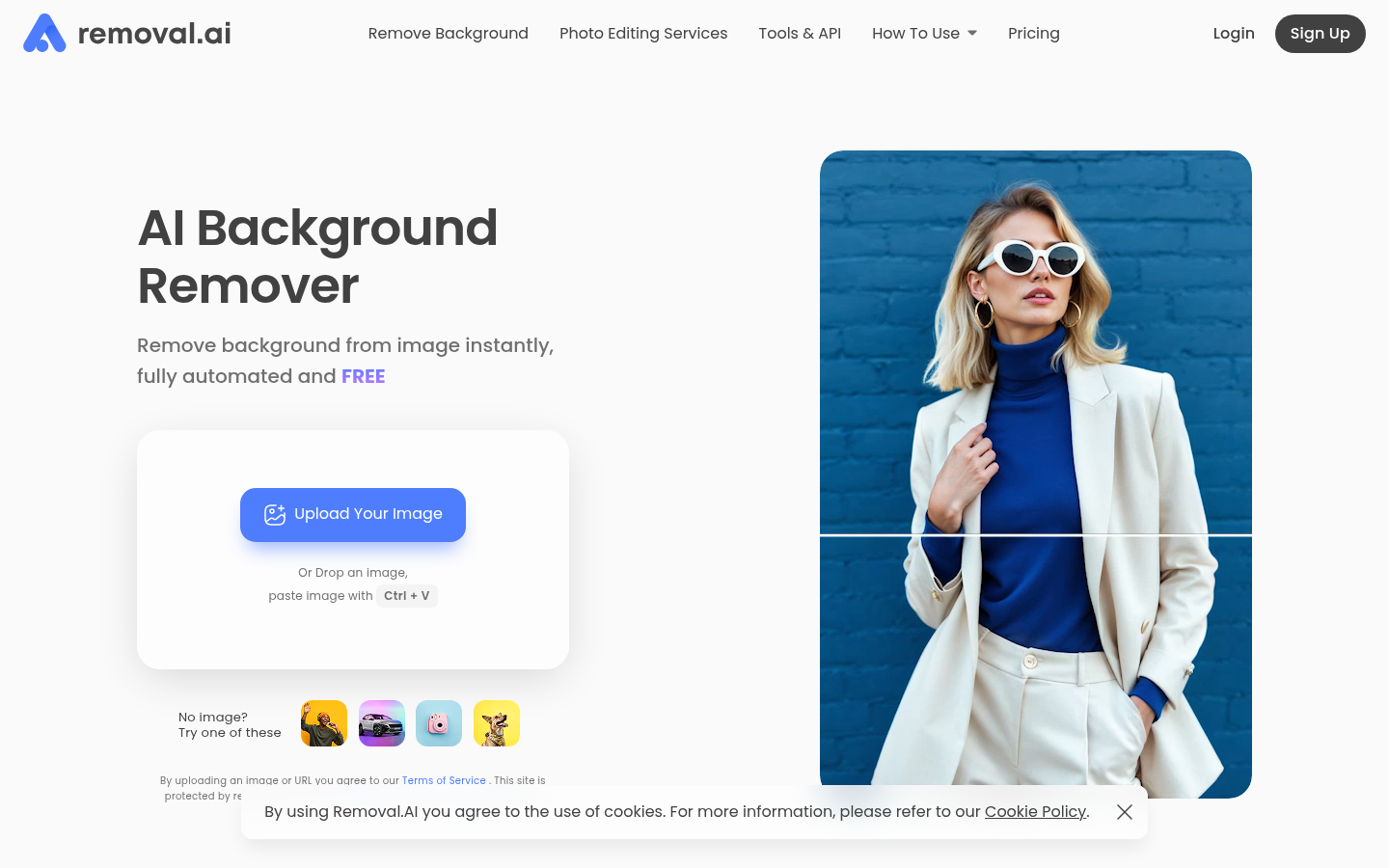
Screenshot archived from the listing page, for preview only.