
Remodel AI
AI redesign of home interiors and exteriors in about 30 secondsSee a new look for any room before you commit
Highlights
What you can do with it
- Preview a villa exterior with a new style before committing
- Try different wall colors and materials for a room
- Mock up a commercial building facade
How to use it
- 1 Upload a photo of the interior or exterior you want to change.
- 2 Pick a design style and adjust colors and materials.
- 3 Let the tool generate the redesign, usually in under 30 seconds.
- 4 Download the finished interior or exterior image.
Who it is for
Pros
- Fast results, around 30 seconds per design
- Easy to compare multiple styles and colors
- Free trial for the first designs
Limitations
- Free trial only covers the first 5 designs
- Results are visual concepts, not build ready plans
- Accuracy depends on photo quality and angle
What Remodel AI is
Remodel AI is an AI tool that redesigns the interior and exterior of a house in under 30 seconds. You upload photos of the space you want to change, then try different styles, colors, and materials to preview how a new look could turn out. The tool offers up to 10 design styles to choose from and lets you download the reworked interior and exterior images. A free trial covers your first 5 designs, so you can test the full workflow before paying for more. It is built for anyone weighing a renovation, from a homeowner refreshing a single room to a business testing a commercial facade.
What you can do with it
- Upload interior and exterior photos and get an AI generated redesign in about 30 seconds.
- Compare up to 10 design styles on the same space to see which fits best.
- Swap colors and materials to preview different combinations before you buy anything.
- Download the finished interior or exterior scene images to share or save.
Who it is for
- Homeowners planning a renovation and exploring styles before committing.
- Renters and do it yourselfers who want to preview changes without spending first.
- Businesses or landlords testing a new exterior look for a property.
What to watch out for
The free trial only covers your first 5 designs, so heavier use means paying for more. The output is a visual concept, not a build ready plan or a contractor blueprint, and result quality depends on the lighting, angle, and clarity of your photos. Sharp, well lit images give the best previews. Use it to explore ideas and narrow your choices rather than as a final design decision.
FAQ
How long does a redesign take?
Remodel AI generates a redesigned interior or exterior in under 30 seconds.
How many styles can I try?
It offers up to 10 design styles to choose from.
Is there a free option?
Yes, there is a free trial that covers your first 5 designs.
Why it is free
What the official page says: free trial
Free limits, trial length and features are decided by the official site and can change at any time.
Product preview
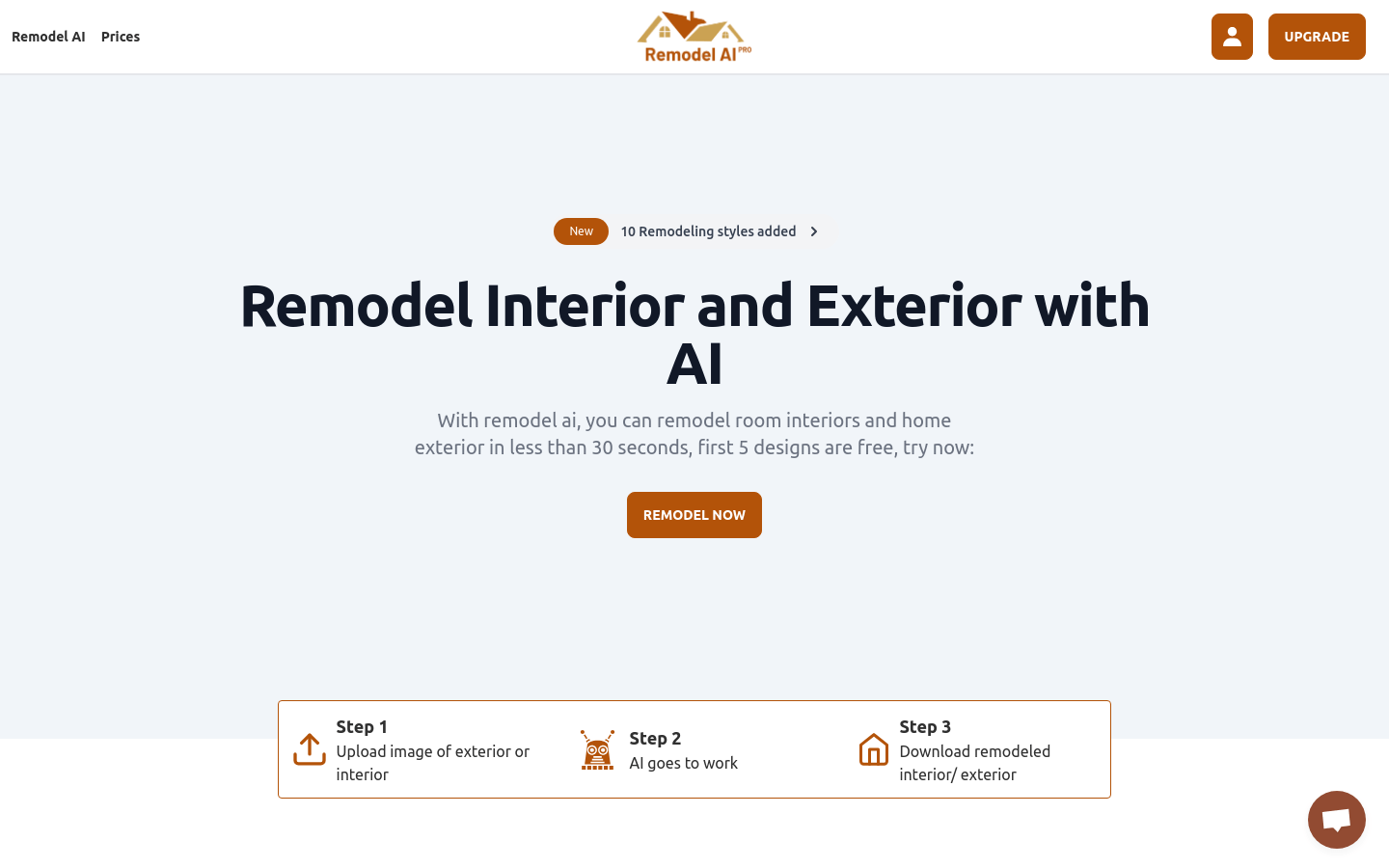
Screenshot archived from the listing page, for preview only.











