
Remagine AI
AI content generator with 200+ templatesGenerate high-quality content in seconds
Highlights
What you can do with it
- Generating SEO-optimized blog content
- Speeding up copywriting with AI tools
- Rewriting content for originality and consistency
How to use it
- 1 Visit remagineai.com and open the tools.
- 2 Pick a template or start with Ask AI chat.
- 3 Enter your topic or instructions.
- 4 Generate content, then edit with the AI text editor.
- 5 Use the free assistant, then upgrade if you need more.
Who it is for
Pros
- Large template library to start from
- Covers blog, copy, rewrite, and editing
- Free AI copywriting assistant
Limitations
- Output still needs editing and fact-checking
- Advanced features likely need paid plans
- Overreliance can make content feel generic
What Remagine AI is
Remagine AI is an AI content generator with more than 200 templates and tools that create content in seconds. It is built around common writing tasks, with templates that follow proven writing frameworks so output is usable rather than generic. The AI blog writing tools are meant to help with SEO, fact-checking, and copywriting best practices, while the Ask AI chat answers questions as you work. There is also a rewriting tool to improve originality and brand consistency, and an AI text editor that can summarize, rewrite, expand, fix grammar, change tone, and translate. A free AI copywriting assistant is included.
What you can do with it
- Generate blog and copy content from templates
- Optimize drafts for SEO and fact-checking
- Rewrite text for originality and brand voice
- Edit with summarize, expand, grammar, tone, and translate tools
Who it is for
- Bloggers who need SEO-friendly posts
- Copywriters producing content at volume
- Marketers adapting and rewriting brand content
What to watch out for
AI output is a starting point, so you should edit and fact-check before publishing, especially for claims and data. Heavy or advanced use likely sits behind paid plans, so confirm what the free assistant covers. Relying too heavily on generated text can make content feel generic, so add your own voice. Features and pricing can change, so check the current details on the site. Behavior may vary across browsers and devices, so test before production use and consult the help docs if errors appear. Features and interface details may change between versions, so review the latest notes on the page before you start. When quality matters, export a small draft first to confirm the result before producing the final file.
FAQ
What is Remagine AI?
It is an AI content generator with 200+ templates for blogs, copywriting, rewriting, and text editing.
Is there a free option?
Yes, it offers a free AI copywriting assistant to generate content.
What can the text editor do?
It can summarize, rewrite, expand, fix grammar, change tone, and translate in seconds.
Why it is free
What the official page says: 免费
Free limits, trial length and features are decided by the official site and can change at any time.
Product preview
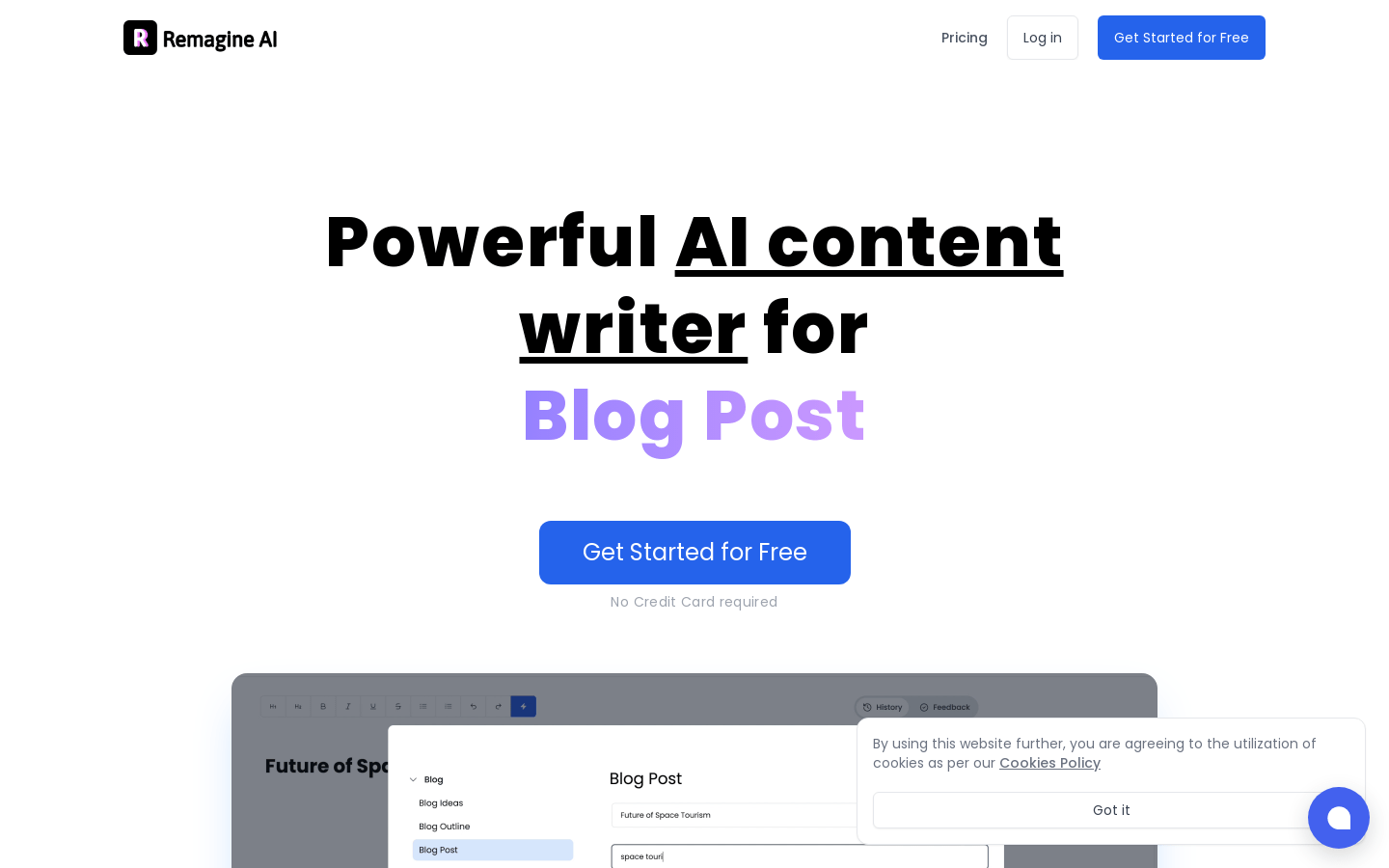
Screenshot archived from the listing page, for preview only.











