
Relumi
AI photo fixer for blinking eyes and old photosRescue the shot you almost deleted
Highlights
What you can do with it
- Repair a group photo where someone blinked
- Bring an old family photo back to life
- Turn a static portrait into an animated clip
How to use it
- 1 Open the Relumi app and tap Import Photo
- 2 Select the photo from your phone album
- 3 Choose a function such as blink fix, restoration, or animation
- 4 Adjust color and brightness settings as needed
- 5 Tap Save to store the result in your album
Who it is for
Pros
- Free to use according to the listing
- Targets very common photo problems directly
- Simple mobile workflow from import to save
Limitations
- Free availability could change as the app evolves
- Results depend on the quality of the source photo
- Mobile editing is less powerful than desktop photo software
What Relumi is
Relumi is an AI photo editing application for iOS and Android. It focuses on fixing the small flaws that ruin otherwise good pictures. Its algorithms detect blinking eyes and replace them with a natural open-eye version, adjust awkward smiles into more natural expressions, and restore faded or blurry old photos by rebuilding color and detail. It can also add animation effects to static images so people and scenes appear to move. Beyond repairs, it offers color adjustment controls such as brightness, contrast, and saturation. The app is described as free to use and is meant for everyday photo repair and beautification rather than professional retouching pipelines.
What you can do with it
- Fix blinking eyes in group photos and portraits
- Restore color and clarity to old or damaged photos
- Add animation effects to static pictures
- Optimize smiles for a more natural look
- Fine-tune brightness, contrast, and saturation
Who it is for
- Everyday users who want quick photo fixes on their phone
- Photography enthusiasts correcting shooting mistakes
- Families bringing old photographs back to life
What to watch out for
The app is presented as free, but free terms for mobile apps can change, so check the store listing before relying on it. Output quality depends heavily on the source photo, and heavily damaged images may only improve partially. Animation and restoration run on the device or service behind the app, so processing time can vary. As a mobile tool, it is not a replacement for desktop editing software when you need layer-level control. Processing speed depends on file size and network conditions, so retry later if a task stalls during peak hours.
FAQ
Is Relumi free?
The listing describes it as free to use for daily photo repair and beautification.
What photo problems can it fix?
Blinking eyes, unnatural smiles, faded or blurry old photos, and flat colors.
Which platforms are supported?
It is available for iOS and Android.
Can it animate photos?
Yes. It can add dynamic elements to static photos to make them more vivid.
Why it is free
What the official page says: free to use
Free limits, trial length and features are decided by the official site and can change at any time.
Product preview
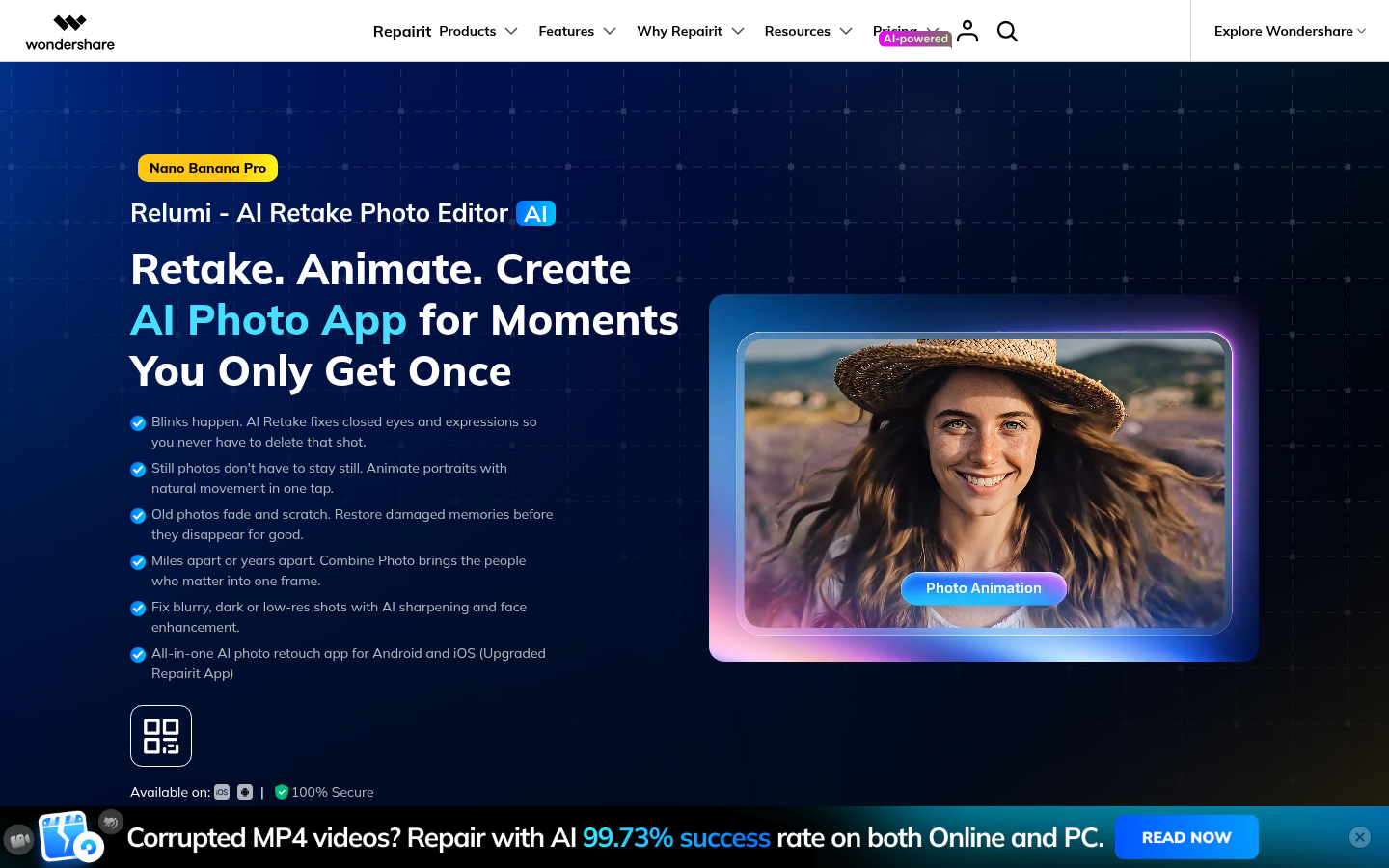
Screenshot archived from the listing page, for preview only.











