
Relume Ipsum
AI copy for designersFill website copy in seconds
Highlights
What you can do with it
- Filling a wireframe with realistic placeholder copy
- Keeping a project moving while client copy is pending
- Polishing inconsistent text across a long page
- Offering copywriting as an added design service
How to use it
- 1 Open Relume Ipsum and start a project
- 2 Enter the company description
- 3 Choose the framework or template you want
- 4 Lock any copy you want to keep
- 5 Generate the remaining sections and edit the output
Who it is for
Pros
- Fills a page quickly instead of waiting on copy
- Locking text keeps approved wording in place
- Improves consistency across a long document
- Integrates with a Figma kit designers already use
Limitations
- Generated copy is a draft, not final brand voice
- Client specific facts still have to be supplied
- Free trial limits apply before a paid plan is needed
- Output needs editing for tone and accuracy
What Relume Ipsum is
Relume Ipsum is an AI copywriting tool built specifically for designers. The listing describes it as a way to generate copy from templates and components so a layout can be filled without waiting for a client to send final text. The workflow is straightforward: you enter a company description, choose a framework, click generate, and the AI fills the design. A useful twist is that you can lock existing copy in place, and the tool then writes the surrounding sections with that locked text as context, which keeps approved wording from being overwritten. Beyond first drafts, it is described as able to improve existing copy for clarity and consistency. The feature list also notes compatibility with the Relume Library Figma Kit, and the description mentions free trials and paid plans.
What you can do with it
- Fill a website layout with realistic copy in seconds.
- Lock approved text and generate the sections around it.
- Improve existing copy for clarity and consistency.
- Present mockups that read like a finished site.
Who it is for
- Web designers filling wireframes and mockups.
- Freelancers waiting on client copy that has not arrived.
- Agencies presenting designs that need to look real.
- Designers who want to sell copy alongside design work.
What to watch out for
Generated copy is a draft. It will not know your client's pricing, guarantees, team names, or market position, and anything specific has to be supplied by a human. Tone is another gap: the tool can produce fluent text, but brand voice is a judgement call, and generic copy in a client presentation can create false expectations. The listing mentions free trials and paid plans, so ongoing use for real projects will need a subscription, and those limits can change. Because it is tied to a specific Figma kit and framework set, check that it fits your existing toolchain before you build a workflow around it. Always read the output before a client sees it.
FAQ
Who is Relume Ipsum for?
The description says it is an AI copywriting tool designed for designers.
Can I keep copy I already like?
Yes, you can lock in existing copy and have the AI generate the surrounding sections.
Does it work with Figma?
The feature list says it is compatible with the Relume Library Figma Kit.
Is there a free trial?
Yes, the description mentions free trials and paid plans.
Why it is free
What the official page says: free trial
Free limits, trial length and features are decided by the official site and can change at any time.
Product preview
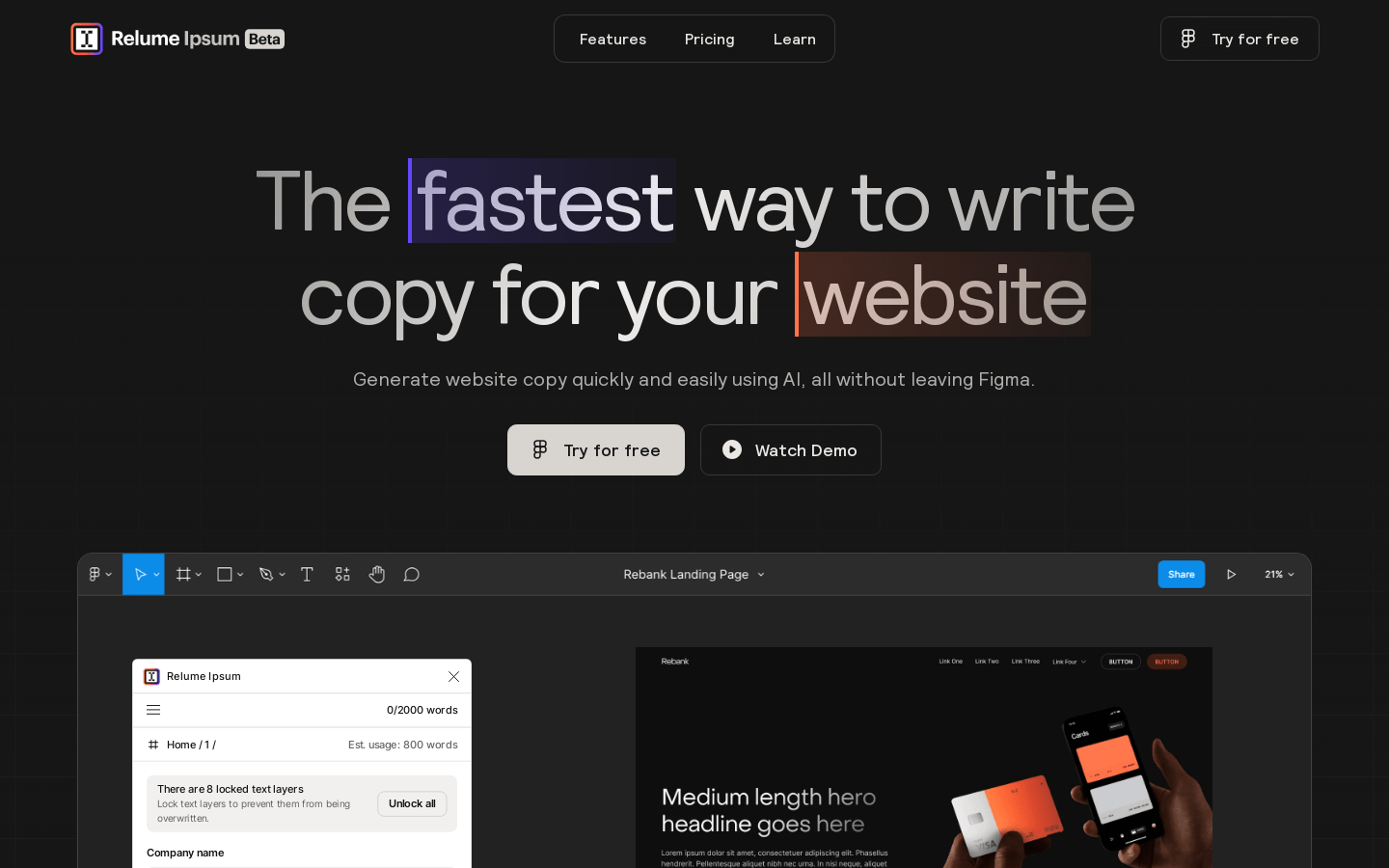
Screenshot archived from the listing page, for preview only.











