
Refreshingly Easy AI Image & Video Creation
Simple AI image and video creation suiteThirty creative tools with no learning curve
Highlights
What you can do with it
- A photographer turns a plain landscape into an artistic piece with background removal and expansion
- A video blogger produces a promotional clip quickly with text-to-video
- An enthusiast styles photos with outfit and hairstyle changes for social feedback
How to use it
- 1 Visit the official VidBeer website
- 2 Register and log in to your account
- 3 Pick the tool you need, such as text-to-image or image-to-video
- 4 Follow the prompts by typing a description or uploading a photo
- 5 Adjust the result, then save or share it
Who it is for
Pros
- A wide set of tools in a single subscription or credit pool
- A free package lets you test before paying
- Simple flow with no long tutorial needed
- Handles both still images and moving video
Limitations
- Heavier use needs credits or a subscription
- Output quality depends heavily on how you write the prompt
- Editing control is lighter than in professional design software
- Free package limits and pricing can change
What VidBeer is
VidBeer is an AI-driven creative platform for images and video, founded in 2025. It bundles around 30 tools in one place, so you can move from a text description to a finished image, or from a photo to a short video, without switching programs. The tool set covers text-to-image, image-to-video, text-to-video, background removal, outfit changes, hairstyle changes, facial expression edits, and image expansion that adds elements around the edge of a picture. The site stresses that everything is built to be easy to operate with no learning curve, which is aimed at people who want to create rather than learn software. There is a free package to start with, and pay-as-you-go credits plus subscription plans for heavier use.
What you can do with it
- Turn a written description into an image or a video
- Animate a still photo into a short clip
- Remove a background or swap clothes, hair, and expressions in a photo
- Expand the frame of an image to add creative space
Who it is for
- Creative enthusiasts who enjoy experimenting with styles
- Photographers and video bloggers who need fast output
- General users without design training who still want polished results
- Small teams producing social and marketing visuals
What to watch out for
The free package has limits, and heavier work needs credits or a subscription, so costs grow with volume. Output quality depends a great deal on the prompt, since vague descriptions produce vague images, and you may need several tries for a specific look. Editing control is deliberately simple, which means fine retouching still belongs in a dedicated editor. Pricing, credit rates, and free package limits are set by the vendor and can change, so check the current offer on the site before you build a workflow around it.
FAQ
What can VidBeer create?
It covers around 30 tools, including text-to-image, image-to-video, text-to-video, background removal, outfit and hairstyle changes, expression edits, and image expansion.
Do I need design skills?
The site positions the platform as having no learning curve, so basic operations are enough to produce results, though prompt writing still matters for quality.
Is there a free option?
Yes, there is a free package, alongside pay-as-you-go credits and subscription plans.
When was it founded?
The site states it was founded in 2025 with the goal of making AI creative tools simple and enjoyable.
Why it is free
What the official page says: 免费免费套餐
Free limits, trial length and features are decided by the official site and can change at any time.
Product preview
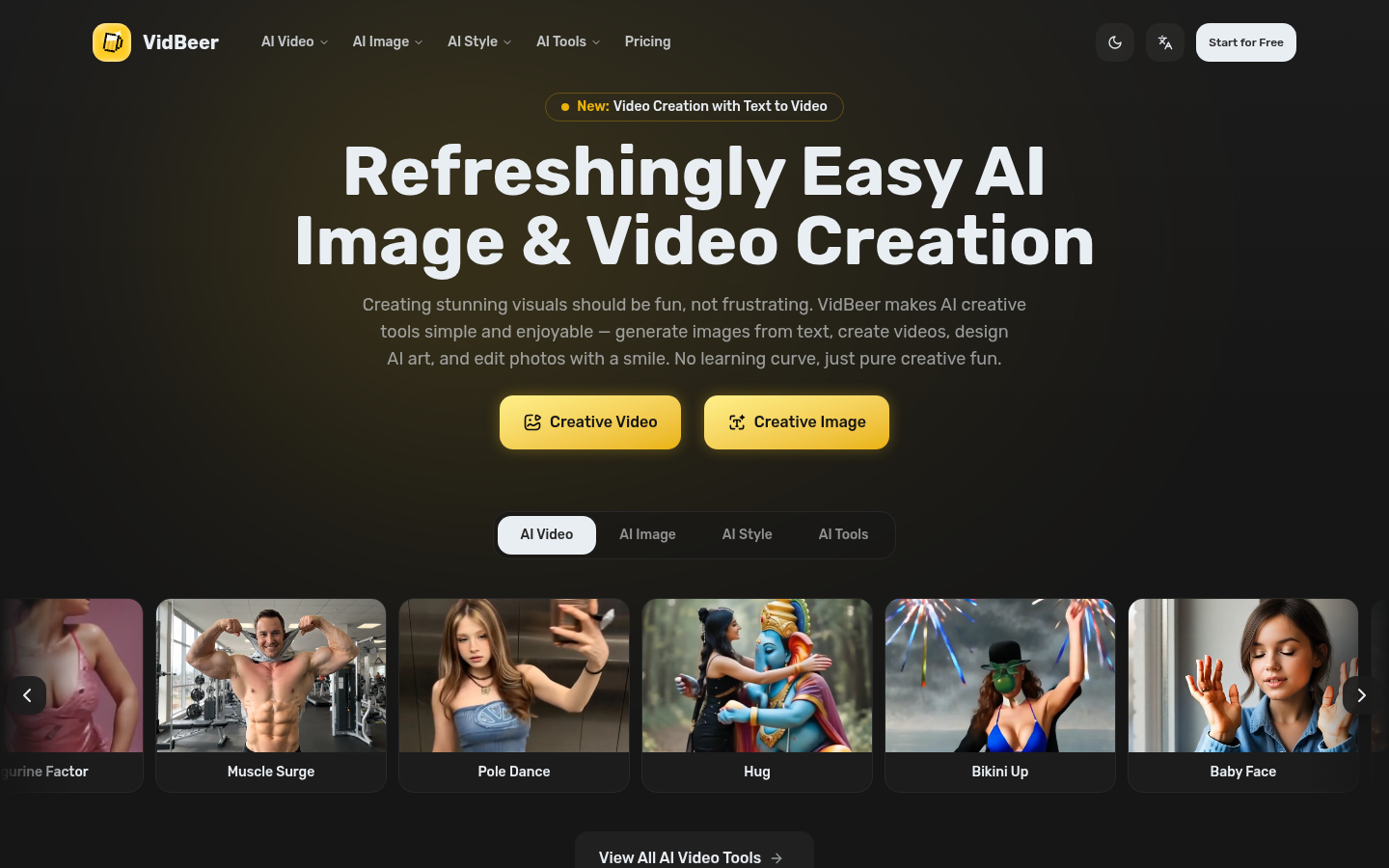
Screenshot archived from the listing page, for preview only.











