
reference to video
AI video generation from image, video, and audio referencesKeep faces, products, and camera moves consistent.
Highlights
What you can do with it
- Character animation videos built from pose references and voice audio
- Product promo videos that keep the item looking the same across cuts
- Multi-scene plot videos with several characters, scenes, and background music
How to use it
- 1 Upload clear reference images, then action video and audio if the shot needs them
- 2 Assign what each image, clip, and audio segment controls
- 3 Pick a model that fits the number of references you uploaded
- 4 Generate the video, then review faces, clothing, and product details
- 5 Remove or crop files the model ignored and generate again
Who it is for
Pros
- Images, video, and audio references live in the same project
- Consistency checks cover faces, clothing, and product geometry
- A free quota is available before you buy point packs
Limitations
- Models differ in how many references they accept, so a project may need trimming
- Monthly subscription points do not accumulate, so unused credits can be wasted
- Reference files are sometimes ignored, so plan on at least one regeneration
What Reference to Video is
Reference to Video is an AI video generation tool. Instead of typing a prompt and hoping for the best, you upload reference material: clear images that define a character, a product, clothing, or a style, plus short video clips for motion and audio for voice or music. You then tell the model what each reference controls, and it builds the video from those inputs. The stated goal is to cut down the repeated shooting and re-shooting that normal video production needs. A free quota is available, and subscription points are issued monthly but do not carry over. One-time point packs can be bought on demand.
What you can do with it
- Define characters, products, and clothing with reference images
- Assign roles to every image, clip, and audio track you upload
- Build multi-character scenes, giving each character its own image and a stable name
- Review the output for faces, clothing, product shape, and camera direction before you use it
Who it is for
- Video creators who want to skip shooting and post-production work
- Advertising and marketing staff who need several versions of a campaign clip
- Ordinary users with no editing background who still want a usable video
What to watch out for
Each model accepts a different number of references, so a project that works on one model may need trimming on another. The documentation itself notes that references are sometimes ignored, and the suggested fix is to remove extra files, crop the part that matters, or describe it more clearly. That means you should plan for at least one regeneration rather than expecting a clean first render. Monthly subscription points expire rather than accumulate, so unused credits are wasted if you stop mid-cycle. Free quotas and point pricing can change without notice. Anything you generate still needs a human check for likeness and brand accuracy before it goes public.
FAQ
What can I upload as a reference?
Images, video clips, and audio files. Images define identity, product, clothing, or style, clips carry motion, and audio carries voice or music.
Is there a free quota?
Yes. The description says free quotas are provided. Subscription points are issued monthly and do not accumulate, and one-time point packs are available.
Can I keep several characters consistent?
Yes, but each character needs its own image reference and a stable name.
Why it is free
What the official page says: 免费额度免费
Free limits, trial length and features are decided by the official site and can change at any time.
Product preview
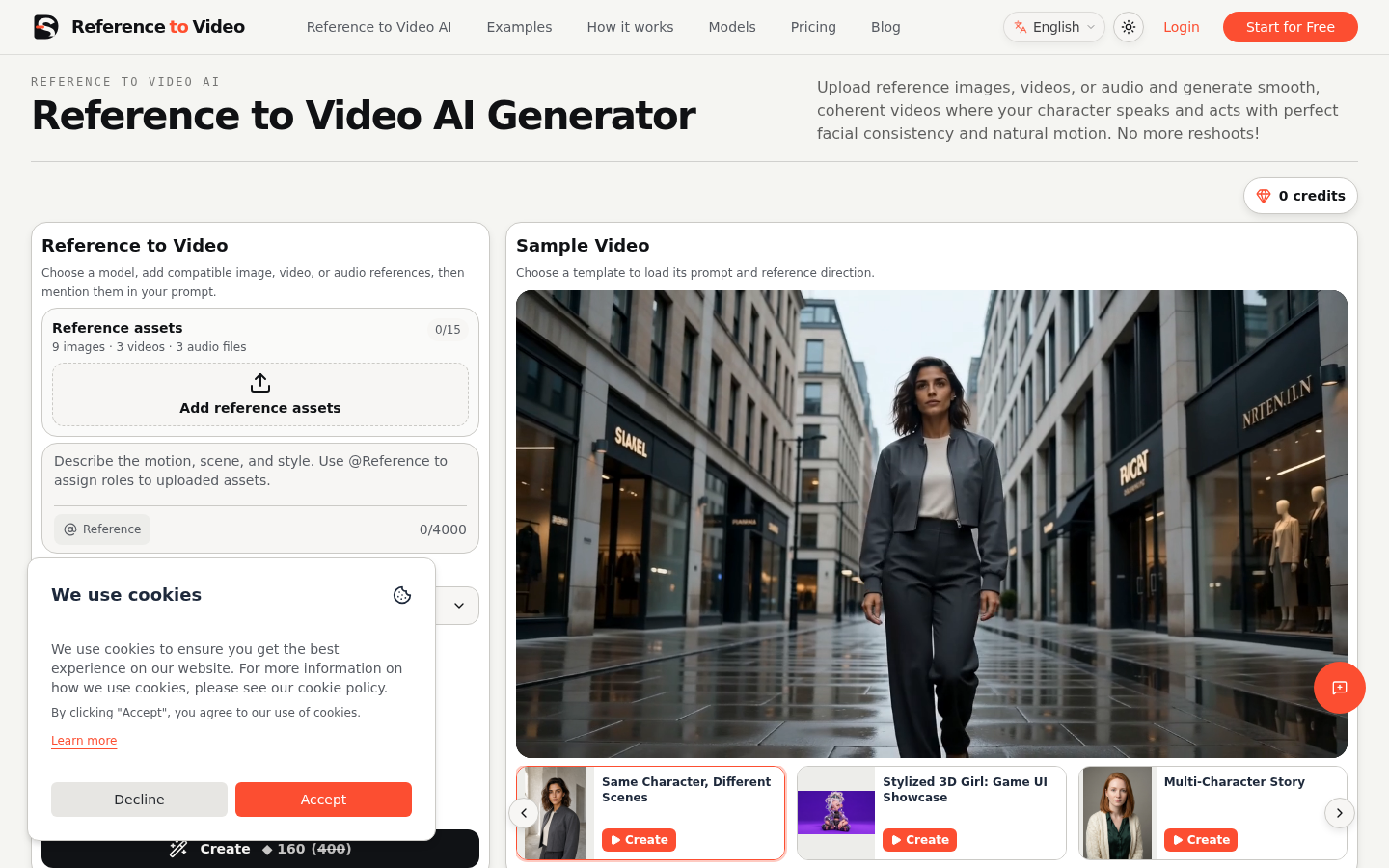
Screenshot archived from the listing page, for preview only.











