
Redesign With AI
AI design generator from keywordsIcons, logos, and posters from keywords
Highlights
What you can do with it
- Generating icons for a project
- Creating logos and posters
- Making coloring pages for children
How to use it
- 1 Visit the Redesign With AI site.
- 2 Enter keywords describing the design you want.
- 3 Generate the design.
- 4 Download or refine the result.
Who it is for
Pros
- Fast generation from keywords
- Wide range of output types
- Free elements according to the site
Limitations
- Free access and the range of free elements can change
- Output needs refinement for professional use
- Limited control over style compared with manual design tools
- Generated logos should be checked for similarity to existing marks
What Redesign With AI is
Redesign With AI is a design AI generator. It automatically creates various designs based on the keywords you enter, including icons, logos, free stickers, posters, coloring pages, and models. The site says the tool provides abundant design creativity and elements to help users realize their design ideas quickly. Instead of building every asset from scratch in design software, you describe what you need and the generator produces a starting point you can work from, which is useful when you need a rough visual fast rather than a polished final file.
What you can do with it
- Generate icons, logos, stickers, and posters from keywords.
- Create coloring pages and simple models.
- Explore design ideas and elements before committing to a final asset.
- Produce quick visuals for projects that need a fast turnaround.
Who it is for
- Designers who need rough assets or inspiration quickly.
- Small business owners making their own logos and posters.
- Teachers and parents creating coloring pages for children.
- Anyone who wants a first visual to react to instead of a blank canvas.
What to watch out for
Generated designs are starting points: for professional use you will likely need to refine them in an editor, and logo work in particular should be checked for similarity to existing marks before you adopt it. Free access and the range of free elements can change, so check the site before relying on it for client work. The level of control over style is limited compared with manual design tools, so expect to iterate on keywords to get closer to what you want, and keep notes on which prompts produced the best results.
FAQ
What does Redesign With AI do?
It is a design AI generator that automatically creates various designs based on input keywords, including icons, logos, stickers, posters, coloring pages, and models.
What can I generate?
The site lists icons, logos, free stickers, posters, coloring pages, and models.
Who is it for?
The site describes it as a tool that helps users easily realize their design ideas, which suits anyone needing quick visual output from a text description.
Why it is free
What the official page says: 免费
Free limits, trial length and features are decided by the official site and can change at any time.
Product preview
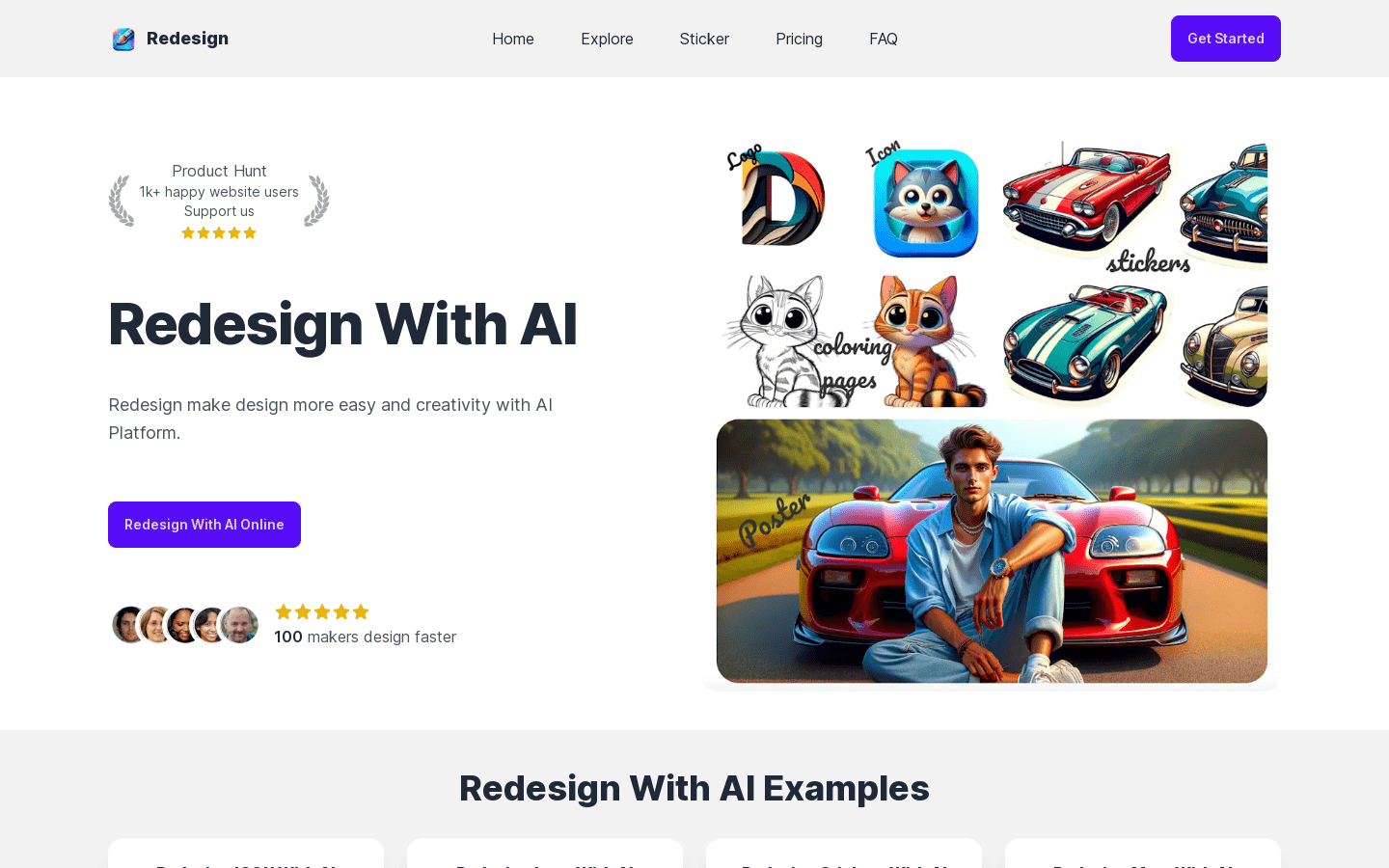
Screenshot archived from the listing page, for preview only.











